

What “4K” Does and Does Not Establish in a Vlogging Camera Listing
Quick Decision
A “4K” label fixes one thing: the frame size of the video, normally 3840 × 2160 pixels. It says nothing by itself about sharpness, low light, autofocus, steadiness, audio, or recording time. Read “4K” as a starting point, then check the sensor, bitrate, frame rates, autofocus, stabilization, mic input, and recording limits separately. If a listing gives you only the badge and no figures for those, it has not told you what the camera does.
LanPicks has not tested any camera in this guide and names no best camera. Every figure below comes from a maker specification page or a named technical source, and each section says which. Where a figure is a maker’s conditional estimate rather than a guarantee, the text says so.
Contents
- What “4K” actually fixes
- Sensor size decides low light, not the label
- Bitrate decides how much detail survives
- Frame rates: what 24, 30, 60 and 120 fps mean
- Autofocus is a named system, not a generic claim
- Stabilization: mechanical and electronic are different tools
- Audio needs a mic input, not just a built-in mic
- Heat and recording limits are conditional
- 4K costs storage
- How to read a listing in five minutes
- Conclusion
- FAQ
- Sources

What “4K” actually fixes
“4K” is a frame size. The consumer label normally means 4K UHD: 3840 × 2160 pixels in a 16:9 frame, about 8.3 megapixels per frame. Cinema uses a slightly wider frame, DCI 4K, at 4096 × 2160 pixels. When a listing says “4K” without saying more, it almost always means the UHD frame.
That frame holds exactly four times the pixels of Full HD 1080p: 8,294,400 pixels against 2,073,600. Resolution is an output setting, not image quality. A file can be 3840 pixels wide without holding 3840 pixels of real detail: upscaling, a low bitrate, or a weak lens can inflate the file with no useful gain. The label guarantees the dimensions of the container. It does not guarantee what was put inside it.
The label also does not establish whether the “4K” is native or upscaled. Some listings interpolate a lower-resolution capture up to 3840 × 2160 and still print “4K” on the box. Only the maker, or the native file properties of a recorded clip, can establish whether the footage was captured at that size. If a listing never says “native 4K” and gives no sensor readout or oversampling figure, treat the label as a frame-size claim and nothing more.
None of this makes 4K useless: a 3840 × 2160 frame gives you room to crop in post and to stabilize without dropping below 1080p. But each use depends on the footage actually carrying detail, and detail depends on the sensor, the lens, the bitrate, and the processing — none of which the badge measures.
Sensor size decides low light, not the label
Two cameras can both record 3840 × 2160 and produce very different footage after sunset, because a larger sensor gathers more light per pixel — less noise in dim rooms, on evening streets, and in cafés, where vlogs are actually shot. A 1-inch sensor gathers far more light than a phone-sized sensor, and a camera with one will almost always outperform a camera with a much higher megapixel count but a smartphone-sized sensor. The megapixel number and the “4K” label do not decide low-light performance. The sensor does.
So the first figure to look for after “4K” is the sensor size: 1-inch, Micro Four Thirds, APS-C, or full frame, stated as a sensor format rather than a megapixel count. A listing that prints “64MP” in large type and hides the sensor size is selling you a number that does not decide what the footage looks like.
Bitrate decides how much detail survives
Bitrate is the amount of data the camera writes per second of video, and it decides how much of the detail the sensor captured actually survives into the file. Two cameras can record the same 3840 × 2160 frame at very different bitrates, and the lower-bitrate file will show it: blocky gradients in skies and walls, smeared fine detail in hair and foliage, and soft edges on fast movement.
Sony’s ZV-E10 II makes the range concrete. Its standard XAVC S 4K recording runs at 100 to 200 Mb/s depending on frame rate, while its higher-quality XAVC S-I 4K mode runs at 240 to 600 Mb/s. Same frame size, same sensor, several times the data per second. The higher mode keeps more detail and grades better in post; it also fills cards several times faster, which is the trade-off the storage section below works out.
A modern codec holds more detail at the same bitrate than an older one, so a bare bitrate number is not the whole story — but a listing that gives no bitrate at all is hiding the figure that decides whether the “4K” file carries real detail or mostly empty pixels.
One related check: oversampling. Some cameras read more pixels than the output frame and downsample — Sony’s ZV-E10 II, for example, uses full pixel readout with 5.6K oversampling to produce its 4K 60p footage. Oversampling generally yields finer detail and less moiré than reading exactly 3840 × 2160 pixels, because the downsampling averages away sensor noise. A listing that states an oversampling figure gives you a real reason to expect sharper footage.
Frame rates: what 24, 30, 60 and 120 fps mean
“4K” says nothing about frame rate, and frame rate decides what the footage feels like. The standard rates for normal 4K recording are 24, 30, and 60 frames per second, with 25 and 50 fps in regions that use those broadcast standards. DJI’s Osmo Pocket 3, for example, lists 4K at 24, 25, 30, 48, 50, and 60 fps, and lists 120 fps separately as slow motion.
Each rate has a use: 24 fps gives the familiar cinematic motion blur of film; 30 fps is the default for online talking-head video; 60 fps doubles the temporal detail for fast movement and footage you plan to slow down by half. 120 fps is not a normal recording rate — it exists to be played back slowly, and the slow-motion mode often carries its own limits: a shorter recording time, a crop, or a lower bitrate.
Check the list against how you shoot: sit-down pieces need 24 or 30 fps and gain nothing from 120 fps, while action or B-roll to slow down needs 60 fps at minimum. And check whether the highest frame rate is available at 4K at all — some cameras offer 120 fps only at 1080p, and a listing that prints “4K” next to “120 fps” without saying they combine is inviting you to assume something it does not state.
Autofocus is a named system, not a generic claim
“Fast autofocus” on a listing is a claim without content. Autofocus is a named system with a named subject-detection capability, and the name is what you check. Canon’s Dual Pixel CMOS AF II, for example, detects people, animals, and vehicles — a specific, testable capability, not a superlative. Sony, Canon, Panasonic, and DJI each name their autofocus systems, and each names what the system tracks: eyes, faces, animals, vehicles, or a subject you tap on screen.
For a vlog, the question is narrow: does the autofocus hold on your face while you move, talk, and turn away from the lens? That needs eye or face detection that stays locked, and a way to recover when it loses you. A listing that names the system lets you look up independent tests of that exact system; one that only says “fast autofocus” gives you nothing to verify.
Two practical checks follow. First, whether the camera focuses continuously during video or only locks once when recording starts — continuous autofocus is what a moving vlog needs. Second, whether the autofocus works at the frame rate and resolution you plan to use; some cameras limit their best autofocus modes at their highest frame rates. Neither fact appears on a “4K” badge; both appear in the specification table, under autofocus.
Stabilization: mechanical and electronic are different tools
A steady shot while walking is not a property of “4K”. It comes from stabilization, and stabilization comes in two different kinds that do different things. Mechanical stabilization moves the camera or the sensor to cancel your movement: DJI’s Osmo Pocket 3 uses a three-axis mechanical gimbal that holds the view steady while you move. Electronic stabilization crops the frame and shifts the image digitally to smooth the shake.
A mechanical gimbal stabilizes without cropping or degrading the image, but adds size, weight, and moving parts. Electronic stabilization is smaller with no moving parts, but it crops the frame — sometimes noticeably at 4K — and can produce a wobbly effect on fast pans. Some cameras combine both; a listing that says “stabilized” without saying which kind is not telling you what you will get.
Check three things: mechanical or electronic, or both; whether electronic stabilization crops the frame at 4K, and by how much; and whether stabilization works at the frame rate you want. Walk-and-talk vlogging lives or dies on these answers, and none of them is on the badge.
Audio needs a mic input, not just a built-in mic
Viewers forgive a soft picture faster than they forgive bad audio, and “4K” says nothing about sound. Every vlogging camera has a built-in microphone, and a built-in microphone sits far from your mouth, picks up wind and handling noise, and records the room as loudly as it records you. The figure that matters is whether the camera accepts an external microphone — and whether it lets you hear what it records.
Sony’s ZV-E10 II lists both: a 3.5 mm microphone input and a headphone output. The input takes a shotgun mic or a lavalier, moving the microphone close to your mouth and away from the wind; the headphone jack lets you monitor live, so a dead mic battery or a loose cable shows up while you can still fix it.
Check the listing for both jacks: a mic input without a headphone output records audio you cannot verify until afterwards, and neither jack forces you to record audio on a separate device and sync it later. None of this appears next to “4K” on the box.
Heat and recording limits are conditional
Recording 4K generates heat, and heat is what stops a long take. The figures a maker publishes are conditional estimates, never guarantees — they depend on ambient temperature, recording mode, and a temperature setting in the menu — so treat any single overheating number as a claim about one set of conditions.
Sony’s ZV-E10 II illustrates the spread. At 25°C, Sony rates its 4K recording at approximately five minutes on the Standard temperature setting and about 30 minutes on the High setting; at 40°C, the same camera is rated at about five minutes on Standard and about 10 minutes on High. The same camera, the same resolution, a six-fold difference from one menu setting and a warm room. A listing that quotes only the best number — 30 minutes — without the temperature and the setting is quoting a figure you may never reproduce.
A separate limit is the clip ceiling: the maximum length of one continuous recording, which has nothing to do with heat. Canon, for example, specifies a maximum of six hours per clip below 100 fps and two hours at 100 fps or faster on the EOS R8 Mark II — but heat, battery, or a full card can stop a clip sooner. The clip ceiling is a file-system limit. The heat limit is a physics limit. A vlogger who records long sit-down takes needs the heat figure at their room temperature; one who records short clips needs neither.
4K costs storage
Every figure above has a storage cost, and it is easy to work out from the bitrate. At 100 Mbps, 4K video runs about 12.5 MB per second — roughly 750 MB per minute, or about 45 GB per hour. At 200 Mb/s, the same hour is about 90 GB. At the 600 Mb/s of a high-quality intraframe mode, one hour passes 250 GB.
That arithmetic decides the card, and the card is part of the camera’s real price: a 128 GB card holds under three hours at 100 Mbps and under half an hour at 600 Mb/s. Check the bitrate first, work out the hour, then check whether the camera takes the fast, large cards that bitrate needs — and whether it has one card slot or two.
How to read a listing in five minutes
Open the specification table, not the marketing copy, and run down this list. Each row is one figure the “4K” badge does not give you.
| Check | What to look for | Why it matters |
|---|---|---|
| Frame size | 3840 × 2160 (UHD) or 4096 × 2160 (DCI); “native” stated | Confirms what “4K” means here; catches upscaled listings |
| Sensor size | 1-inch, Micro Four Thirds, APS-C, or full frame | Decides low light and depth of field, not the pixel count |
| Bitrate | Mb/s at your resolution and frame rate; codec named | Decides how much detail survives into the file |
| Frame rates | 24/30/60 fps at 4K; 120 fps marked slow motion | Decides motion feel and slow-motion options |
| Autofocus | Named system; eye/face detection; continuous during video | Decides whether the shot holds on you while you move |
| Stabilization | Mechanical gimbal, electronic, or both; crop at 4K | Decides whether walking footage is usable |
| Audio | 3.5 mm mic input; headphone jack for monitoring | Decides whether clean audio is possible at all |
| Heat and limits | Recording time at a stated temperature and setting; clip ceiling | Decides whether long takes stop early |
| Storage | Bitrate per hour; card type and slots | Decides the real cost of shooting in 4K |
If a listing answers fewer than half of these rows, it is selling you the badge. If it answers all nine, the label is the least interesting thing on the page — and that is the point.
Conclusion
“4K” fixes the frame size at 3840 × 2160 and nothing else. The footage you actually get is decided by the sensor, the bitrate, the frame rates, the autofocus system, the stabilization, the mic input, the heat limits, and the storage those choices demand. Read the specification table with the nine-row check above, and buy the camera whose figures match how you shoot, not the one whose badge is biggest. The next step applies the same discipline to a different camera: the Dash Cam Buying Guide runs the same checks — resolution ladder, storage, power, and heat — for a camera that records while you drive.
FAQ
Is 4K always better than 1080p for a vlog?
No. 4K gives you a larger frame to crop and stabilize with, but a well-shot 1080p clip from a camera with a larger sensor, a higher bitrate, and good autofocus will look better than a 4K clip from a camera with a small sensor and a low bitrate. Frame size is one figure; the sensor and the bitrate decide what fills it.
What does “4K 120 fps” mean on a listing?
It normally means the camera can record 4K at 120 frames per second for slow motion, to be played back at 24 or 30 fps. It is not a smoother everyday picture, and the slow-motion mode may carry its own limits — a crop, a lower bitrate, or a shorter recording time. Check whether 120 fps is available at full width and at 4K, or only at 1080p.
How can I tell whether a camera’s 4K is native or upscaled?
Only the maker or the native file properties of a recorded clip can establish it. Look for the words “native 4K” in the specification, or for an oversampling figure such as a 5.6K readout downsampled to 4K. If the listing never says either, treat the label as a frame-size claim and check the sensor and bitrate instead.
Does a higher megapixel count mean better 4K video?
No. Video uses about 8.3 megapixels per frame at 4K UHD, so a 64MP sensor does not give you more video detail — it gives you more still-photo detail. For video, the sensor’s physical size matters more than its pixel count, because a larger sensor gathers more light per pixel and performs better in low light.
How much storage does an hour of 4K take?
It depends on the bitrate. At 100 Mbps, about 45 GB per hour; at 200 Mb/s, about 90 GB; at 600 Mb/s, over 250 GB. Work it out from the bitrate in the specification table before you buy cards — and remember the card needs to be fast enough to sustain that bitrate, not just large enough to hold it.
Sources
- What is 4K resolution? — Marszal Studio
- Osmo Pocket 3 specifications — DJI
- Sony ZV-E10 II mirrorless camera, specifications — B&H Photo Video
- Vlogging camera buyer’s guide — Joybuy
- Canon camera with Dual Pixel CMOS AF II — CameraHaus
- Sony ZV-E10 II overheating guide: recording times, temperature settings and recovery — Camera Times
- Canon EOS R8 Mark II overheating and recording limits — Camera Times
- What is a 4K camera? — LensesPro
Related Posts
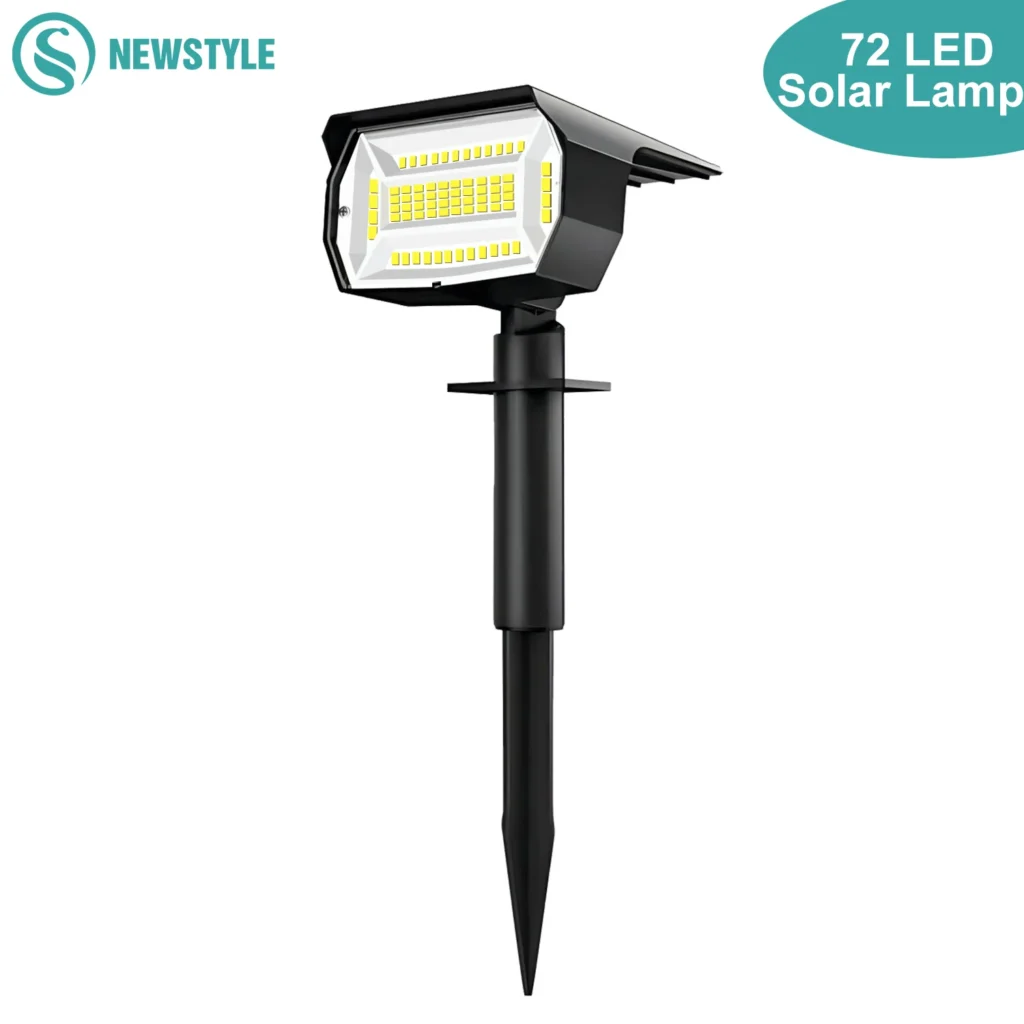
This guide covers one AliExpress listing: a 72-LED solar landscape spotlight, warm white, in the 1-piece variant. It is a buyer-check guide, not a hands-on review — LanPicks has not tested, owned, or measured this light. The direct answer is short: the listing states a solar-powered spotlight with 72 LED beads, a 1500mAh battery, 3.7 […]

This guide covers one AliExpress listing: a SHAHE stainless steel digital caliper, in the 0-150 mm (about 0-5.91 in) range variant. It is a buyer-check guide, not a hands-on review — LanPicks has not tested, owned, or measured with this caliper. The direct answer is short: the listing states a 0-150 mm stainless caliper with […]

This guide covers one AliExpress listing: a vintage racing leather watch strap, in the light brown, 18 mm (about 0.71 in) width variant. It is a buyer-check guide, not a hands-on review — LanPicks has not tested, owned, or measured this strap. The direct answer is short: the strap is a perforated leather racing-style band […]
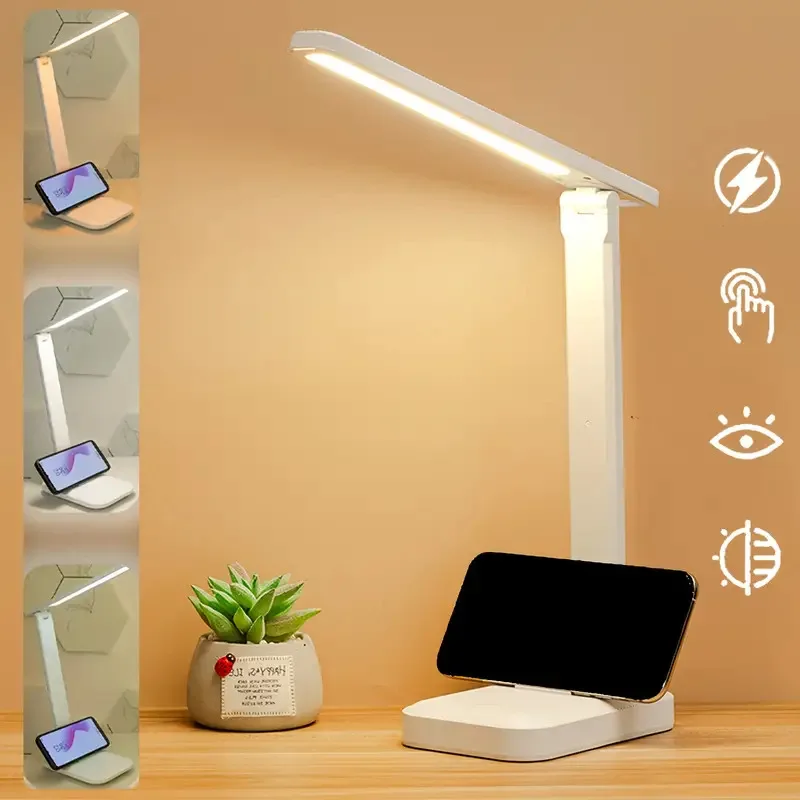
This foldable LED desk lamp is a small, USB-charged task light: it folds flat for travel, stands on a desk for reading or bedside use, and its base holds a phone or tablet. The listing states touch control, stepless dimming, three light modes (cold, warm and mixed), a rechargeable battery, and a nominal voltage of […]
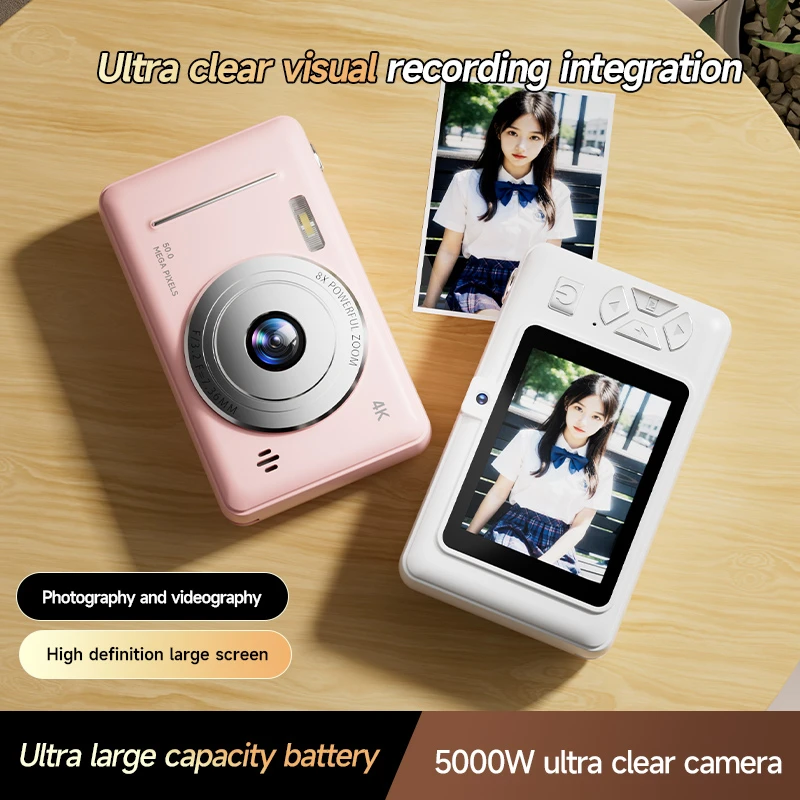
This retro-style CCD camera is a compact point-and-shoot that leans on its look: a pocketable body, a flip-style dual-camera setup, a flash, and SD-card storage. The listing states 4K video at 4096×2160, a 1/1.6-inch CCD sensor, and 2x to 7x optical zoom. It is a reasonable fit if you want a cheap, fun second camera […]