

CarlinKit 5.0 Mini Ultra: What to Check Before You Buy
Should you buy the CarlinKit 5.0 Mini Ultra to cut the cable between your phone and your car? The short answer: only if your car already has factory wired CarPlay or wired Android Auto. The adapter turns that wired connection into a wireless one — it cannot add CarPlay or Android Auto to a car that never had it. The featured variant is Mini Ultra in dark blue, USB-powered, and the manufacturer’s own manual is the source for the compatibility and power figures below. This guide walks through what the listing states, what the manual confirms, and what to check before you buy.
LanPicks may earn a commission if you buy through links on this page, at no extra cost to you. See the Affiliate Disclosure. LanPicks has not tested this adapter; all facts below come from the listing, the manufacturer’s manual, and the guides cited, checked on 25 November 2026.
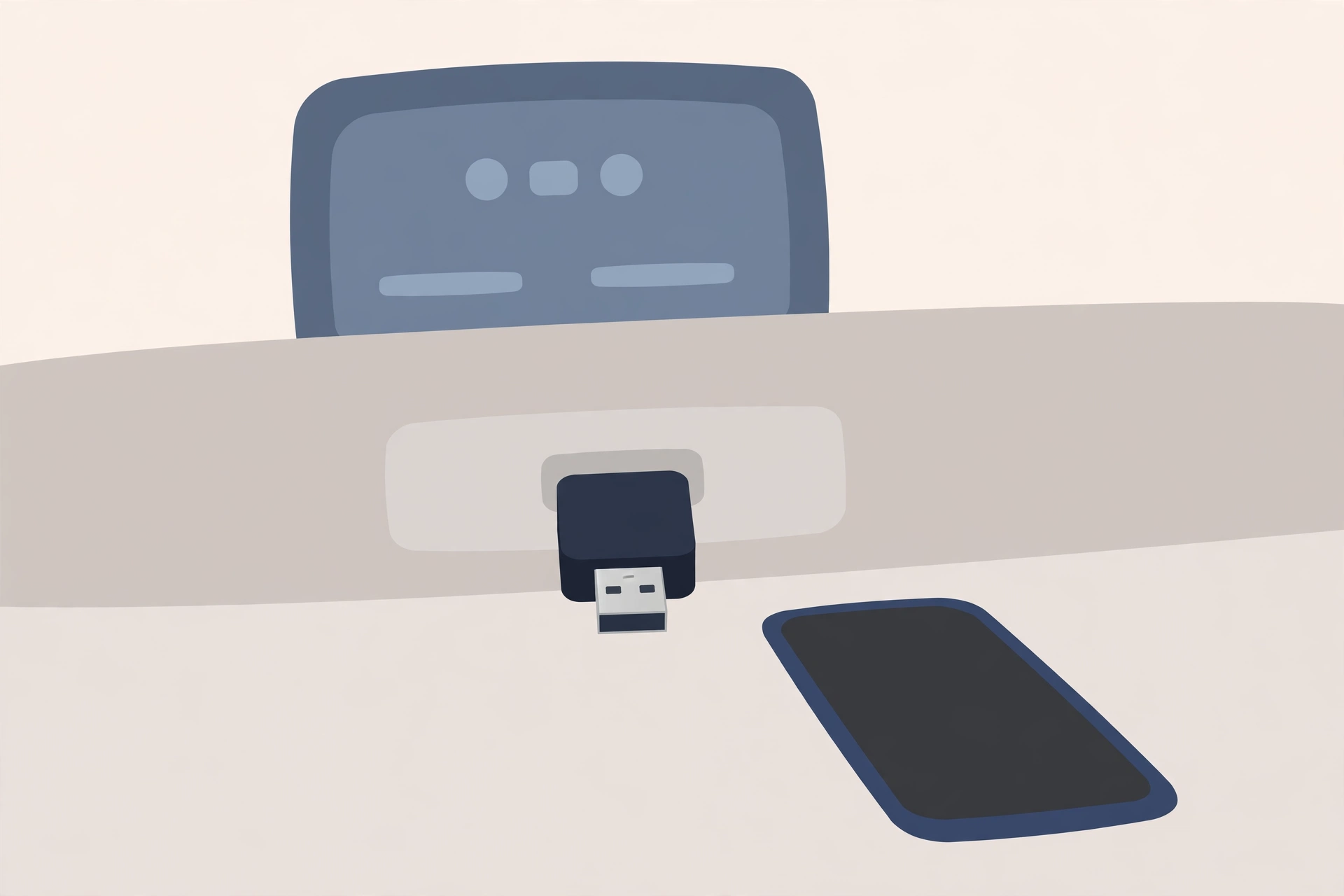
CarlinKit 5.0 Mini Ultra Wireless CarPlay / Android Auto Adapter
The product page for this item, with the checked buy link: CarlinKit 5.0 Mini Ultra Wireless CarPlay / Android Auto Adapter.
What the listing states
The listing’s title calls it the “CarlinKit 5.0 Mini Ultra Wireless Adapter Wireless CarPlay Android Auto For OEM Car Plug and Play WiFi Bluetooth Auto Connection”. The store is Carlinkit Official Store, listed as a Trader store with 90.0% positive feedback and 2,133 followers. The listing shows a 4.6 rating from 1,056 reviews.
- Featured variant: Mini Ultra, dark blue (default). Other colours: Mini Ultra 2; Mini White.
- What it does: turns factory wired CarPlay or wired Android Auto into a wireless connection; the phone connects over Bluetooth and Wi-Fi.
- Power: USB-powered only — 5V±0.2V at 1.0A input, 0.75W consumption. The manual states the same figures.
- Size and weight: 20 by 6.55 by 32.85 mm, 0.012 kg.
- Material: PC+ABS, fine textured matte surface.
- Connector: USB-A or Type-C; the main image shows a free USB-A to USB-C adapter.
- Phones: iPhone 6 and above with iOS 10 and above; Android phone with Android Auto on Android 11.0 and above.
- Shipping: free to the Philippines, delivery Dec 02–09, as checked on the listing on 25 November 2026. Shipping to the United States was not verified for this listing and is not stated here.
Two things on the listing do not line up, and the buyer should see them before ordering. First, the specs table mislabels one row: a row labelled “Arm Cortex-A7” holds the power-input value “5V±0.2V 1.0A”, so the power figure has no proper label. Second, a description image asks “Why choose CarlinKit AI Box?” — but this product is a Mini Ultra adapter, not an AI Box.
What to check before you buy
The wired system in your car, first. The adapter only works where the car already has factory wired CarPlay or wired Android Auto (manual; listing). Check it in order before ordering. First, plug your phone into the car with a cable. Second, look at the car screen: if CarPlay or Android Auto appears, the car has the wired connection the adapter needs (RD Customz). Third, test with the system you will actually use — an iPhone for CarPlay, an Android phone for Android Auto — because a car can support one and not the other (RD Customz).
The right USB port. Use the port that worked in the cable check. Many cars have several USB ports, but not all carry CarPlay or Android Auto — some only charge (RD Customz). Apple notes the right port may be marked with a CarPlay or smartphone icon (TacticalGearGuy). The adapter goes into exactly that port, and the listing says the connection is USB-A or Type-C.
Your phone and its software. The manual states iPhone 6 and above with iOS 10 and above, and an Android phone with Android Auto on Android 11.0 and above. The manual names no phone model as not compatible, and it has no incompatibility list — so confirm with your own phone and car, not with a list.
How pairing runs. The manual’s steps: plug the adapter into the car’s USB port, turn on the phone’s WiFi and Bluetooth, find the Bluetooth name shown on the car screen in the phone’s Bluetooth list, tap Connect, and agree to use CarPlay or Android Auto in the car. Pairing runs in two stages in general: Bluetooth handles discovery, then the adapter and phone switch to Wi-Fi for the CarPlay session, so both radios need to be on (TacticalGearGuy). After the first pairing, the phone should connect on its own when you get in, as long as Bluetooth and Wi-Fi are on (RD Customz).
Power — and what the port no longer does. The adapter draws 5V at 1.0A and 0.75W from the car’s USB port (manual; listing). That port now powers the adapter, not your phone, so the phone does not charge from it — on long drives use a charger or the car’s wireless charging pad if it has one (RD Customz). Keep the power supply stable during a firmware update: the manual warns not to cut power while upgrading, because the adapter restarts on its own when the upgrade finishes. Our Baseus A5 car vacuum guide covers another car accessory that runs off the car’s power.
What wireless feels like. Guides note a wireless connection can respond slightly slower than a cable, mostly noticeable with audio (RD Customz). The Mini Ultra manual and listing give no latency figure, so do not buy it expecting a measured speed.
What the listing does not state
The listing leaves several things unstated. There is no incompatibility list — no car brand, model year, or phone model is named as not compatible, and the manual has no FAQ or troubleshooting section. The manual states no WiFi standard, band, or frequency and no Bluetooth version, so the wireless figures in the listing are not confirmed by the manufacturer. There is no latency or speed figure anywhere, and the only resolution statement is “adaptive” (manual). The manual gives no size or weight — the 20 by 6.55 by 32.85 mm and 0.012 kg figures come from the listing alone. The manual does not list the box contents: the listing’s main image shows a USB-A to USB-C adapter, so confirm what is included at checkout. And the manual itself is a single-page sheet for the “Mini Ultra Series” — its body never prints “Mini Ultra”, “5.0” or “2air”, so the model coverage rests on the manual’s page and file title, not its text.
Who this fits
This adapter fits a buyer whose car already has factory wired CarPlay or wired Android Auto and who wants the cable gone. It fits someone who has done the one-minute cable check and knows which USB port carries the system. It does not fit a car with no wired CarPlay or Android Auto at all — the adapter cannot add either system — or a car that already connects wirelessly, where the adapter adds nothing (RD Customz). If you are unsure whether your car has the wired system, do the cable check before ordering, not after. Our dash cam buying guide covers another accessory that plugs into your car.
In short: the CarlinKit 5.0 Mini Ultra turns a car’s factory wired CarPlay or wired Android Auto into a wireless connection. The featured variant is Mini Ultra in dark blue. Check the wired system with a cable first, use the data USB port, and remember the adapter cannot add CarPlay or Android Auto to a car that never had it.
FAQ
Will this adapter add CarPlay to my car?
No. The adapter only converts an existing wired CarPlay or Android Auto connection into a wireless one. If your car has no factory or aftermarket CarPlay capability, a dongle cannot create it (TacticalGearGuy).
How do I know if my car has wired CarPlay?
Plug your phone into the car with a USB cable and switch on the infotainment system. If CarPlay or Android Auto appears on the screen, your car has the wired connection the adapter needs. If nothing appears, try another USB port and a good cable first (RD Customz).
Which USB port should I use?
Use the port that worked in the cable check — the one that carries CarPlay or Android Auto, not a charge-only port. Apple notes it may be marked with a CarPlay or smartphone icon (TacticalGearGuy; RD Customz).
Does it ship to the Philippines?
Free shipping to the Philippines with delivery Dec 02–09 was the line shown on the listing when checked on 25 November 2026. That is a dated observation, not a guarantee — check the shipping line for your own address before ordering. Shipping to the United States was not verified for this listing.
Sources
- CarlinKit 5.0 Mini Ultra — AliExpress listing (item 1005008918997127)
- Carlinkit — Mini Ultra Series user manual (official manuals page)
- TacticalGearGuy — What Is a USB Apple CarPlay Adapter and How Does It Work?
- RD Customz — Wireless CarPlay adapter: does it work?
LanPicks may earn a commission if you buy through links on this page, at no extra cost to you. See the Affiliate Disclosure. LanPicks has not tested this product; all facts above come from the listing, the manufacturer’s manual, and the guides cited, checked on 25 November 2026.
Related Posts

This guide is about one specific listing: a 4K dash cam listed with parking monitoring, night vision, smart voice control and 24-hour automatic DVR, described as mini and easy to install. LanPicks has not tested this dash cam, and this guide reports no test results and no prices. What it does is separate what the […]

A dash cam records the road while you drive — and, with the right setup, while you are parked. The choice is not which model wins a roundup. It is which setup fits your car and your risk: front-only or front and rear, what resolution, and whether you need parking mode. This guide explains each […]
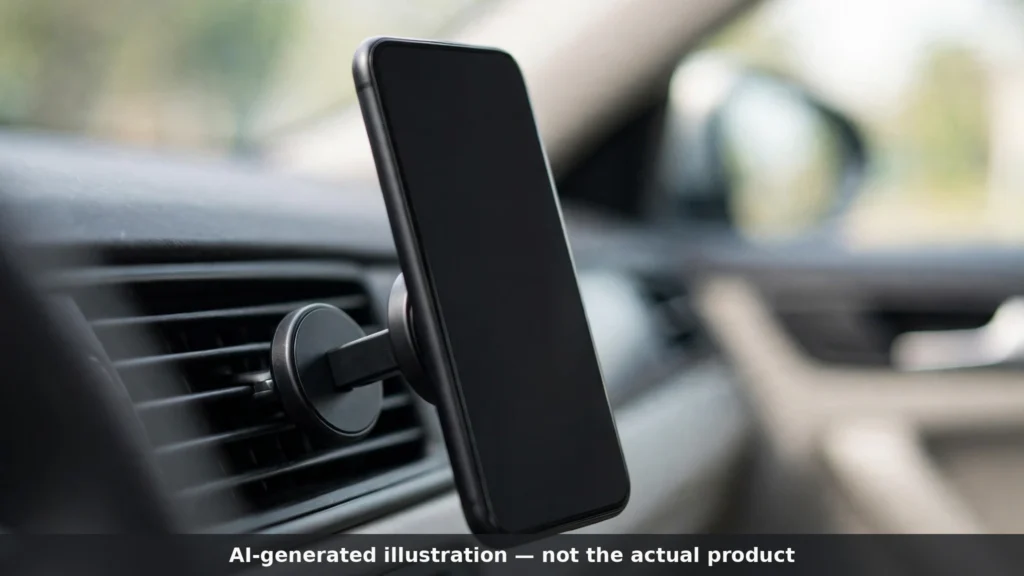
This guide looks at one AliExpress listing: “Magnetic Car Phone Holder Universal Air Vent Car Phone Mounts.” It is a magnetic holder that mounts on a car air vent, and the listing describes it as universal. This page explains what that wording does and does not promise, and the two checks that decide the fit. […]

Quick Decision If your car has sturdy, flat vent blades, start with a vent mount: it installs in seconds, moves between cars, and leaves nothing behind — but it blocks airflow and can sag under a heavy phone on weak blades. If your vents are round, recessed, or flimsy, a dashboard mount is the steadier […]
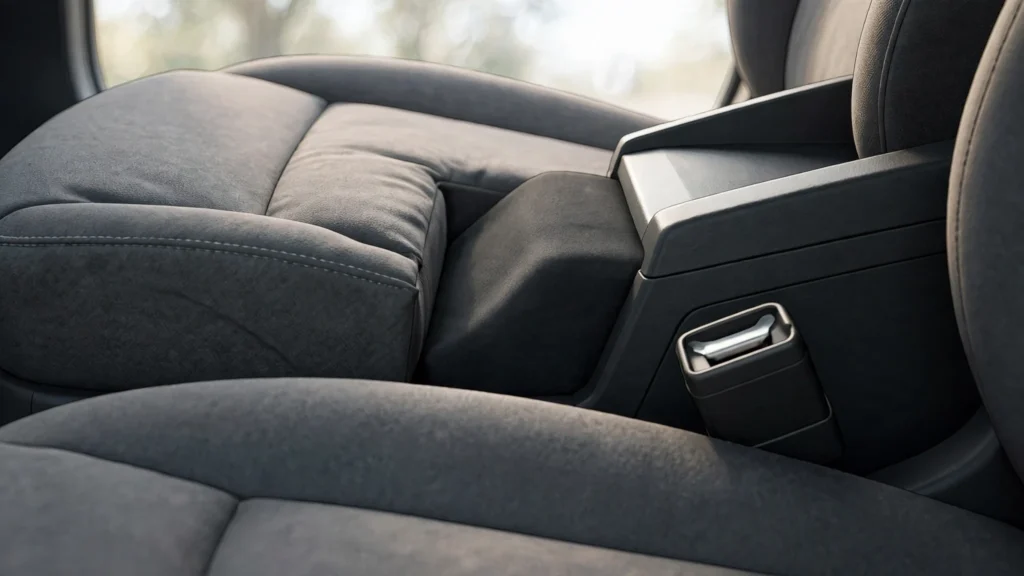
The gap between your seat and the center console swallows phones, cards, coins and crumbs — and the fix is cheap, but only if it fits. A filler that is too wide presses on the seat, one that is too narrow slides to the floor, and a rigid organizer in a gap that changes width […]