

P70 Air Blower: What to Check Before You Buy
Should you buy the P70 cordless air blower? The short answer: check the model first, then the gear runtimes — and do not trust the speed figures on the listing. The listing describes a P70 blower from the PINTUDY brand with a brushless motor, four gears, an LED light, a battery display and Type-C charging. The featured variant is the P70 in black. The listing also offers a P71, which is a different model. This guide walks through what the listing states, what it leaves out, and how to use a blower safely on electronics.
LanPicks may earn a commission if you buy through links on this page, at no extra cost to you. See the Affiliate Disclosure. LanPicks has not tested this blower; all facts below come from the listing and the guides cited, checked on 25 November 2026.
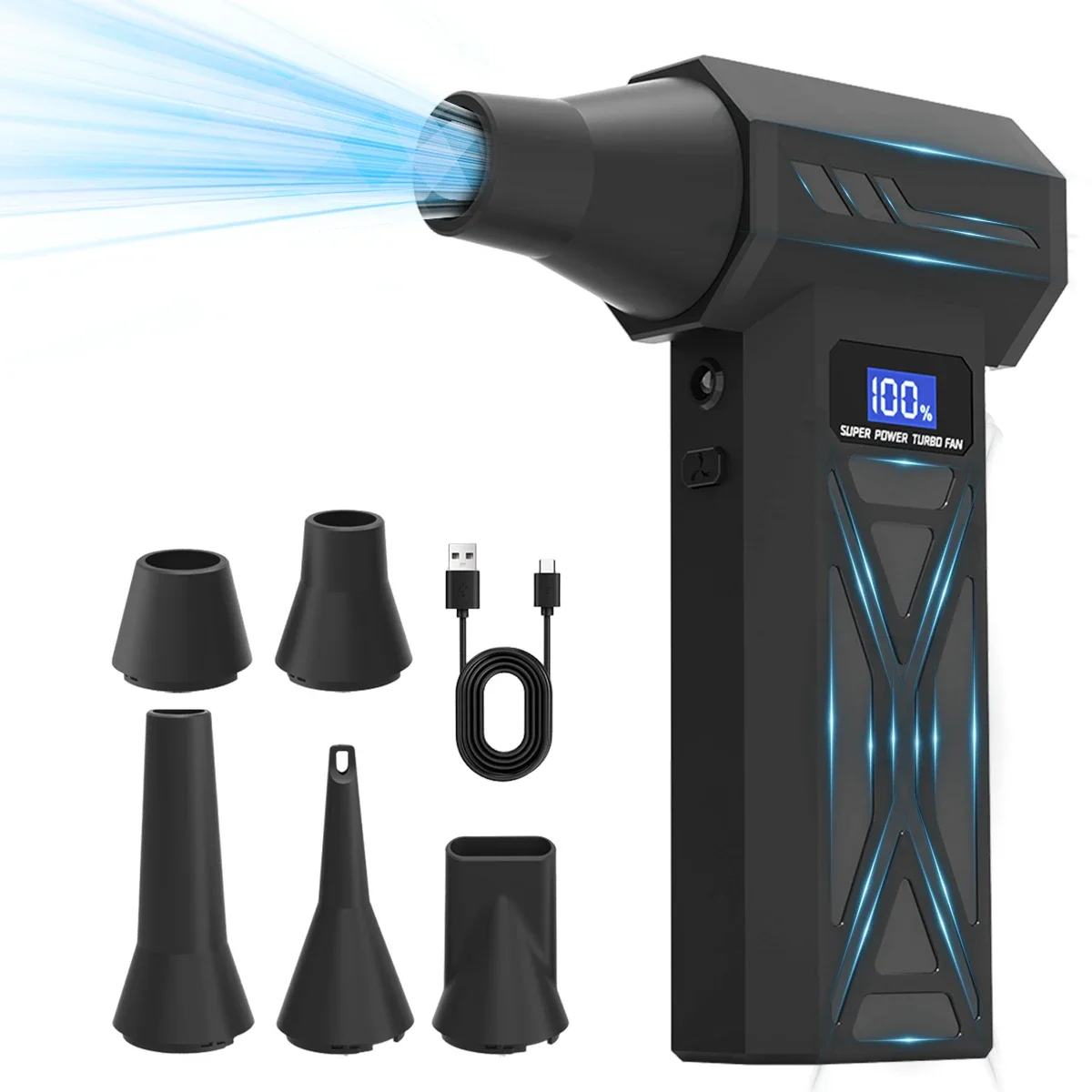
P70 Air Blower, 4-Gear Cordless Air Duster, Black
The product page for this item, with the checked buy link: P70 Air Blower, 4-Gear Cordless Air Duster, Black.
What the listing states
The listing’s title calls it a “New P70 Air Blower” with “4 Gear Adjustable Turbo Blower Jet”, an LED light, a battery display and cordless compressed-air dusting. The brand is PINTUDY and the model is P70. The store is Wujintools Store, listed as a Trader store with 96.5% positive feedback and 2,054 followers. The listing shows a 4.7 rating from 5,026 reviews.
- Featured variant: colour black, P70 only. The listing also offers a P71 — a different model, not the P70.
- Motor: brushless, per the specs table.
- Gears: four, adjustable.
- Battery: 18650 Li-battery, included. Power source: battery and DC.
- Charging: Type-C, 1.5–2.5 hours.
- Runtimes, as the description states: Gear 1 runs 60±7 minutes, Gear 2 runs 40±5 minutes, Gear 3 runs 25±5 minutes, Gear 4 runs 8±2 minutes.
- Shell: ABS. Working voltage 7.4V–8.4V. Maximum working current 10A.
- Application: Air Blower, for Home DIY use.
- Shipping: free to the Philippines, delivery Dec 02–09, as checked on the listing on 25 November 2026; free to the United States, delivery Dec 02–08.
The listing’s speed figures are inconsistent, so no speed figure is stated anywhere on this page. The store is Wujintools Store, not the PINTUDY official store.
What to check before you buy
The model: P70, not P71. The listing offers both a P70 and a P71. They are different models, and the facts on this page — the gears, the runtimes, the battery — are the P70’s. Confirm the variant at checkout says P70 in black, because the wrong model is the wrong blower.
The speed figures: trust neither. The listing’s speed figures are inconsistent, so this guide states no speed figure at all. Judge the blower on the figures the listing does state consistently: the four gears and their runtimes.
The runtimes per gear. The description states Gear 1 at 60±7 minutes, Gear 2 at 40±5 minutes, Gear 3 at 25±5 minutes and Gear 4 at 8±2 minutes. That spread is the useful fact: the top gear is a short burst setting, not an all-day one. If your job is a full PC case, plan on the lower gears and a recharge — Type-C charging takes 1.5–2.5 hours per the description.
The battery. The specs table states an 18650 Li-battery, included, with battery and DC as the power source. The listing does not state a battery capacity in milliamp-hours, so no capacity figure is given here. Charge it over Type-C and check the battery display the title mentions before a long job.
Safe use on electronics. An electric air duster is a small rechargeable blower: a motor pulls in room air and pushes it out through a nozzle, with no propellant, so there is no cold spray and no liquid (CleanMy.Tech). The safety rules are the same across the guides: power down and unplug the device first; hold fan blades still, because blowing air at a fan can spin it far faster than it was designed to turn; start on the lowest speed for delicate parts and keyboards; use short bursts and keep the nozzle a few inches away, working dust toward an opening rather than deeper into the device (CleanMy.Tech; WOLFBOX; HelpDeskGeek; The Computer Basics). Work outside or somewhere you do not mind dust, and never spray near a damaged or swollen battery (HelpDeskGeek). For keyboards, hold the keyboard at an angle and blow between the keys in rows at low to medium speed (CleanMy.Tech; WOLFBOX).
What it is for. The listing’s application is Air Blower for Home DIY use. The guides cover the same jobs: PC cases and heatsink fins, keyboards, vents and car interiors (CleanMy.Tech; WOLFBOX). If you need suction rather than blowing, see our Baseus A5 vs A5 Air comparison — a blower moves dust out, a vacuum pulls it in, and they are different tools for different jobs. Our Baseus A5 buying guide covers the car-interior vacuum side.
Shipping. Free shipping to the Philippines with delivery Dec 02–09, and free shipping to the United States with delivery Dec 02–08, were the lines shown on the listing when checked on 25 November 2026. That is a dated observation, not a guarantee — check the shipping line for your own address before ordering, and note the per-shopper limit shown at checkout (the Philippines page showed a maximum of 10 pieces per shopper at the listed price; the United States page showed 1).
What the listing does not state
The listing leaves several things unstated. The listing’s speed figures are inconsistent, so no speed figure is stated here. The specs table names certifications, but no certificate document is shown on the listing, so this guide does not repeat them. There is no noise figure, no weight or dimensions, and no nozzle list on the listing. There is no battery capacity in milliamp-hours — only the 18650 cell type and that the battery is included. And there is no statement that the blower has been tested by the seller or by LanPicks: LanPicks has not tested this product, and every figure above comes from the listing itself.
Who this fits
This blower fits a buyer who cleans a PC, a keyboard or a workbench regularly and wants a rechargeable blower instead of buying cans of compressed air. Canned air is a liquefied gas propellant that chills the can, weakens as it empties, and can spit liquid if tilted; an electric duster blows room air with steady airflow for as long as the battery lasts (CleanMy.Tech).
It does not fit a buyer who wants a stated RPM or wattage figure, a verified certificate, or a blower for continuous high-speed use — the top gear runs about 8 minutes per the description. If you only clean a keyboard twice a year, a can of air may be all you need (CleanMy.Tech).
In short: the P70 is a cordless four-gear blower with an 18650 battery and Type-C charging. The featured variant is the P70 in black — not the P71. Judge it on the gear runtimes, not on the speed figures, and use it with the device powered down and the fans held still.
FAQ
How long does the battery last on each gear?
The description states Gear 1 at 60±7 minutes, Gear 2 at 40±5 minutes, Gear 3 at 25±5 minutes and Gear 4 at 8±2 minutes. Those are the listing’s own figures; the listing states no battery capacity, so no capacity figure is given here.
Is the P70 the same as the P71?
No. The listing offers both, and they are different models. The facts on this page are the P70’s. Confirm the variant at checkout says P70 in black.
Can I use it to clean my PC?
An electric blower can clean a PC case, heatsink fins and keyboards, but the safety rules matter: power down and unplug the PC first, hold the fan blades still, start on the lowest gear, and use short bursts working dust toward an opening (CleanMy.Tech; WOLFBOX; HelpDeskGeek; The Computer Basics). Never spray near a damaged or swollen battery.
Does it ship to the Philippines?
Free shipping to the Philippines with delivery Dec 02–09 was the line shown on the listing when checked on 25 November 2026. That is a dated observation, not a guarantee — check the shipping line for your own address before ordering.
Sources
- P70 Air Blower — AliExpress listing (item 1005009385704664)
- CleanMy.Tech — Electric Air Duster vs Canned Air: Which Is Better for You?
- WOLFBOX — How to Clean Your PC, Keyboard & Camera Lens with an Electric Air Duster
- HelpDeskGeek — How to Clean Your PC or Laptop Properly, Inside and Out
- The Computer Basics — Cleaning Your Computer Safely
LanPicks may earn a commission if you buy through links on this page, at no extra cost to you. See the Affiliate Disclosure. LanPicks has not tested this product; all facts above come from the listing and the guides cited, checked on 25 November 2026.
Related Posts
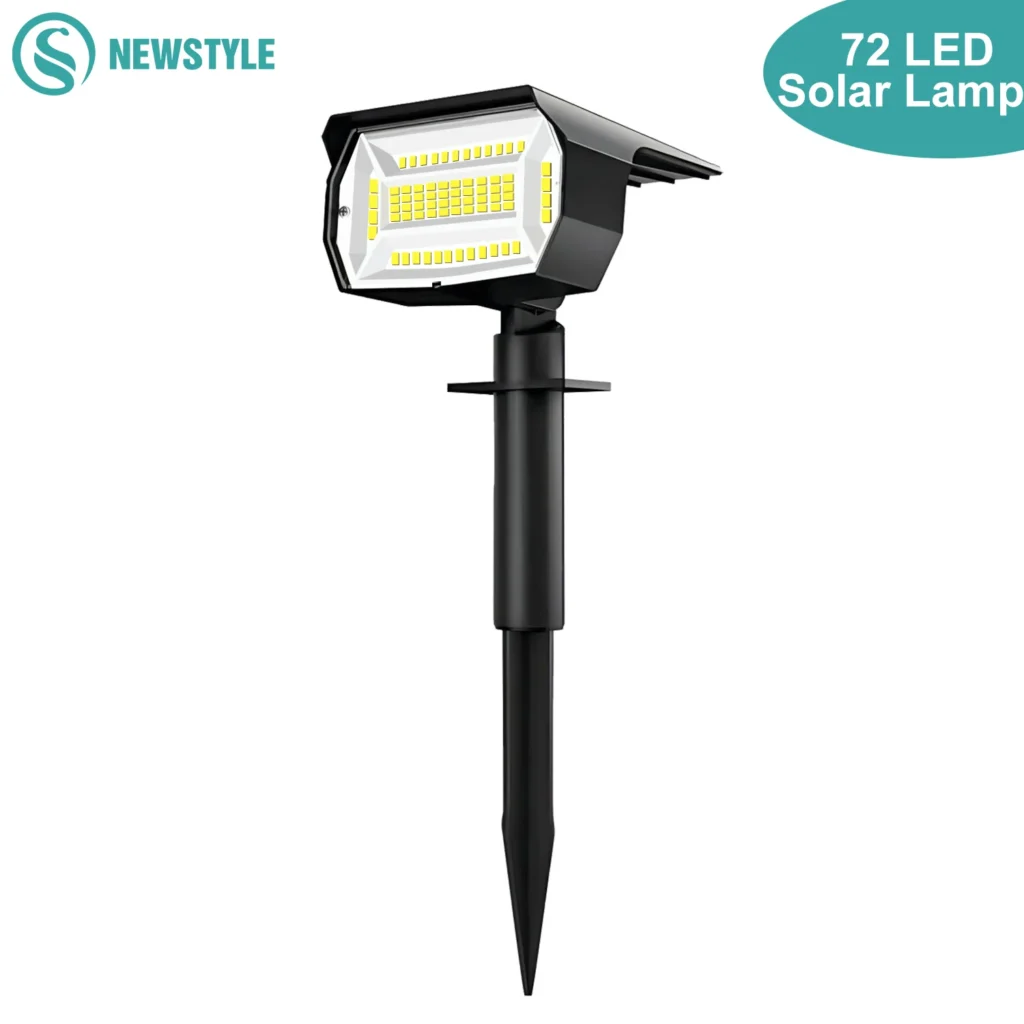
This guide covers one AliExpress listing: a 72-LED solar landscape spotlight, warm white, in the 1-piece variant. It is a buyer-check guide, not a hands-on review — LanPicks has not tested, owned, or measured this light. The direct answer is short: the listing states a solar-powered spotlight with 72 LED beads, a 1500mAh battery, 3.7 […]

This guide covers one AliExpress listing: a SHAHE stainless steel digital caliper, in the 0-150 mm (about 0-5.91 in) range variant. It is a buyer-check guide, not a hands-on review — LanPicks has not tested, owned, or measured with this caliper. The direct answer is short: the listing states a 0-150 mm stainless caliper with […]
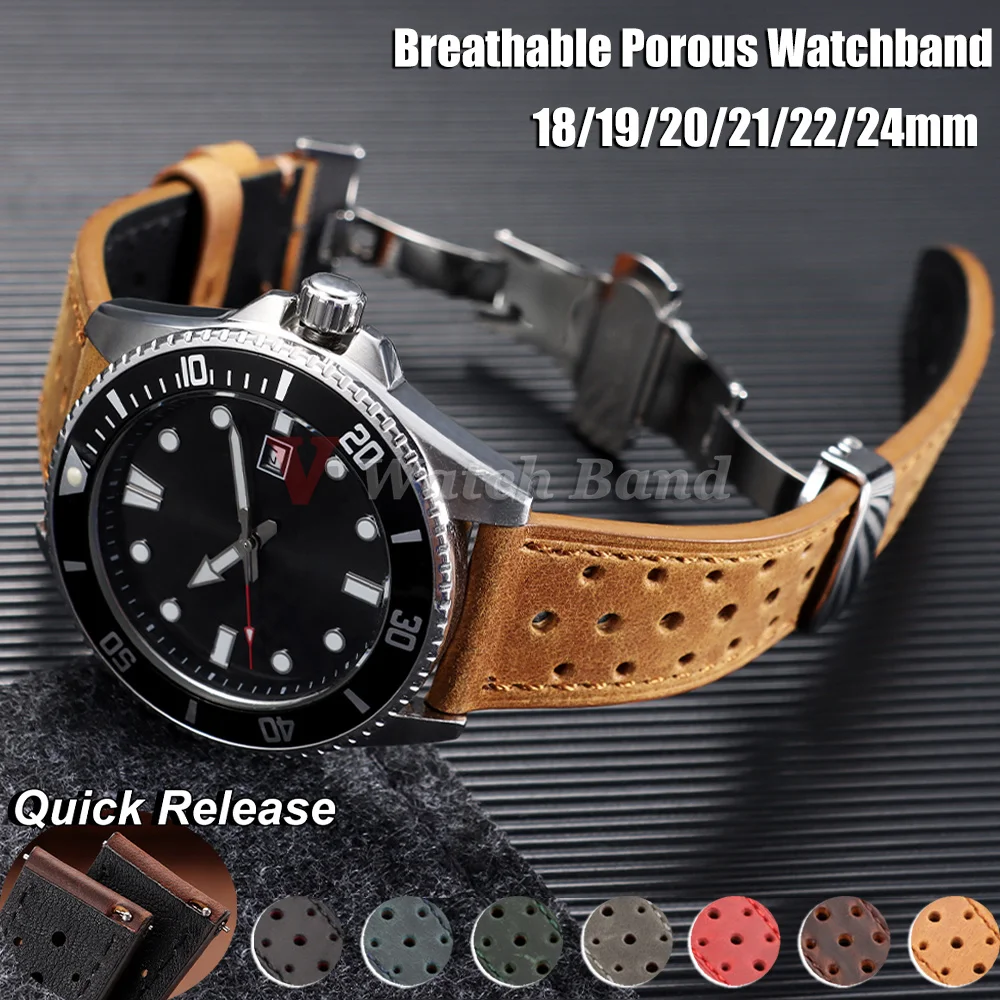
This guide covers one AliExpress listing: a vintage racing leather watch strap, in the light brown, 18 mm (about 0.71 in) width variant. It is a buyer-check guide, not a hands-on review — LanPicks has not tested, owned, or measured this strap. The direct answer is short: the strap is a perforated leather racing-style band […]
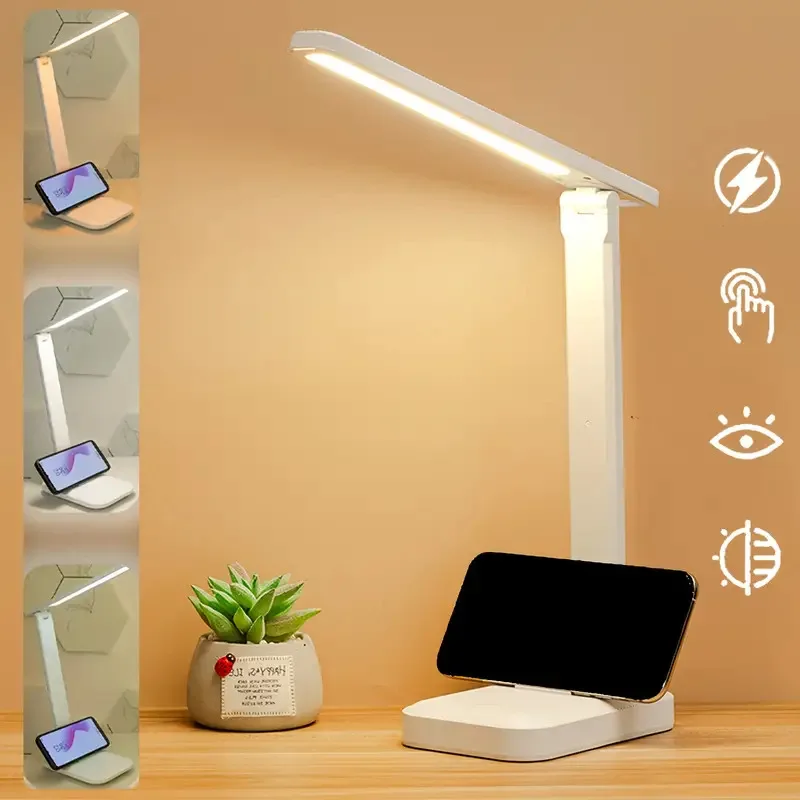
This foldable LED desk lamp is a small, USB-charged task light: it folds flat for travel, stands on a desk for reading or bedside use, and its base holds a phone or tablet. The listing states touch control, stepless dimming, three light modes (cold, warm and mixed), a rechargeable battery, and a nominal voltage of […]
This retro-style CCD camera is a compact point-and-shoot that leans on its look: a pocketable body, a flip-style dual-camera setup, a flash, and SD-card storage. The listing states 4K video at 4096×2160, a 1/1.6-inch CCD sensor, and 2x to 7x optical zoom. It is a reasonable fit if you want a cheap, fun second camera […]