

Robot Vacuum Buying Guide: Navigation, Mapping and Maintenance
Hero image: AI-generated editorial illustration; not an exact product depiction.
Buy the navigation first, not the suction figure. A robot vacuum’s job is to cover the whole floor on its own, and whether it does that depends on how it finds its way around — random, camera, or LiDAR — not on how big its Pascal number is. Suction figures are maker claims with no common test method behind them, so they cannot rank models across brands. After navigation, the next decisions are the map, the dustbin and the dock, and the maintenance. This guide checks each claim against what the makers themselves state — iRobot, Roborock, ECOVACS and Dreame — and says plainly where a maker states nothing.
| Navigation | How it finds its way | What you get | What it costs you |
|---|---|---|---|
| Random / bump | Moves until it hits something, then turns | No saved map, no plan | Misses spots; no recharge-and-resume |
| Camera (vSLAM) | Reads visual landmarks, builds a map | Systematic rows; saved maps on better models | Needs light to see; cheaper models may not save the map |
| LiDAR | Spins a laser, scans 360°, builds a 3D map | Systematic rows, saved maps, works in the dark | Taller turret; usually the higher tier |
This guide uses maker pages only: iRobot’s support page on navigation and its Roomba 105X product page, Roborock’s Q7 L5+ page, ECOVACS’s DEEBOT N20 PLUS page, and Dreame’s L10s Ultra page, plus the catalogue pages for the IEC standards. No prices are stated. No product was tested. Where a maker states nothing, this guide says so instead of filling the gap from a retailer listing — one secondary review notes listings advertising 18,000 Pa for the Dreame L10s Ultra, which the maker page puts at 5,300 Pa.

- Navigation: the first decision
- Mapping: what a saved map actually gives you
- Suction: why Pa is not a ranking
- Battery and coverage: runtime is mode-dependent
- The dustbin and the dock: how often you touch the machine
- Obstacle avoidance and pet hair: tier-dependent, not a given
- Floors and thresholds: carpet boost and the 20 mm step
- Maintenance: what you actually do, and the one stated interval
- App, privacy and connectivity
- How to decide
- FAQ
- Sources
Navigation: the first decision
iRobot’s support page gives the clearest ladder of the three types. At the bottom is iAdapt 1.0 (500, 600, 700, 800 and e series): a responsive algorithm, not a systematic back-and-forth pattern — when the robot meets an obstacle it notes the location internally and moves in another direction, with no recharge-and-resume, returning to its starting point after 60–90 minutes. Above it is camera navigation. iAdapt 2.0 (900 series) is camera-based and systematic, and produces a Clean Map Report after cleaning — but that map “is not remembered or referenced for future cleaning jobs”. iAdapt 3.0 (s, i and j series) uses a camera to identify landmarks, creates a map for future jobs, and supports Imprint Smart Maps for rooms and dock location, with recharge-and-resume after a 2–3 hour recharge. At the top is ClearView LiDAR (Roomba 100, 200, Plus 400, Plus 500, Max 700 and Mini series): LiDAR “provides 3D mapping of the environment”, and the robot “moves systematically through your home, using its LiDAR system to track its location and ensure complete coverage”, returning to the dock to recharge and resuming where it left off.
The brand names are marketing labels for the same three underlying types — ClearView LiDAR (iRobot), PreciSense LiDAR (Roborock), TrueMapping (ECOVACS, “laser radar scanning”) and AI Action (Dreame, an RGB camera with 3D structured light). Buy the underlying type, not the brand name, and check whether the model saves the map. LiDAR has one physical cost: the sensor sits on top of the robot, and iRobot states it “adds an extra half inch of height when compared to previous models. This may affect the robot’s ability to fit under furniture.” Measure the lowest furniture the robot must pass under. The cheapest iRobot tier, Roomba Essentials, uses gyros and an optical caster wheel, cleans “an entire level of your home in neat rows” by seeking a physical landmark such as a straight wall, and has no recharge-and-resume.
Mapping: what a saved map actually gives you
A saved map turns a robot from a machine that cleans into a machine you can direct: send it to one room, set keep-out zones, keep separate maps for different floors. The iRobot Roomba 105X page states ClearView LiDAR “scans your space to create up to 3 maps, even on different levels of your home, that you can customize in the Roomba Home App”, and that you can “create keep-out zones to avoid specific areas”. Roborock’s Q7 L5+ page states the same count — PreciSense LiDAR “remembers up to 3 maps for multiple floors” — and its smart navigation “detects tricky spots — like under chairs and tables — and automatically suggests No-Go Zones”.
Check two things before assuming a map will be there. First, whether the map is saved at all: iRobot’s iAdapt 2.0 creates a map report after cleaning but does not remember it for future jobs, while iAdapt 3.0 and ClearView LiDAR do. Second, how fast the first map is made — and here the maker claims cannot be compared. iRobot says mapping on the 105X “takes only 10 minutes”; ECOVACS says the N20 PLUS offers “quick mapping in just 8 minutes”. Neither page states the size of the home behind the figure, so the two numbers are not a comparison.
Suction: why Pa is not a ranking
Suction is stated in pascals (Pa) on the maker pages checked, and the figures look like a ranking until you ask what test produced them. Dreame states 5,300 Pa for the L10s Ultra with a footnote: “Based on tests in Dreame’s lab. Actual performance may vary depending on the real-world environment and usage.” Dreame is the only maker checked that states any test basis at all. Roborock states 8,000 Pa for the Q7 L5+, “built to lift hair and debris from floor crevices and deep within carpets”, with no test method stated. ECOVACS states 8,000 Pa for the DEEBOT N20 PLUS alongside a 400 ml dustbin, with no test method stated. iRobot states no Pa figure for the 105X at all — only “70X more suction”, a relative claim whose baseline is not shown on the fetched page. Do not convert it to Pa.
There is a standard for measuring robot vacuum performance, but no maker page checked cites it. IEC 62929:2014 was cancelled and replaced by IEC/ASTM 62885-7:2020; the 62885-7 catalogue page confirms the replacement, and the full standard text is paywalled. Without a stated common method, a Pa figure from one brand cannot be compared with a Pa figure from another. The figure can even differ within one brand’s line: Dreame’s own L10s Ultra is 5,300 Pa on the maker page, while retailer listings for a later Dreame generation claim 25,000 Pa — a different model, a different claim, and no common test behind either number.
Guides disagree about how much suction is enough — one suggests 1,000–1,500 Pa for hard floors, another 2,500–4,000 Pa, another 5,000–10,000 Pa. Those are different authors’ rules of thumb, not measurements, and none is a verified minimum; this guide publishes none of them as a threshold. What the maker pages do support is a different check: whether the robot raises suction on carpet. Roborock states the Q7 L5+ “automatically detects (or set in the app) carpeted areas and increases suction power for deeper cleaning”. Dreame states the L10s Ultra has “automatic carpet detection, suction boost”. A carpet boost you can verify matters more than a Pa number you cannot compare.
Battery and coverage: runtime is mode-dependent
Runtime figures are stated under different conditions, so they do not rank models either. ECOVACS states the N20 PLUS has a “300-minute runtime powered by its 5200mAh battery… covering up to 550 square meters on a single charge”, “based on tests conducted by ECOVACS Laboratories”. Dreame states the L10s Ultra’s “Maximum Runtime 210mins (Vacuuming only in Quiet Mode) / 160mins (Vacuuming and Mopping in Quiet Mode)” on a 5,200 mAh battery — Quiet Mode only, and vacuuming plus mopping runs shorter than vacuuming alone. Roborock states the Q7 L5+ “can clean non-stop for up to 150 minutes” on a 3,200 mAh battery, “based on Roborock internal testing”, with the mode not stated. Three numbers, three test bases, three modes — no common conditions, so no ranking.
What matters more than the headline minutes is whether the robot finishes the job when the battery runs out. Recharge-and-resume is the feature that decides that: the robot returns to its dock, recharges, and continues where it left off. iRobot’s iAdapt 3.0 models recharge for 2–3 hours before resuming. The cheapest tiers do not have it at all — iRobot’s Roomba Essentials and iAdapt 1.0 models clean as much as they can on one charge and stop.
The dustbin and the dock: how often you touch the machine
The onboard dustbin is small by design when a self-empty dock is present — the robot empties itself into the dock, so the bin only needs to hold one cleaning session. Dreame states a 350 ml dust box for the L10s Ultra, with a 3L dust bag in the dock. ECOVACS states a 400 ml dustbin for the N20 PLUS, with a bagless, consumable-free auto-empty container — no dust bags to buy. Roborock does not state a dustbin capacity on the Q7 L5+ page checked. A bigger onboard bin is not automatically better: with a dock, the bin size stops deciding how often you empty anything, and the dock does.
The dock is where the “how often” question lives, and the makers state it in different ways that cannot be ranked. iRobot states its AutoEmpty docks “can hold up to 75 days’ worth of debris”, with a dock bag that “traps 99% of allergens as small as 0.7 microns” — a maker claim. Roborock states the RockDock Plus bag “lets you clean for up to 7 weeks without emptying”, “based on internal testing carried out by the manufacturer”, with the note that “actual emptying intervals will depend on use habits and environmental factors”. Dreame states a 3L bag and “up to 60 days” of self-emptying, “based on a calculation derived from environment testing in Dreame’s lab”. ECOVACS states a bagless container and no days figure. Different bag sizes, different test conditions, one bagless — the days figures are not comparable.
Obstacle avoidance and pet hair: tier-dependent, not a given
LiDAR maps a room; it does not by itself identify what is in it. Obstacle recognition is a separate feature, and it sits on higher tiers. iRobot’s Roomba Mini pairs LiDAR with a single-line IR laser facing forward — “It is not a camera and cannot identify objects.” The 500 and 700 series add a front-facing camera on top of LiDAR. Roborock’s Q7 L5+ page says the robot will “avoid obstacles with Reactive Tech” but gives no detail on what Reactive Tech detects, and the same page’s Q7-versus-Q10 comparison states the Q10 series has “an additional Structured Light Module, providing better obstacle avoidance than the Q7 series” — the structured-light module is a Q10 feature, not a Q7 one. Dreame’s L10s Ultra uses “an RGB camera and 3D structured light to rapidly learn your home, tailor cleaning strategies, and auto-generate paths according to the type of obstacle, flooring, and room”. ECOVACS’s N20 PLUS page names no obstacle-avoidance system at all.
Pet hair is a brush problem before it is a suction problem. The maker pages checked make brush-design claims, not pickup-test claims: Roborock’s “JawScrapers Comb anti-tangle main brush and an anti-tangle side brush” on the Q7 L5+; ECOVACS’s “ZeroTangle Anti-Tangle Technology” on the N20 PLUS, with a lab test stating a 0% hair entanglement rate “when drying hairs smaller than 25 cm” — a maker lab claim with its conditions attached; Dreame’s “robust rubber brush” on the L10s Ultra. No maker page checked states a pet-hair pickup test result. If pet hair is the reason you are buying, check the brush design and whether the maker states any test conditions — not the Pa figure.
Floors and thresholds: carpet boost and the 20 mm step
Hard floors and carpet ask different things of a robot. On carpet, the check is carpet boost: Roborock and Dreame both state automatic carpet detection with increased suction on carpet. On hard floors, the check is the threshold between rooms. ECOVACS states the N20 PLUS scales “20mm thresholds” on high-traction drive wheels. Dreame states a “Threshold Crossing 2cm” for the L10s Ultra. Measure the highest threshold in your home and compare it with the stated figure — a robot that cannot climb a step will clean one room and stop at the next. One more floor check applies to models that vacuum and mop: iRobot states the Roomba Combo Robot “won’t mop rugs thanks to automatic carpet detection”. Whether a vacuum-mop combination is the right tool for your floors is a separate decision, and the next guide in this series compares a robot vacuum with a robot mop directly.
A robot vacuum is a maintenance tool, not a deep clean — a buying consideration, not a measured fact, since no maker page checked states whether a robot can fully replace an upright or deep clean on thick carpet. Expect the robot to keep thick carpet tidy between deeper cleans rather than to replace them. And for the jobs a floor robot cannot do at all — stairs, car interiors, tight spots — a handheld is the tool: our portable car vacuum guide covers that comparison.
Maintenance: what you actually do, and the one stated interval
Maintenance is the part of the buying decision most guides mention and few quantify — and the maker pages checked mostly do not quantify it either. iRobot gives the fullest answer, in the 105X page’s FAQ: “wiping out the bin as needed, wiping down charging contacts, occasional brush-cleaning and changing the filter every 3-6 months. Please check the owner’s guide for detailed maintenance instructions.” That filter interval — every 3–6 months — is the only maker-stated replacement interval found in this research. Roborock, ECOVACS and Dreame state no filter or brush replacement interval on the pages checked. Do not take an interval from a retailer listing or a roundup and present it as the maker’s: if the maker does not state one, the honest answer is that it is unstated, and the owner’s guide is where the buyer should look.
The rest of maintenance is the same short list on every model: empty the bin (or the dock), clean the brushes of wrapped hair, wipe the sensors and charging contacts, and replace the filter when the app or the owner’s guide says so. Two maker-stated details are worth knowing before you buy. iRobot states its microfiber mop pads “can be used up to 30x” — a consumable with a stated life, not an unlimited one.
App, privacy and connectivity
Every model in this guide is controlled by an app, and the app is where the map lives: room selection, schedules, cleaning modes, keep-out zones, and the filter-life check are all app features on the iRobot 105X page. Voice control is stated by ECOVACS (Alexa and Google Assistant) and Dreame (Alexa, Siri and Google Assistant, with remote video control on the L10s Ultra). One connectivity limit is worth checking before you buy: iRobot states the 105X “uses a 2.4 GHz network for setup and operation”, so a 5 GHz-only network will not set it up. Privacy is a real check for a device that maps your home. iRobot states it “uses encryption to store and strictly limit access to data and is verified by 3rd party security organizations”, with auto software updates and “the ability to delete your data if you pass your robot on to a new owner”. Dreame states the L10s Ultra “is certified-safe by TÜV SÜD and meets ETSI EN 303 645 cyber security standards for IoT products”. Check what the maker says about encryption, third-party verification and data deletion before the robot starts mapping your home.
How to decide
Work through five checks in order, and the answer usually decides itself.
1. Map the home. Count the rooms and floors, and measure the highest threshold and the lowest furniture. More than one floor points at saved multi-floor maps (up to 3 on the iRobot 105X and the Roborock Q7 L5+); low furniture points at checking the robot’s height, since LiDAR adds half an inch on iRobot.
2. Check the floors. Mostly hard floors with a rug or two points at carpet boost and automatic carpet detection. Thick carpet points at a model that raises suction on carpet — and at accepting that the robot is a maintenance tool between deeper cleans, not a replacement for one.
3. Count the pets. Pet hair points at the brush, not the Pa figure: an anti-tangle brush, a rubber brush, or a stated lab test with conditions. No maker page checked states a pet-hair pickup test result, so do not buy on a suction number for this.
4. Decide how often you want to touch the machine. A self-empty dock means emptying the dock every few weeks instead of the bin after every clean — but the days figures are not comparable across brands, and the real choice is bagged versus bagless.
5. Check the app and the privacy. A 2.4 GHz network, a saved map you can direct, keep-out zones, and a maker’s statement on encryption and data deletion. A camera-based model asks one more question: are you comfortable with a camera mapping your rooms?
The short version: navigation first, map second, dock third, Pa last. If your floors also need mopping, the next guide compares a robot vacuum with a robot mop — that decision comes after you know which vacuum to buy.
FAQ
LiDAR vs camera vs bump — which do I need?
LiDAR if you want saved maps, room selection and cleaning in the dark — iRobot states ClearView LiDAR maps in 3D and works “even in the dark”. Camera if the model saves the map — iRobot’s iAdapt 3.0 saves it, iAdapt 2.0 does not. Bump only if the home is small and simple and you accept no saved map and no recharge-and-resume.
How much suction (Pa) do I need?
There is no verified minimum. Pa figures are maker claims with no common test method: Dreame states 5,300 Pa from its own lab, Roborock and ECOVACS state 8,000 Pa with no method stated, and iRobot states no Pa figure at all. Guides disagree with each other about thresholds, and none of them is a measurement. Check carpet boost and brush design instead of a Pa number.
Do I need a self-empty base?
It depends on how often you want to empty the bin. A dock means emptying the dock every few weeks instead of the bin after every clean. The days figures are not comparable across brands — iRobot states up to 75 days, Roborock up to 7 weeks, Dreame states up to 60 days (lab calculation), ECOVACS is bagless — so choose bagged versus bagless rather than choosing a bigger days number.
Will it work in the dark?
A LiDAR robot will: iRobot states ClearView LiDAR cleans “even in the dark”, and its camera-less i3/i5 can run in complete darkness. A camera-based robot reads visual landmarks, so it needs light to see — but the maker pages checked do not state a darkness failure as a universal rule. Check the exact model’s navigation type.
How often do I need to maintain it?
The only maker-stated interval found is iRobot’s: change the filter every 3–6 months. Otherwise the list is wipe the bin, wipe the charging contacts, clean the brushes, and check the app for filter life — with the owner’s guide as the authority. Mop pads are a consumable: iRobot states its microfiber pads can be used up to 30 times.
Sources
- iRobot Support — How does my robot navigate? (navigation tiers; LiDAR height; 75-day AutoEmpty; AutoWash dock)
- iRobot — Roomba 105X Combo Robot + AutoEmpty Dock (“70X more suction”; up to 3 maps; filter every 3–6 months; mop pads up to 30 uses; privacy; 2.4 GHz)
- Roborock — Q7 L5+ Robot Vacuum and Mop with Auto-Empty Dock (8,000 Pa; up to 150 minutes; RockDock Plus up to 7 weeks; PreciSense LiDAR; up to 3 maps; no-go suggestions; carpet boost; JawScrapers brush)
- ECOVACS — DEEBOT N20 PLUS (8,000 Pa; 400 ml dustbin; TrueMapping; quick mapping 8 minutes; 300 minutes / 550 m²; bagless auto-empty container; ZeroTangle; 20 mm thresholds)
- Dreame — DreameBot L10s Ultra (5,300 Pa, lab footnote; RGB camera + 3D structured light; 210 / 160 minutes Quiet Mode; 350 ml dust box; 3L bag; up to 60 days (lab calculation); 59 dB(A) lowest noise; 2 cm thresholds; TÜV SÜD + ETSI EN 303 645)
- IEC/ASTM 62885-7:2020 — Surface cleaning appliances, Part 7: Dry-cleaning robots (cancels and replaces IEC 62929:2014; methods for measuring performance)
- IEC 62929:2014 — Cleaning robots for household use, Dry-cleaning: Methods of measuring performance (standard preview PDF; cancelled and replaced by IEC/ASTM 62885-7:2020)
- Robot-Review — Dreame L10s Ultra review (secondary source, used only for the warning that some retailer listings advertise 18,000 Pa for this model — the maker figure is 5,300 Pa)
Related Posts
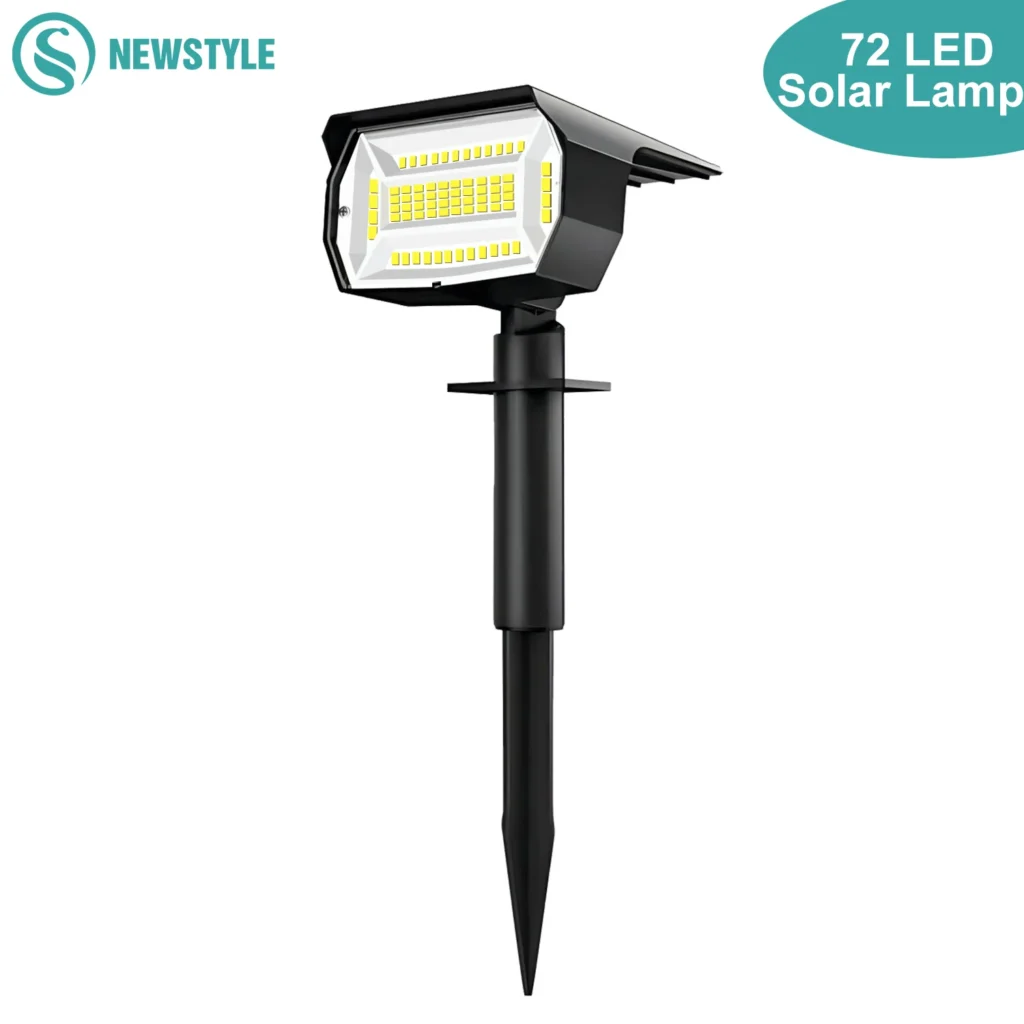
This guide covers one AliExpress listing: a 72-LED solar landscape spotlight, warm white, in the 1-piece variant. It is a buyer-check guide, not a hands-on review — LanPicks has not tested, owned, or measured this light. The direct answer is short: the listing states a solar-powered spotlight with 72 LED beads, a 1500mAh battery, 3.7 […]

This guide covers one AliExpress listing: a SHAHE stainless steel digital caliper, in the 0-150 mm (about 0-5.91 in) range variant. It is a buyer-check guide, not a hands-on review — LanPicks has not tested, owned, or measured with this caliper. The direct answer is short: the listing states a 0-150 mm stainless caliper with […]
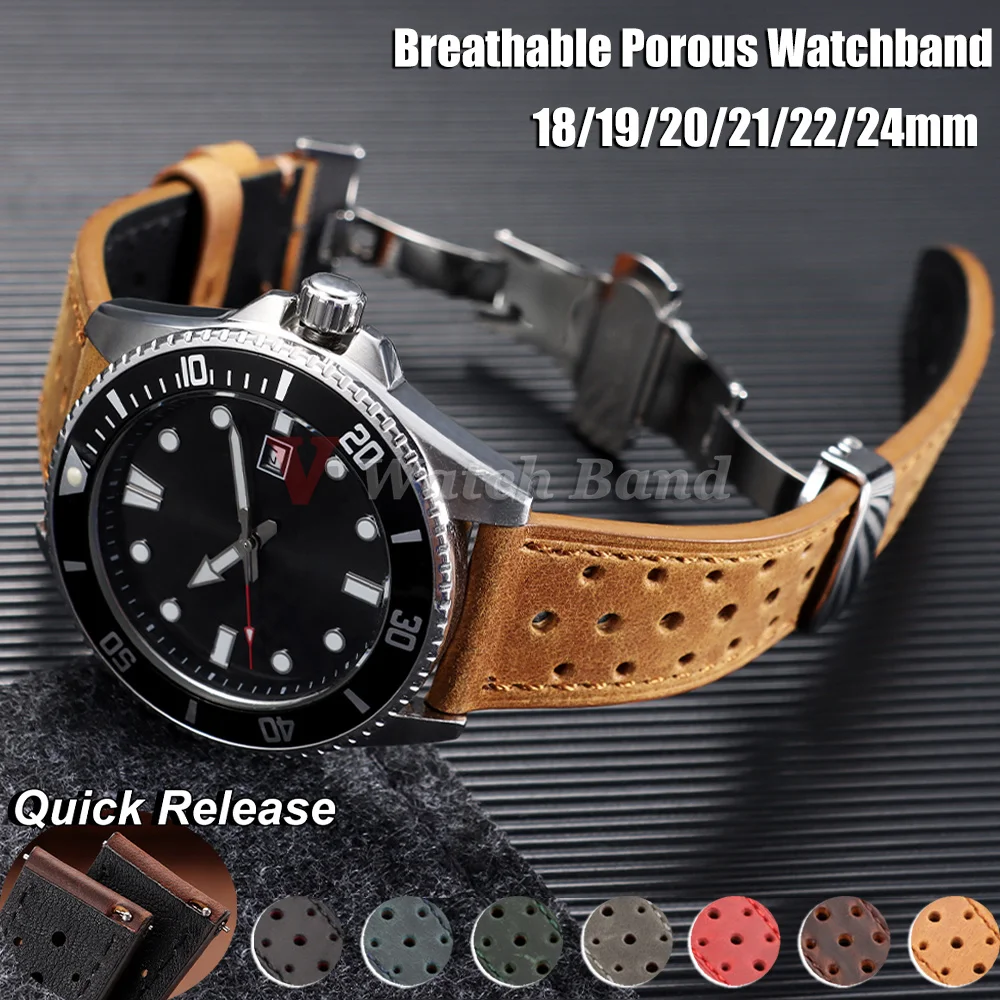
This guide covers one AliExpress listing: a vintage racing leather watch strap, in the light brown, 18 mm (about 0.71 in) width variant. It is a buyer-check guide, not a hands-on review — LanPicks has not tested, owned, or measured this strap. The direct answer is short: the strap is a perforated leather racing-style band […]
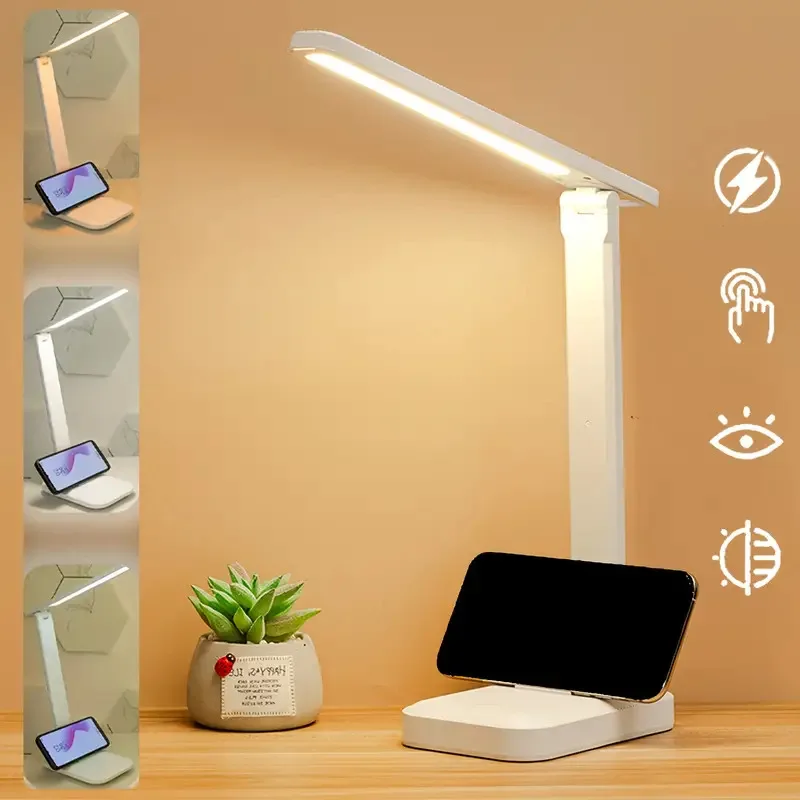
This foldable LED desk lamp is a small, USB-charged task light: it folds flat for travel, stands on a desk for reading or bedside use, and its base holds a phone or tablet. The listing states touch control, stepless dimming, three light modes (cold, warm and mixed), a rechargeable battery, and a nominal voltage of […]
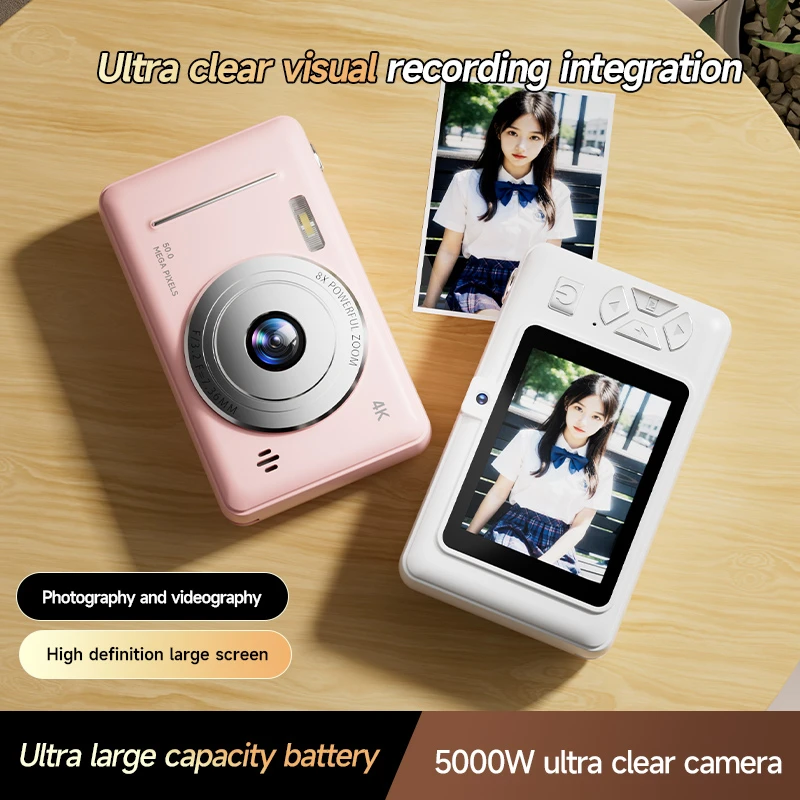
This retro-style CCD camera is a compact point-and-shoot that leans on its look: a pocketable body, a flip-style dual-camera setup, a flash, and SD-card storage. The listing states 4K video at 4096×2160, a 1/1.6-inch CCD sensor, and 2x to 7x optical zoom. It is a reasonable fit if you want a cheap, fun second camera […]