

Retro Handheld Buying Guide: Screen, Controls and Game Compatibility
Buy the handheld that plays your games — not the one with the longest compatibility list. Write down the systems and the five or so games that would make or break the purchase, then check each candidate against that list: does the screen shape fit those games, do the controls suit them, and is there game-specific evidence — not a platform label — that they actually run? A specification sheet cannot answer any of those questions on its own.

Quick Decision
List your games first: the systems you care about and at least five must-play titles. Match the screen to that list — 4:3 for most classic home consoles, 3:2 for Game Boy Advance, 16:9 for PSP and widescreen games — and compare aspect ratio, not diagonal size. Check controls per system: a precise D-pad for 2D games, two sticks and usable triggers for 3D games, touch for DS and 3DS titles. Demand game-specific evidence for the exact model: a manufacturer list that says “supports PS2” is a support claim, not proof your game runs. Treat battery figures as estimates and compare independent runtime tests under similar conditions. Read the seller’s return and warranty terms before paying, and price the hardware and lawful software separately — a bundled game count says nothing about licensing.
How this guide was put together. LanPicks does not test retro handhelds hands-on. The method, system tiers and specification figures here come from two published buying guides checked on 14 November 2026, and every model figure is a manufacturer-listed specification quoted in those guides — not an independent test result. No prices, benchmarks, frame rates or latency numbers appear here, because none of the sources verified them as measurements. The hero image is AI-generated; the diagram is an original conceptual drawing, not a measurement. See our Editorial Policy.
On this page
Define the Games and Systems
Every retro handheld decision starts the same way: with the games, not the hardware. Make a short list of the oldest and newest systems you care about, then add the specific games that would make or break the purchase. “Runs PlayStation” is too broad — a handheld may handle most 2D titles while struggling with a particular 3D game, a shader, a video mode or an emulator setting. Name the titles. Mark any game that depends on touch, dual screens, analog triggers or online features, because those requirements narrow the field faster than any processor name.
Use system tiers only as a first estimate. As a rough guide, 8-bit and 16-bit consoles are relatively undemanding, and most current handhelds run them well; original PlayStation and Game Boy Advance are comfortable on budget devices too. PlayStation 1, Nintendo DS, Nintendo 64 and PSP form a step-up group that needs more power and more emulator tuning. Dreamcast, Saturn, GameCube, Wii and PlayStation 2 generally demand substantially more from the processor, graphics hardware, cooling and emulator configuration. These are broad categories, not performance guarantees — buy for the most demanding system you actually care about, not the longest list on the box.
Then decide what kind of player you are. If your library is mostly Game Boy, NES, SNES and Genesis, a pocketable vertical Linux device is a reasonable starting point. If it reaches PSP, Dreamcast and Nintendo 64, look at a mid-range horizontal device with two sticks. If it includes PlayStation 2 and GameCube, you are in high-end, often Android-based territory — and even there, not every title runs well, so the evidence check in the compatibility section matters more than the price tier.
Screen Shape and Resolution
Screen shape matters more than screen size. Most older console games were designed around a 4:3 image, so a 4:3 or near-square panel can display that picture larger with less unused space. A 16:9 panel suits PSP software and other widescreen material more naturally, but classic games on it usually show side bars. A 3:2 screen matches the Game Boy Advance. Neither ratio is universally better — the correct choice follows your game list, so estimate how much of your library is 4:3, 16:9 or dual-screen before comparing panels.
Two panels can share the same advertised diagonal and show your games very differently. One published comparison illustrates the point with two 4.7-inch handhelds: the ANBERNIC RG476H has a 1280×960 LTPS panel — a 4:3 shape — while the Retroid Pocket 4 and 4 Pro have a 750×1334 touchscreen, a tall portrait shape. Same diagonal, different shapes and pixel layouts. Compare the image area your own library actually uses instead of treating diagonal size as a complete display specification.
Resolution affects sharpness, but a higher pixel count does not automatically produce better integer scaling or a cleaner image. A good integer scale often looks better than a bigger, blurrier image, so check whether the emulator can preserve integer pixels, choose an appropriate shader and avoid unevenly stretched sprites. Look for an IPS or OLED panel rather than an older TN screen, which washes out at viewing angles, and check reviews for brightness, colour and whether the screen is laminated — bonded to the glass — which reduces reflections and makes images look sharper. Brightness matters for daylight and travel: ask for a measured brightness figure when one is available rather than assuming a premium panel is brighter. A high refresh rate can make menus and supported games feel smoother, but it does not make an emulator run a demanding title faster.
Dual-screen games deserve a separate check. DS and 3DS titles may rely on touch or a stylus, and a single physical panel has to show two screens side by side, stacked, or with a quick toggle — each compromise makes the image smaller or the layout busier. Confirm touch response and decide which layout you can live with before buying, rather than assuming a standard handheld layout will be comfortable.
Controls and Layout
A good control layout prevents a technically capable handheld from becoming frustrating. A D-pad and face buttons are generally sufficient for classic 2D games; 3D libraries benefit from two analog sticks, usable shoulder buttons and triggers with enough travel to control acceleration or aiming. Match the controls to the systems on your list, not to the device’s feature count.
For 2D platforms and fighters, prioritise D-pad accuracy, clean diagonals, button spacing and the ability to press combinations without accidental inputs. For 3D consoles, check stick placement, stick range and shoulder-button reach — and whether both sticks can be used without shifting your grip. Check whether the D-pad is a single piece and whether the shoulder buttons are stacked or side by side; both details change how the device feels in play. For DS and 3DS games, confirm touch response and the dual-screen layout options described above. For streaming and Android games, verify that every button and trigger is recognised by the apps you intend to use — emulator mappings do not guarantee compatibility with other software.
Form factor is part of the control decision. Vertical, Game Boy-style devices are pocketable and feel natural for Nintendo handheld games. Horizontal devices generally give more room for two sticks and shoulder controls, which suits PlayStation and later systems. A clamshell protects the screen and can make travel easier, but its hinge and dual-screen arrangement add their own failure points.
Read Hall-effect claims carefully. Hall-effect sticks and triggers use magnetic sensing and are presented as a way to reduce the wear associated with traditional potentiometers — the RG476H lists a Hall joystick and Hall triggers, and the Retroid Pocket 4 and 4 Pro list Hall 3D sticks and analog L2/R2 triggers. That is a feature to compare, not evidence that a handheld has ideal calibration, dead zones, button feel or overall durability. Comfort cannot be inferred from a spec sheet at all: dimensions and weight tell you whether a device might fit a bag or pocket, but not whether your thumbs reach the sticks or whether your hands tire after an hour. Read several hands-on impressions that discuss grip shape, edge pressure, button resistance, speaker placement, heat and reach — and treat those as user observations, not laboratory measurements.
Software and Compatibility Evidence
Choose an operating system you will tolerate using, because you will live in it every session. Linux-based devices boot fast and are simple for dedicated retro play. Android devices can run more emulators and streaming apps but need more setting up — permissions, front-end configuration and menu management. Community firmware can transform a cheap device, so check what is available for the exact model. Before buying, answer the practical questions: what interface appears when the device starts, and can you launch a game without returning to Android menus? Which emulators are installed, and can you replace them? How are save states, battery sleep, resume and hotkeys handled? Can you remap controls per system or per game? How often has the manufacturer released firmware, and are update files and recovery instructions available for this exact model — and does an update preserve your settings and saves, or should you back them up first?
Then verify compatibility for the exact games, not the system label. A manufacturer list is useful for identifying intended platforms. The RG476H specification page, for example, names PS2, Wii, GameCube, 3DS, PSP, Nintendo DS, Nintendo 64 and older systems — but that is a manufacturer support claim, not proof that every title on those systems runs correctly. Look for independent reports or videos that identify the handheld model, emulator version, graphics settings, resolution and the actual game. Give more weight to sustained gameplay than to a menu showing that an emulator launches: check for frame-rate dips, audio crackle, broken effects, missing text, shader glitches, excessive heat, and whether the game requires a particular control layout. A broad compatibility list can help identify possibilities; it does not establish how well every title performs.
Swipe to compare all columns →
| Model (manufacturer-listed specs) | Display | Software | What to verify yourself |
|---|---|---|---|
| ANBERNIC RG476H | 4.7-inch, 1280×960 LTPS; multi-touch; up to 120 Hz | Android 13; FOTA updates; 8 GB RAM | How your 4:3 games scale, outdoor readability, whether demanding games hold speed |
| Retroid Pocket 4 / 4 Pro | 4.7-inch, 750×1334 touchscreen; 60 Hz | Android 11 (Pocket 4) / Android 13 (Pro); OTA support | Side bars on classic games, scaling options, touch usefulness for DS/3DS software |
| ANBERNIC RG35XX Pro | 3.5-inch, 640×480 IPS | Linux; H700 CPU; 1 GB RAM | Whether the listing configuration matches the seller’s, and how your 4:3 games scale |
The table above uses manufacturer-listed specifications quoted in the buying guides, not endorsements or independent performance tests. The two 4.7-inch panels have the same advertised diagonal but different shapes — one 4:3, one tall portrait — which is exactly why shape, not size, should drive the screen decision. Confirm the seller supplies the same configuration the specification describes, and treat the official listing’s availability as volatile: the Retroid Pocket 4 listing was showing sold out when the guide reviewed it.
Storage and game legality belong in the same check. Ask the seller to state internal capacity and removable-card capacity separately — internal storage may hold the operating system and applications, while a TF or microSD card stores game files, disc images, artwork and save backups — and confirm the card type and the largest supported capacity. Read the package contents line by line: is a card included, and what capacity and brand is it? Does the box contain a charger or only a USB cable? Are a case, screen protector, spare buttons or card reader included? A larger bundled card does not prove it contains more games, that the card is high quality, or that the files are licensed — Anbernic’s support centre treats card capacity and game lists as separate questions.
Do not assume a handheld ships with licensed games merely because a listing advertises a game collection. Emulator software is not illegal in itself, but downloading game files you do not own infringes copyright, and the rules on making a personal backup of a game you own vary by jurisdiction — check the law where you live and use legally acquired software and firmware. Price the hardware and lawful software separately: a game count on a listing is not value.
Battery and Support Information
Battery capacity is only one input to runtime. Screen brightness, refresh rate, Wi-Fi and Bluetooth activity, emulator workload, speakers, cooling and sleep behaviour can change consumption substantially, so compare independent runtime tests only when brightness, volume, game, performance mode and battery condition are similar. A maker’s hour figure is an estimate, not a measurement: Anbernic states that the RG476H uses a 5,000 mAh battery, offers six hours of battery life, charges at 5V/2A and takes approximately three hours to reach a full charge. The Retroid Pocket 4 and 4 Pro listing also specifies a 5,000 mAh battery but does not, in the supplied material, establish an equivalent runtime figure — the same capacity on paper can mean different real-world runtimes.
Before paying, confirm whether the charger is included and whether it supports the stated input, whether the handheld can charge while suspended or while a game is running, and look for reports of battery drain during sleep and of safe shutdown behaviour at low charge. Plan for a replacement only if the manufacturer or a reputable parts seller identifies a compatible cell and procedure.
Support is part of the hardware purchase. Save a copy of the exact listing, configuration, promised accessories and delivery estimate before checkout, because marketplace pages can change. Verify the return period — count calendar days from delivery and check who pays return shipping — the warranty duration, geographic limits and exclusions, the defect process (photographs, video, diagnostic logs or an unboxing recording), whether screens, batteries, sticks, buttons and card readers are available separately, the shipping origin, and whether the policy applies to the specific seller rather than merely to the platform’s general terms. Read exclusions, not just headline warranty length: Miyoo’s policy distinguishes purchases from its own store from purchases made through other stores or platforms, and excludes items such as storage cards and accessories from its console warranty. Anbernic’s support knowledge base covers returns, parts, missing accessories, firmware, charging, display, joystick and button questions — but a list of support topics is not a promise of a particular remedy for your case.
Finally, compare total value instead of the headline price. Set a maximum delivered budget, then include shipping, tax, a dependable memory card, a case, replacement parts and the cost of your time if setup is complex. A cheaper device that needs several accessories or repeated troubleshooting may cost more in practice than a more expensive one that arrives ready to play.

The diagram above turns the method into a worksheet: five steps from games to shortlist, then a requirements table with one row per system tier. Fill in your own must-play games, the screen shape to check and the controls to check for each tier. A model stays on the shortlist only if independent evidence covers your must-play games — and bundled game counts say nothing about licensing, so price the hardware and lawful software separately.
Shortlist Checklist
Work through the worksheet before you pay. It takes an evening of reading and prevents the most common beginner mistake: buying the fastest device on the list and discovering it cannot show your games the way you want them, or cannot run the one title you bought it for.
Swipe to see all columns →
| System tier | Must-play games | Screen shape to check | Controls to check | Evidence found |
|---|---|---|---|---|
| Classic 2D systems | Your titles here | 4:3 panel | D-pad, face buttons | Model + emulator + settings noted |
| Early 3D / dual-screen | Your titles here | Touch + dual-screen layout | Sticks, shoulders, touch | Sustained gameplay seen, not just a menu |
| Later 3D systems | Your titles here | Scaling + brightness | Two sticks, triggers | Per-title report for the exact model |
| Streaming / Android | Your titles here | Touch + brightness | All buttons recognised by the app | App compatibility confirmed |
The rows above are placeholders, not recommendations — fill in your own games. Once the worksheet is done, run the checklist: every must-play game has a model-specific evidence note; the screen shape suits most of your library; the D-pad, sticks, triggers and touch requirements are confirmed; the operating system and update process are ones you will tolerate; internal and removable storage are recorded separately with the card limit; the battery claim is separated from independent runtime tests; the return period, warranty exclusions and parts availability are saved from the actual listing; and the total delivered cost — tax, shipping, card, case and charger — fits the ceiling you set. Buy only when the remaining compromises are acceptable: a handheld that meets your games, controls and support requirements is a better value than a faster device whose features you will not use.
FAQ
What matters most when choosing a retro handheld?
Your games. List the systems and the must-play titles first, then check screen shape, controls and game-specific evidence for the exact model. A compatibility list that says “supports PS2” is a manufacturer support claim, not proof your game runs — look for sustained gameplay reports that name the model, emulator version, settings and the actual game.
Is a 4:3 or 16:9 screen better for retro games?
It depends on your library. Most classic home-console games were designed around a 4:3 image, so a 4:3 panel shows them larger with less unused space; 3:2 matches the Game Boy Advance; 16:9 suits PSP and widescreen games but leaves side bars on older titles. Compare aspect ratio, not diagonal size — two 4.7-inch panels can have very different shapes.
Do bundled games add value to a retro handheld?
No — not as value. A game count on a listing says nothing about licensing, card quality, file organisation or whether the titles you want are present. Do not assume bundled files are licensed, and price the hardware and lawful software separately.
How long does a retro handheld battery last?
It depends on brightness, refresh rate, wireless activity, emulator workload and sleep behaviour, so a maker’s hour figure is an estimate, not a measurement. Anbernic claims about six hours for the RG476H’s 5,000 mAh battery; compare independent runtime tests under similar conditions before trusting any figure.
Linux or Android for a retro handheld?
Linux is generally simpler and boots fast for dedicated retro play. Android is more flexible for apps, game streaming and newer emulators but needs more setup. Check the launcher, emulator setup, save handling and firmware update process for the exact model before deciding.
Conclusion
The right retro handheld is the one that demonstrably plays your must-have games, presents them at a comfortable size, has controls suited to those systems, and comes with software and support you are willing to manage. If a candidate fails any one of those four tests, a more impressive specification sheet or a lower headline price should not be the deciding factor. Fill in the worksheet, verify the evidence, and buy the shortlist — not the spec sheet.
Sources
- UMA Technology — Retro Handheld Buying Guide: Games, Screens, Controls, Battery and Support (system tiers, screen shape, controls, compatibility evidence, battery, support terms; accessed 14 November 2026)
- Retro Gaming Handhelds — How to choose a retro handheld: chipset, screen and controls (system tiers, aspect ratios, form factors, operating systems, legality; accessed 14 November 2026)
Related Posts

Never pay a tested price for an untested system. A used retro console is decades-old electronics with no self-diagnostics and no error codes, so “works” has to be checked layer by layer: it powers on, produces stable video and audio, loads and plays a game, and keeps working for fifteen to twenty minutes — on […]
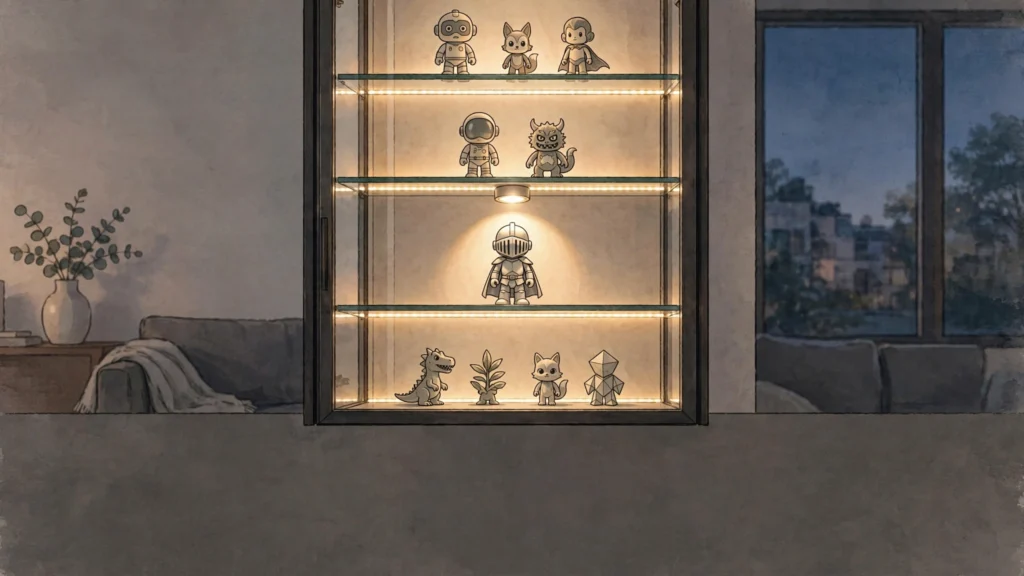
Two light formats cover almost every display cabinet: LED strips for even light across a full shelf, and puck lights to spotlight a single piece. Neither is universally better. The right choice depends on what you want the light to do — wash a whole shelf or pick out one figure — and the right […]
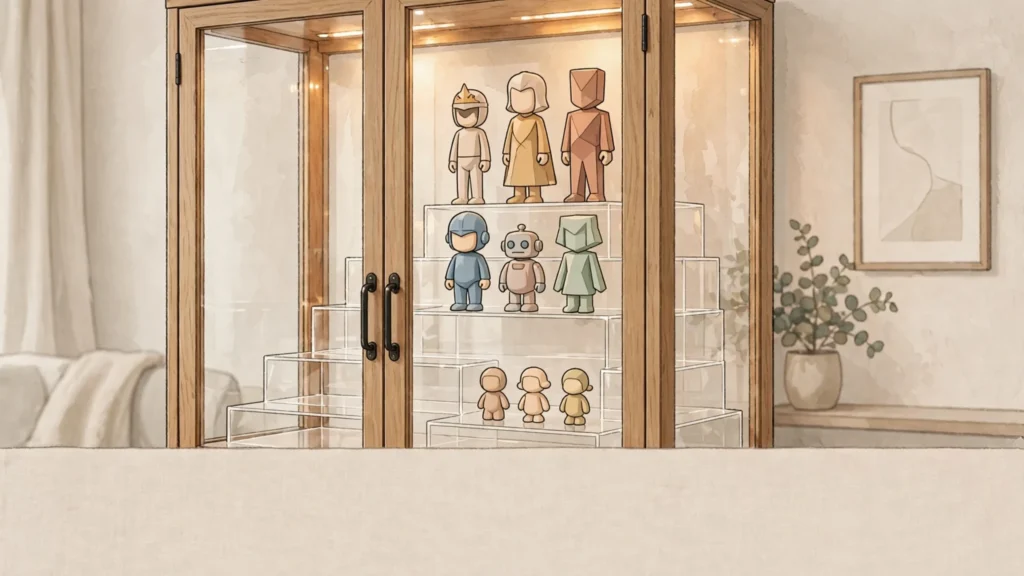
A riser is a small decision that changes the whole shelf: it lifts the back row above the front row so every figure can be seen, instead of hiding behind the one in front. Choose it by measurement, not by eye. Measure the base of each figure and the depth of the shelf, work out […]

An acrylic case and a glass case can look almost identical on a shelf — clear panels, a base, figures inside. The difference shows up later: when you lift the case to rearrange a figure, when you wipe it for the tenth time, when it gets knocked, and when you check whether the “UV protection” […]
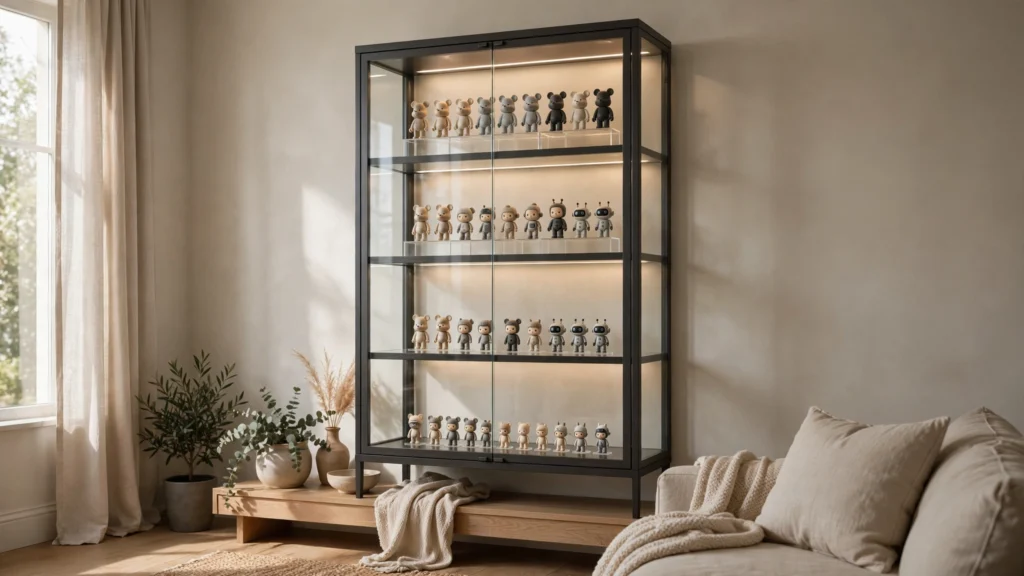
A good figure display starts with a tape measure, not a shopping cart. Measure the tallest point of each figure and the footprint of its base, check what the shelf can hold and fit, then arrange tallest at the back and shortest in front, with room to breathe. Enclosed cabinets cut dust and bumps; open […]