

Camera Accessories for Travel Creators: What to Pack and What to Leave Behind
Five accessory categories decide a travel creator kit: support, audio, light, power, and storage. Everything else is optional. The rule for packing is simple: every accessory you pack should solve a problem you will actually hit on your trip. A flexible tripod that steadies a shot on a rock earns its space; a second lens you never mount does not. This guide covers the five categories, what to pack in each, and what to leave at home — so your bag stays light enough to carry all day and your footage stays good enough to publish.
Start with the camera you already own, whether it is a smartphone, action camera, or mirrorless body. Building a lightweight travel vlogging setup is not about collecting high-end gear; it relies on a streamlined core system built around those five essentials. Buy the accessory that removes the next problem in your workflow, not the one that looks impressive in someone else’s kit.

Support: one tool that does three jobs
Support is the first category because it decides whether your shots are steady and whether you appear in them at all. A flexible tripod adapts to unpredictable outdoor environments: its independently poseable legs let you set up stable shots on uneven rocks, wrap the unit around railings, or bend it into an ergonomic handheld grip. A mini tripod works best on flat surfaces like hotel desks, café tables, or flat ledges. A selfie stick with legs replaces a full-size tripod, and a camera with a telephoto lens replaces a bag of extra lenses.
For solo creators, a compact travel tripod is the workhorse: it holds the camera steady for static shots, time-lapses, and hands-free framing, and it gets you in the frame without handing your camera to a stranger. Travel tripods such as the Manfrotto Befree or Peak Design’s Travel Tripod are compact and easy to set up; the Oben CQL-13, for example, has a 13-pound maximum load capacity and an adjustable working height range up to 51.1 inches. If you film primarily with a mobile device, a high-quality phone mount speeds up your workflow — the Ulanzi ST-27, for instance, is built from metal and offers three cold shoe mounts and three 1/4-inch threads for additional devices.
What to leave home: a full-sized studio stand. It does one job, weighs too much, and a flexible tripod or selfie stick with legs does the same work in a pocket.
Audio: one wireless mic and wind protection
Audio is the category where one small item changes everything. Built-in microphones work fine in quiet indoor spaces like hotel rooms or silent vehicles — they require zero extra setup time and draw no extra battery power. Outdoors, they fail: wind noise ruins travel audio fast, and crowd noise buries narration.
A small wireless microphone system isolates your voice in noisy surroundings like busy streets, markets, or windy viewpoints. Clipping a small transmitter to your collar ensures consistent voice clarity while keeping cable clutter off your rig. Wireless systems like the DJI Mic or Rode Wireless GO II provide excellent sound quality with the freedom to move around; the DJI Mic Mini, for example, clips to a shirt or attaches with magnets, and its receiver plugs into a USB-C port or uses a 3.5mm audio jack. For interviews or vlogs, a compact shotgun microphone such as the Rode VideoMic GO II is a lightweight option that pairs well with cameras and smartphones.
Wind protection is not optional outdoors. Always fit a foam windscreen or synthetic fur cover over your microphone when filming outdoors — it is the cheapest accessory in the kit and the one that saves the most footage. Keep audio and power lean: stick to a single wireless mic with wind protection rather than a bag of microphones.
Light: use the sun first, pack one small panel
Smart lighting decisions rely on natural surroundings first, saving weight and battery. Shoot near windows, in open shade, and during the golden hour before you reach for a light. When you do need one, pack a single compact LED panel: portable LED lights such as the Aputure MC or Lume Cube Panel Mini are compact and offer adjustable brightness and color temperatures, and the Lume Cube Panel Mini features an aluminum housing with a frosted lens layer and a maximum 5600K color temperature that spreads light evenly across your subject.
A handheld LED ring light is the other option for face-to-camera work: the PICTRON U200, for example, has an 8,000mAh battery with approximately 2.5 hours of runtime on a single charge, and it doubles as a power bank, charging your phone or tablet. One light is enough. Two lights, a softbox, and a stand belong in a studio, not a day pack.

Power and storage: the must-pack pair
Power and storage are the two categories you cannot improvise on the road. Work out your spares from the hours you will shoot: check your camera’s rated battery life, compare it with your longest day away from an outlet, then add one battery. Spare batteries and power banks go in your carry-on, never in checked luggage — airline rules treat them as carry-on items, and long tripods can trigger extra screening.
For the power bank, 10,000–20,000mAh is a practical travel size. A 20,000mAh bank comes to roughly 74Wh, which is under the 100Wh carry-on limit. Portable power banks are a must-have for creators working away from outlets: the Anker PowerCore 26800 or Omni 20+ power banks can charge cameras, laptops, and smartphones multiple times, and an ANKER 20,000mAh power bank keeps devices powered all day. A charging case that also holds your memory cards beats packing two items — some fast-charge cases charge the battery in your camera and two spares at once from a power bank, and store two memory cards.
For storage, pack memory cards and a card reader: room to shoot and a way to back up. A fast microSD card with sustained 4K write speed prevents recording stops mid-shoot. Bring a lens cloth and a blower too — dust, sand, and fingerprints on the lens ruin more shots than any missing accessory.
What earns the space, and what stays home
| Accessory | Priority | Why it earns the space |
|---|---|---|
| Spare batteries or a charging case | Must-pack | Long days away from outlets |
| Memory cards and a card reader | Must-pack | Room to shoot and a way to back up |
| Compact tripod or selfie stick | Must-pack | Steady shots and getting yourself in the frame |
| Lens cloth and blower | Must-pack | Dust, sand and fingerprints on the lens |
| Protective case or lens guards | Worth it | Drops, scratches and rough handling |
| Wireless mic | Worth it | Wind and crowd noise over narration |
| ND filters | Worth it | Smoother motion in bright sun, snow and water |
| Dive case or floating grip | Trip-specific | Scuba, surfing and boat days |
| Backpack or chest mount | Trip-specific | Hands-free hiking and cycling footage |
Pack one good pick per category and leave the duplicates at home. If two accessories do the same job, keep the lighter one. Our guide to choosing between a vlogging camera and a smartphone covers the camera the accessories attach to, and our guide to what 4K means for vlogging cameras explains the resolution the kit records. Our ORDRO VS3 check shows what a single pocket vlogging camera listing states, including the accessories it ships with.
A short checklist before you pack
- Count your shooting hours against your longest day away from an outlet, then add one battery.
- Pack one support tool that does three jobs — flexible tripod, mini tripod, or selfie stick with legs.
- Pack one wireless mic with a foam windscreen or fur cover — never film outdoors without it.
- Pack one small LED panel and use natural light first.
- Pack a 10,000–20,000mAh power bank and memory cards with a card reader — both in your carry-on.
- Leave the duplicates, the studio stand, and the second lens you never mount at home.
FAQ
What size power bank can I fly with?
A 10,000–20,000mAh power bank is a practical travel size. A 20,000mAh bank comes to roughly 74Wh, which is under the 100Wh carry-on limit. Spare batteries and power banks go in your carry-on, never in checked luggage.
Do I need a tripod if I have a selfie stick?
Not always. A selfie stick with legs replaces a full-size tripod for most travel shots, and it gets you in the frame without handing your camera to a stranger. A compact travel tripod is better for long static shots, time-lapses, and night shots.
What is the one audio accessory worth packing?
A single wireless microphone with wind protection. It isolates your voice in noisy streets, markets, and windy viewpoints, and a foam windscreen or fur cover is the cheapest accessory that saves the most footage.
Should I pack ND filters?
They are worth it if you shoot in bright sun, snow, or over water — they give smoother motion in bright conditions. They are not must-pack: if your trip is mostly indoors or in shade, leave them home.
Sources
- JOBY — Build a Lightweight Travel Vlogging Setup (five essentials: camera, support, audio, power, storage; flexible tripod; wireless mic and wind protection)
- B&H eXplora — Best Gear for Traveling Creators (DJI Osmo Mobile 7P gimbal; DJI Osmo Pocket 3; DJI Mic Mini; Lume Cube Panel Mini; Oben CQL-13 tripod)
- Insta360 — Best Camera Accessories for Travel: What to Pack and What to Leave Behind (must-pack vs worth-it vs trip-specific; 10,000–20,000mAh power bank; 100Wh carry-on limit)
- LocalInsider — Best Smartphone Vlogging Kit Essentials for Travel Creators (DJI OM 5 gimbal; EUCOS 62 tripod; PICTRON U200 ring light; DJI Mic Mini; ANKER 20,000mAh power bank)
- MMBTC — The Best Portable Gear for Content Creators on the Go (mirrorless cameras; action cameras; portable lights; wireless mics; travel tripods; power banks)
LanPicks has not tested the accessories discussed in this guide and names no best model. All figures above come from the sources listed, checked on 23 Nov 2026.
Related Posts

A replacement filter or brush listing is a claim, not evidence. The listing says “HEPA”, “OEM-quality”, or “lasts twice as long” — and none of those words can be checked from the listing page. This guide compares filters and brushes by evidence you can gather yourself: measure the old part, test the HEPA claim against […]
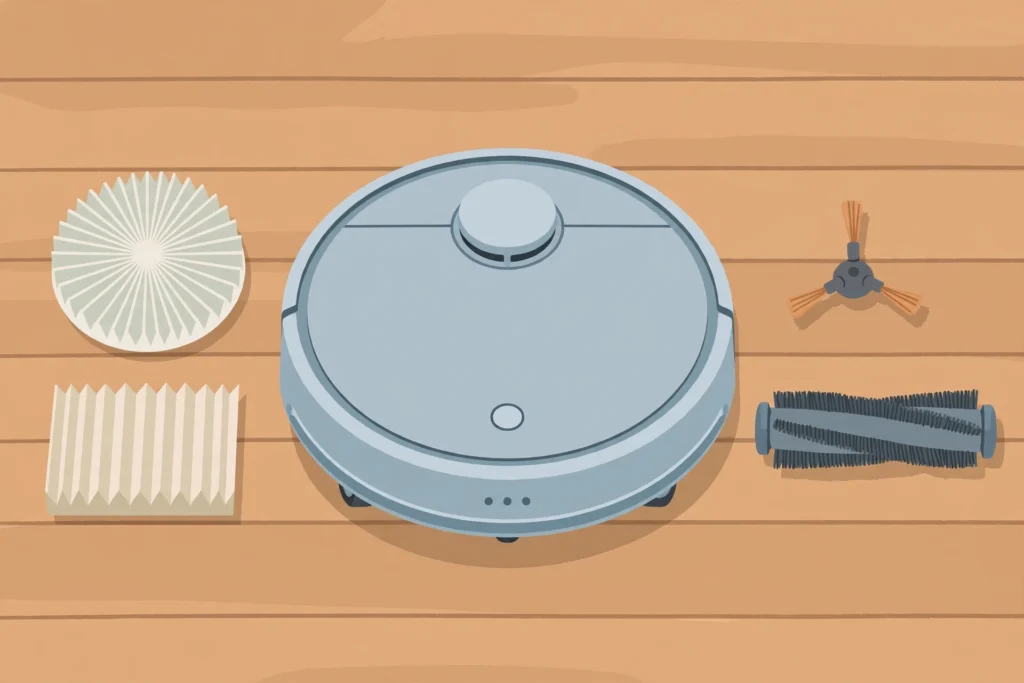
One rule decides whether a replacement part fits your robot vacuum: match the exact model number, not the name on the box. Two robots can share a name and take different filters, brushes, or dust bags, and a listing that names your series but not your exact model has not confirmed anything. This guide is […]

Three checks decide whether a small home appliance fits your home: the space it will actually work in, the voltage and frequency on its rating plate, and the plug and circuit it will run on. Skip any one of them and the appliance can arrive too tall for the shelf, rated for a different mains […]
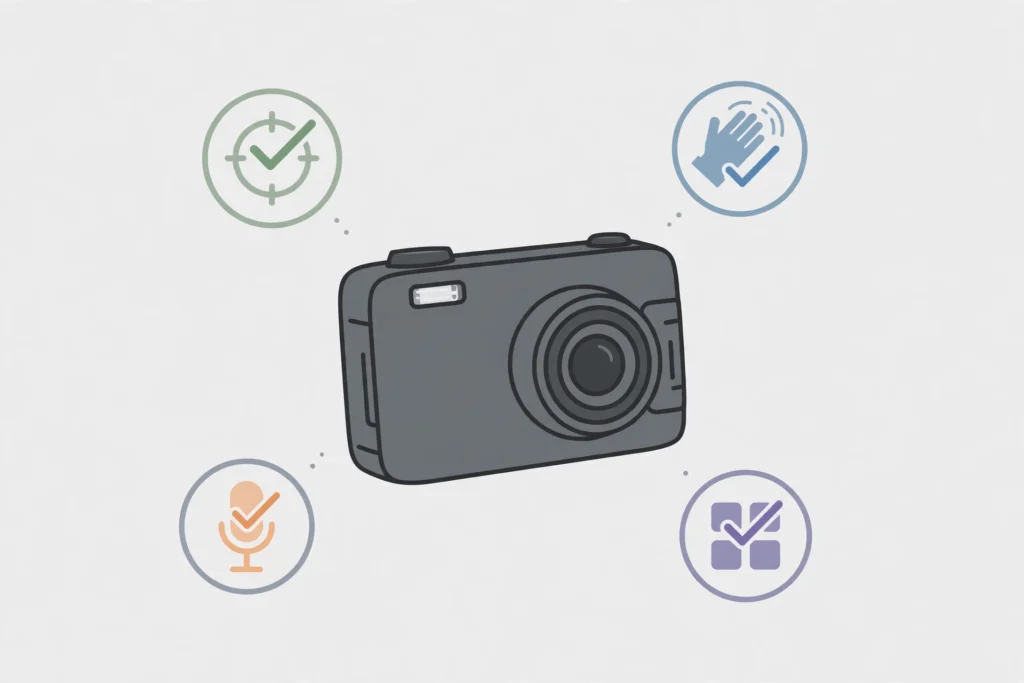
Four checks decide a camera listing: the resolution, the autofocus, the stabilization, and the audio. In that order. Resolution tells you how much detail the camera records. Autofocus decides whether your subject stays sharp while you move. Stabilization decides whether walking footage is watchable. Audio decides whether anyone can understand you. A listing that states […]
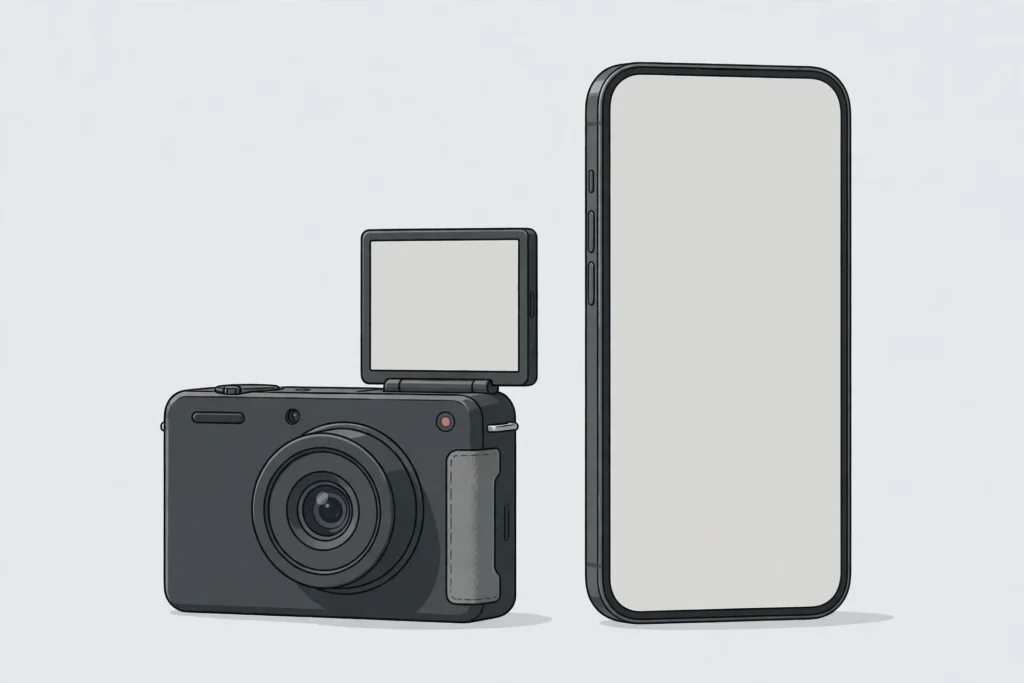
Start with your phone — unless your content needs something a phone cannot give you. A modern phone can record interviews, tutorials, talking heads and full YouTube videos, and it is the tool you already own, already carry, and already know how to use. A dedicated camera earns its place when you need a bigger […]