

Robot Vacuum Replacement Parts: Confirm Model Compatibility
One rule decides whether a replacement part fits your robot vacuum: match the exact model number, not the name on the box. Two robots can share a name and take different filters, brushes, or dust bags, and a listing that names your series but not your exact model has not confirmed anything. This guide is the verification workflow — find the model number, read the suffix, name the part, compare the old part, and check the compatibility list — so you order once and the part fits.
This guide answers one question: does this part fit your model? How good the part is — filter media, brush stiffness, original versus third-party — is a different question, covered in the companion guide on comparing vacuum filters and brushes without relying on seller claims. Fit first, quality second: a well-made part that does not fit is still the wrong part.
In this guide:
- The one rule: match the model, not the name
- Find your model number
- Read the suffix
- Name the part correctly
- Compare the old part physically
- Check the compatibility list
- Batteries and docks need extra checks
- A short checklist before you order
- FAQ
- Sources
The one rule: match the model, not the name
Robot vacuums are sold by series names that hide the differences that matter for parts. “Use the code on the robot, not the name on the box. Similar names often take different parts.” The code is the model number printed on the robot itself, and every check in this guide starts from it. A parts-matching tool built on manufacturers’ own parts lists puts it the same way: flip the robot over, and the model number is on the sticker underneath, next to the serial number.
The reason the rule is strict is that a wrong part does not always fail loudly. “Trust the model number, not photos, because an incorrect part may fit poorly, detach, or underperform.” A filter that looks right can seal badly; a brush that looks right can sit wrong on its end caps; a dust bag that looks right can belong to the dock, not the robot. The model number is the only check that covers all of those at once.
Find your model number
Start with the robot, not the box. On a Roomba, the model number is printed on the underside of the robot, near the left wheel, and the series follows from the first digit or letter of that number — model 565 is a 500 Series machine, model 980 is a 900 Series machine, and i7 is an i Series machine. Other brands put the label in other places: on the bottom of the unit, under the dustbin or inside the bin slot, inside the top lid near the water tank, on the charging or self-emptying base, in the companion app under device settings, or on the box and manual. Take a photo of the label once you find it, so you are ordering against the sticker and not against your memory of it.
Do not confuse the model number with the serial number. The serial number identifies your individual unit; the model number identifies the design the parts are made for. The two sit side by side on the same sticker, which is why the photo matters — read the code labelled as the model, not the longer number next to it. Single-model guides show the same discipline applied to one machine: the ILIFE A30 Pro buying guide and the ABIR K30 check both start from the exact model before any claim about the part.
Then separate the robot’s model from the base’s model. The dock often has its own code, and dust bags and some filters belong to the base, not the robot. If you are ordering dust bags, the base model is the one to match; if you are ordering a filter or a brush, the robot model is the one to match. Mixing the two up is the most common way to order a part that fits nothing you own.
Read the suffix
Match the model number exactly, including every letter, number, hyphen, and revision suffix. A suffix identifies a hardware variant, and that variant can change the filter frame, the roller, or the guard. Model codes such as S6 MaxV or DEEBOT X1 OMNI are not decoration — the suffix is part of the identity, and a listing that drops it has not confirmed the fit.
This is where series names fail. A listing that says “fits the 600 series” has not said it fits your model, because a series can span hardware revisions that take different parts. The same applies in reverse: a listing that names specific models and skips yours does not fit yours, even if the brand and the series match. If your exact code is not on the list, the fit is unconfirmed — not “probably fine”.
Name the part correctly
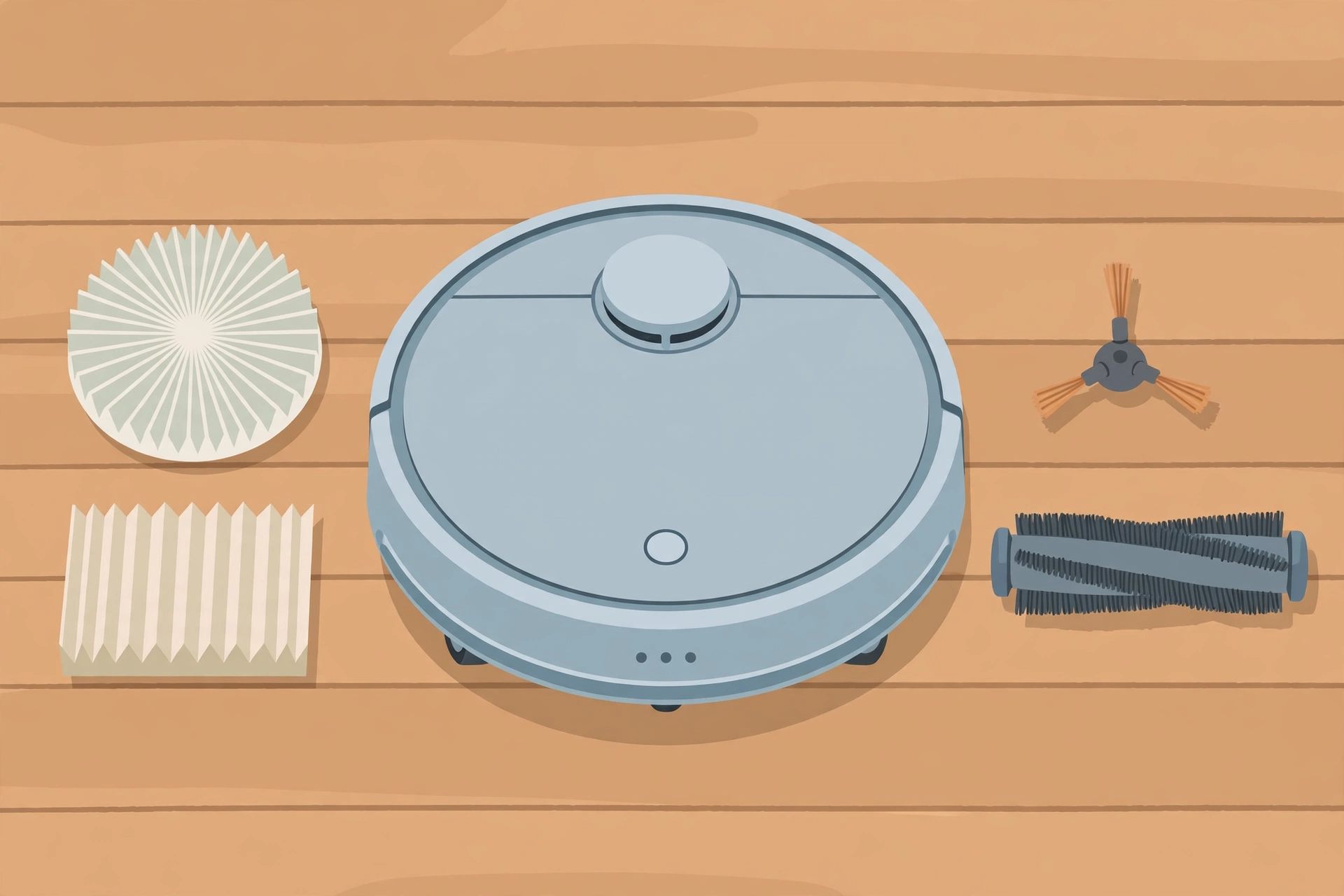
Before you search, name the part the way the manufacturer does: main brush, side brush, HEPA filter, mop pad or cloth, dust bag, brush cover, wheels, or sensors. “Filter” alone is not a part name — it could be the filter in the robot, the filter in the base, or a washable filter with a different frame. “Brush” alone is not a part name either — the main brush and the side brush are different parts with different mounts, and the side brush on one model can have a different number of arms than on another.
Naming the part correctly also tells you what to compare it against. A main brush is compared by its end caps and length; a side brush by its arm count and mounting style; a filter by its frame shape and size; a mop pad by its shape and attachment; a dust bag by the base it belongs to. Get the name wrong and the comparison that follows is against the wrong part.
Compare the old part physically
Take the old part out and compare it with the listing, piece by piece, instead of trusting the listing photo. Check the shape, the size, and the mounting style. Count the arms on the side brush. Check the end caps on the main brush. Compare the frame shape of the filter. If the listing shows a part with a different frame, a different arm count, or different end caps, it is a different part — whatever the listing title says.
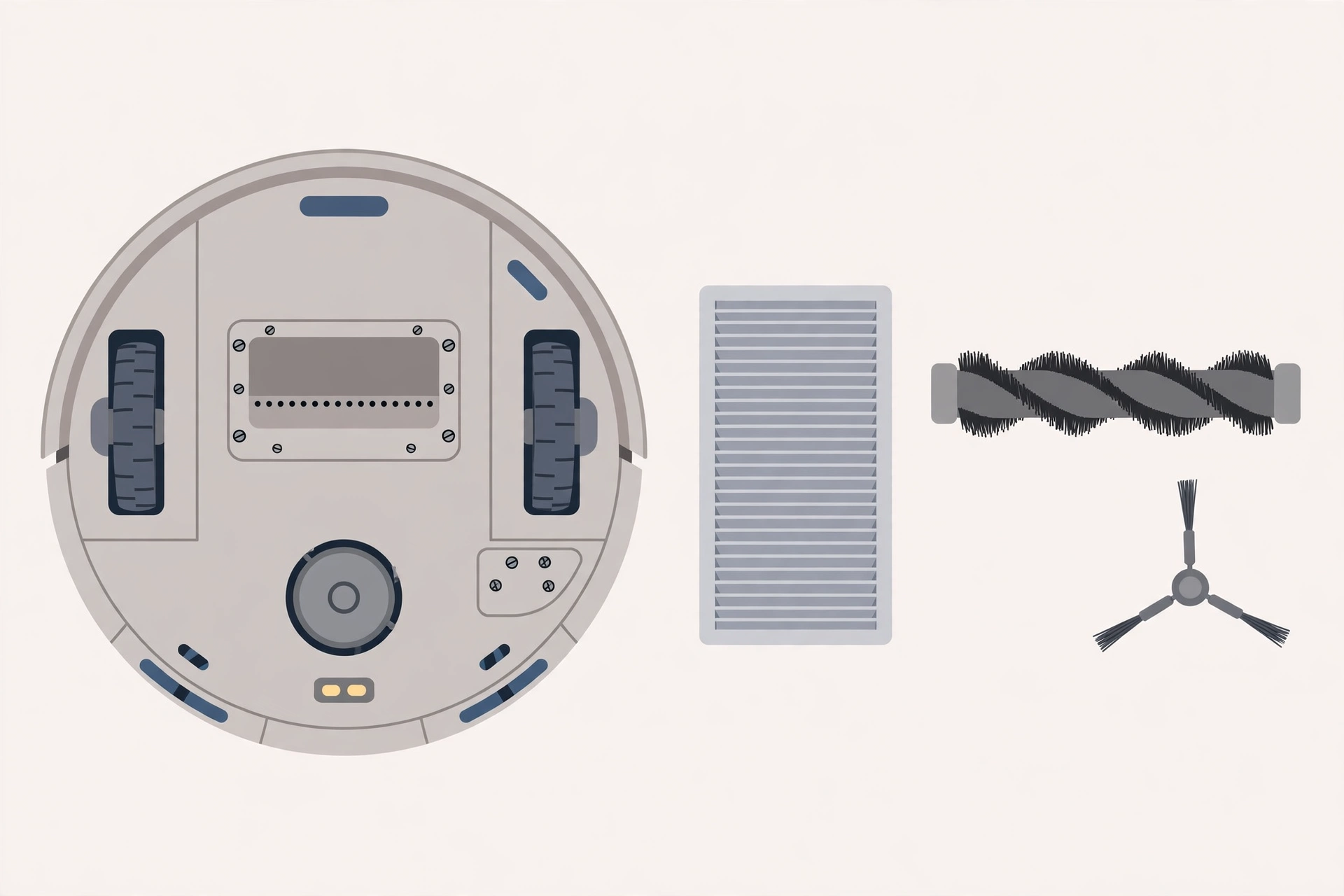
The physical comparison catches what a model number alone can miss. A seller can list the right model code next to the wrong photo, and a buyer can read the right code and still order the wrong shape. The two checks together — the code and the shape — are what confirm the fit. Either one alone leaves a gap.
Check the compatibility list
Read the listing’s compatibility list for your exact model code, not just the series name. A good listing names the models it fits, model by model, and shows where each fit comes from — a manufacturer part number and a source link, in the case of the parts-matching charts built from manufacturers’ own parts lists. A listing that names only a brand or a series, with no model codes at all, has given you nothing to check.
If your model is missing from the list, ask the seller before ordering. Do not fill the gap yourself: a missing model is not evidence of a fit, and a seller who answers with the exact part number for your model has confirmed something a listing never did. If details conflict — the title says one thing and the compatibility list says another — compare the original manufacturer’s specifications before ordering, because model-specific fit prevents costly mismatches.
Batteries and docks need extra checks
Batteries are not matched by model number alone. Match the voltage, the chemistry, the capacity, the connector keying, the tabs, and the footprint — a battery that fits the compartment but has the wrong connector or the wrong chemistry is still the wrong battery. The same applies to the dock: check the dock generation, the dust-bag style, the sensor contacts, and the charging polarity, because a newer dock generation can take a different bag or a different filter even when the robot looks the same.
Replacement timing is a separate question from fit, and it varies by model and use. One manufacturer’s manual — for the Roborock Qrevo Master — puts the main brush at clean every two weeks and replace every 6 to 12 months, the side brush at clean monthly and replace every 3 to 6 months, and the washable filter at clean every two weeks and replace every 6 to 12 months, dried at least 24 hours before reinstalling. The same manual adds that the frequency of replacement may vary with the actual situation, and that abnormal wear means replacing immediately. Those intervals belong to that model; your manual’s intervals are the ones that govern your robot. If you are choosing between robot vacuums rather than parts, the robot vacuum buying guide covers the machine itself, and the small-apartment guide covers choosing one for a small home — but neither replaces the manual for your model when a part is due.
A short checklist before you order
- Flip the robot over and photograph the model-number sticker. Read the model code, not the serial number.
- Separate the robot model from the base model — dust bags follow the base, filters and brushes follow the robot.
- Read the full model code, including every suffix, and match it exactly.
- Name the part the way the manufacturer does: main brush, side brush, filter, mop pad, dust bag, or battery.
- Compare the old part physically: frame shape, arm count, end caps, connector, and size.
- Check the compatibility list for your exact code, not just the series. If your model is missing, ask the seller first.
- For batteries, also match voltage, chemistry, capacity, connector, tabs, and footprint. For docks, also match dock generation and dust-bag style.
FAQ
Where is the model number on my robot vacuum?
On the robot itself, not the box. On a Roomba it is printed on the underside, near the left wheel. On other brands it can be on the bottom of the unit, under the dustbin or inside the bin slot, inside the top lid near the water tank, on the charging or self-emptying base, in the companion app under device settings, or on the box and manual. Photograph the sticker once you find it.
My part listing names my series but not my exact model — is it safe?
No. A series can span hardware revisions that take different parts, and a revision suffix can change the filter frame, the roller, or the guard. Match the exact model code, including every letter, number, hyphen, and suffix. If your code is not on the compatibility list, the fit is unconfirmed — ask the seller before ordering.
The dock has its own model number — which one do I use for dust bags?
The dock’s model number. Dust bags and some filters belong to the base, not the robot, so the base model is the one to match for those parts. Filters and brushes follow the robot model. Check the dock generation and the dust-bag style as well, since a newer dock generation can take a different bag.
Can I trust a “universal” replacement kit?
No. A kit that claims to fit everything has confirmed nothing about your model. There is no universal filter frame, no universal brush mount, and no universal dust bag — the parts differ by model, by revision, and by dock. Match your exact model code and compare the old part physically; a kit that names your exact code and matches the old part’s shape is a fit, and a kit that only says “universal” is not.
Sources
- iRobot Support — How do I find the model number and series of Roomba robot vacuum? (model number printed on the underside near the left wheel; series from the first digit or letter: 565 is 500 Series, 980 is 900 Series, i7 is i Series).
- Roborock Qrevo Master User Manual — Routine Maintenance (via ManualsLib) (main brush: clean every 2 weeks, replace every 6–12 months; side brush: clean monthly, replace every 3–6 months; washable filter: clean every 2 weeks, replace every 6–12 months, dry at least 24 hours; “the frequency of replacement may vary with the actual situation”).
- VACFITS — Robot Vacuum Replacement Parts by Model Number (“Flip the robot over. The model number is on the sticker underneath, next to the serial number.”; “Use the code on the robot, not the name on the box. Similar names often take different parts.”; brand parts charts matched from manufacturers’ own parts lists).
- SourceVCP — Identify Robot Vacuum Replacement Parts by Model Name (five-step framework: find the model label; separate the robot model from the base model; name the part correctly; compare physical details; check the compatibility list for the exact model code).
- VacuumTips — Robot Vacuum Replacement Parts Compatibility Chart: Match By Model Number (match the exact model number including every letter, number, hyphen and revision suffix; “trust the model number, not photos”; batteries: voltage, chemistry, capacity, connector keying, tabs, footprint; “if details conflict, compare OEM specifications before ordering”).
Related Posts

A replacement filter or brush listing is a claim, not evidence. The listing says “HEPA”, “OEM-quality”, or “lasts twice as long” — and none of those words can be checked from the listing page. This guide compares filters and brushes by evidence you can gather yourself: measure the old part, test the HEPA claim against […]

Three checks decide whether a small home appliance fits your home: the space it will actually work in, the voltage and frequency on its rating plate, and the plug and circuit it will run on. Skip any one of them and the appliance can arrive too tall for the shelf, rated for a different mains […]

Five accessory categories decide a travel creator kit: support, audio, light, power, and storage. Everything else is optional. The rule for packing is simple: every accessory you pack should solve a problem you will actually hit on your trip. A flexible tripod that steadies a shot on a rock earns its space; a second lens […]
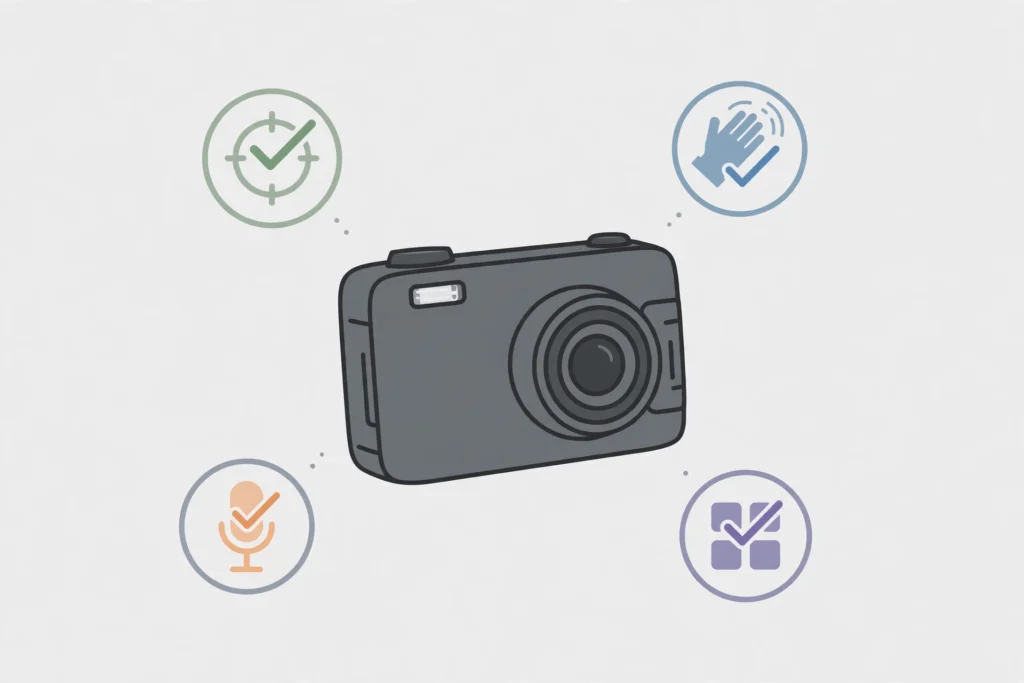
Four checks decide a camera listing: the resolution, the autofocus, the stabilization, and the audio. In that order. Resolution tells you how much detail the camera records. Autofocus decides whether your subject stays sharp while you move. Stabilization decides whether walking footage is watchable. Audio decides whether anyone can understand you. A listing that states […]
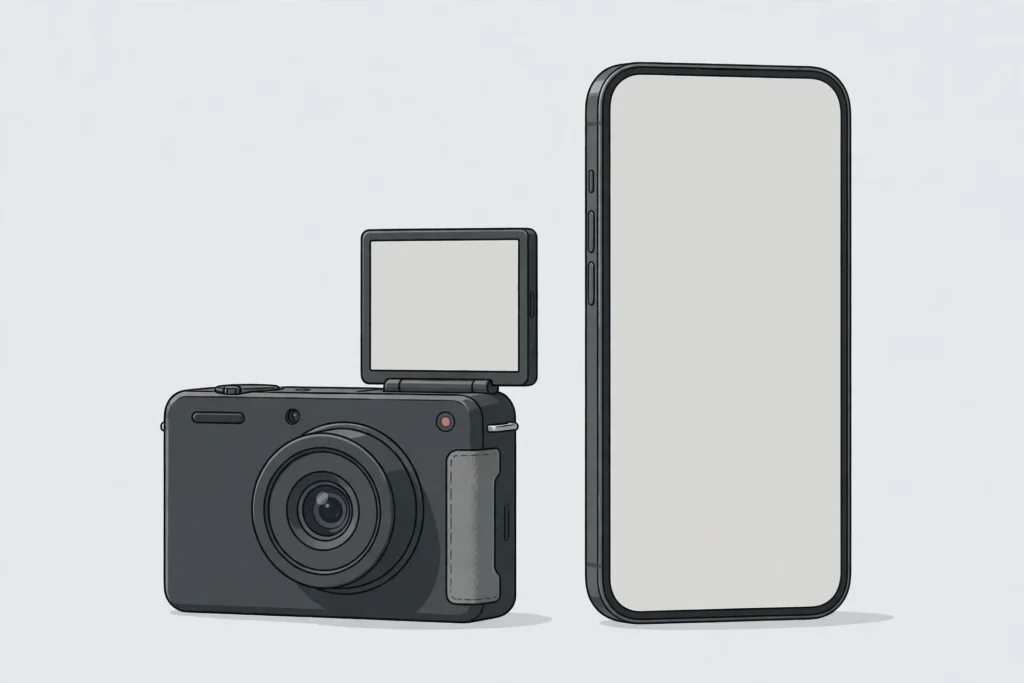
Start with your phone — unless your content needs something a phone cannot give you. A modern phone can record interviews, tutorials, talking heads and full YouTube videos, and it is the tool you already own, already carry, and already know how to use. A dedicated camera earns its place when you need a bigger […]