

Dual Monitor Arm for 13 to 27-inch Screens: What to Check Before You Buy
This guide is about one specific listing: a dual monitor arm for 13 to 27-inch screens, fully adjustable, for two monitors. LanPicks has not tested this monitor arm, and this guide reports no test results and no prices. What it does is separate what the listing actually states from what you still need to check — using LanPicks’ Gaming Monitor Arm Buying Guide, which covers VESA patterns, weight range, screen size and mount types.
Also on LanPicks: Dual Monitor Arm for 13 to 27-inch Screens — the product page for this item, with the checked buy link.

What the listing states
The listing title states four things: dual arms, 13 to 27-inch screens, fully adjustable, and an ergonomic stand for two monitors. The listing image shows two articulated arms on a central pole, with a clamp base and a separate grommet mount piece.
Take those as the listing’s own words, not as verified specifications. The feed LanPicks can see shows the title and the image, and nothing else — no description, no specification table, no variant list.
What to check before you buy
Start with fit. The listing states 13 to 27-inch screens, but screen size alone does not decide fit — the VESA pattern and the weight of each monitor do. LanPicks’ Gaming Monitor Arm Buying Guide explains VESA MIS-D 75 and 100 patterns and how to check your monitor’s pattern and weight. The listing states neither the arm’s VESA pattern nor its weight capacity, so check both on the listing before buying.
Next, the mount. The listing image shows a clamp base and a separate grommet mount piece, but the listing text states no mount type. Check which mount is included and whether your desk suits it — including desk thickness, which the listing also does not state.
Then the mechanism. The listing does not state whether the arms use a gas spring or a mechanical spring. The monitor arm guide explains the difference; check the listing for the mechanism before deciding.
Finally, the desk itself. This is a dual arm for two monitors, so check that your desk has room for two screens side by side on one stand. For the rest of the setup, LanPicks’ monitor light bar vs desk lamp guide compares the two lighting options for a desk.
What the listing does not state
The listing does not state the VESA pattern, weight capacity, mount type, mechanism, desk-thickness range, height or reach, or material. None of these appear in the listing title or the feed details LanPicks could see. If any of them decides the purchase for you, check the listing itself before buying — do not assume them from the title.
Who this fits
This listing fits a two-monitor desk where both screens are 13 to 27 inches and whose VESA, weight and mount checks come back clear on the listing. If either monitor’s VESA pattern or weight is unknown, or your desk cannot take a clamp or grommet mount, check the listing first — and read LanPicks’ Gaming Monitor Arm Buying Guide before deciding.
FAQ
Will it fit my monitors?
Screen size 13 to 27 inches is stated, but fit is decided by the VESA pattern and the weight of each monitor — neither is stated in the listing. Check both on the listing; the Gaming Monitor Arm Buying Guide explains how.
How does it attach to the desk?
The listing image shows a clamp base and a separate grommet mount piece, but the listing text states no mount type. Check which mount is included and whether your desk thickness suits it.
Is it gas spring or mechanical spring?
Not stated in the listing. The monitor arm guide explains the difference between the two mechanisms; check the listing for which one this arm uses.
What should I check on the listing before buying?
VESA pattern, weight capacity per arm, mount type, desk thickness, and height and reach. None of these are stated in the listing title — check them on the listing itself.
Sources
- LanPicks — Gaming Monitor Arm Buying Guide: VESA patterns, weight range, screen-size range, clamp and grommet mounts, single vs dual arms.
- LanPicks — Monitor Light Bar vs Desk Lamp: desk lighting options for a monitor setup.
- Product details in this article come from the AliExpress listing title for item 1005012216058300 as shown in the Admitad product feed; the feed shows no further specifications.
Affiliate disclosure: LanPicks may earn a commission from purchases made through the Buy on AliExpress buttons on this page, at no extra cost to you. The product details here come from the listing title as shown in the Admitad feed; LanPicks has not tested this monitor arm. Read the full Affiliate Disclosure.
Related Posts
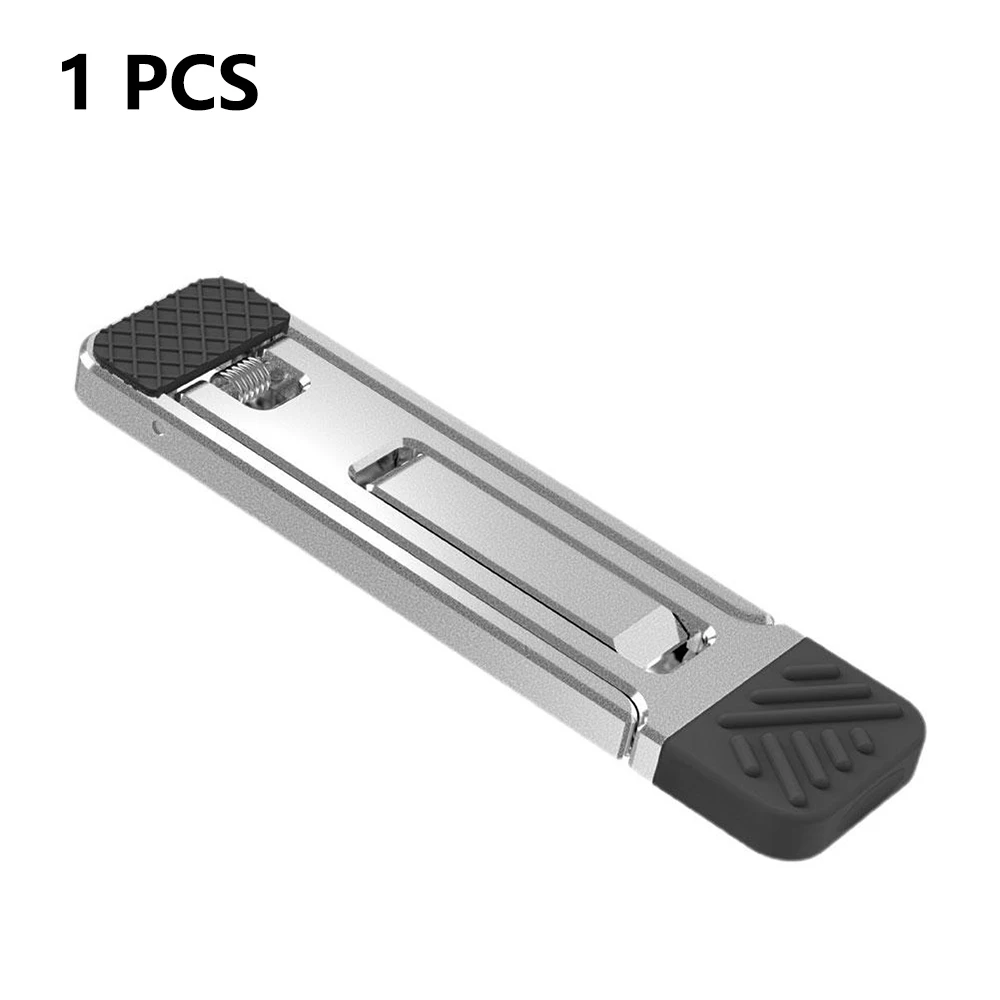
Actual listing image for the 1-piece silver variant (AliExpress item 1005005605228469). Quick answer: The XNYOCN mini folding support is listed as a compact, three-position accessory in a 1-piece silver variant. Confirm the required number of supports, mounting method and load capacity for your device before buying; those details are not established by the listing reviewed, […]

A monitor arm does one simple job: it holds your monitor where your eyes want it, and it gives you your desk back. But an arm only works when it matches three things — your monitor’s weight and VESA pattern, your desk’s edge, and how far you need the screen to move. Get any of […]
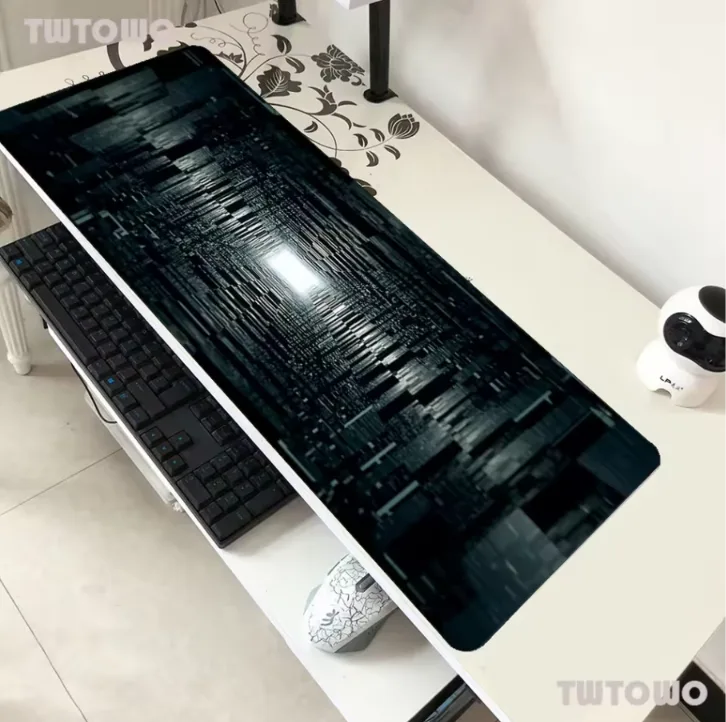
This guide covers one AliExpress listing: a black abstract gaming mousepad sold under the design name “Padmouse Indie Pop”, listed in the 900 × 400 × 2 mm size. It is a product-led buying guide, not a hands-on review — LanPicks has not tested, owned, or measured this mousepad — so this page sticks to […]
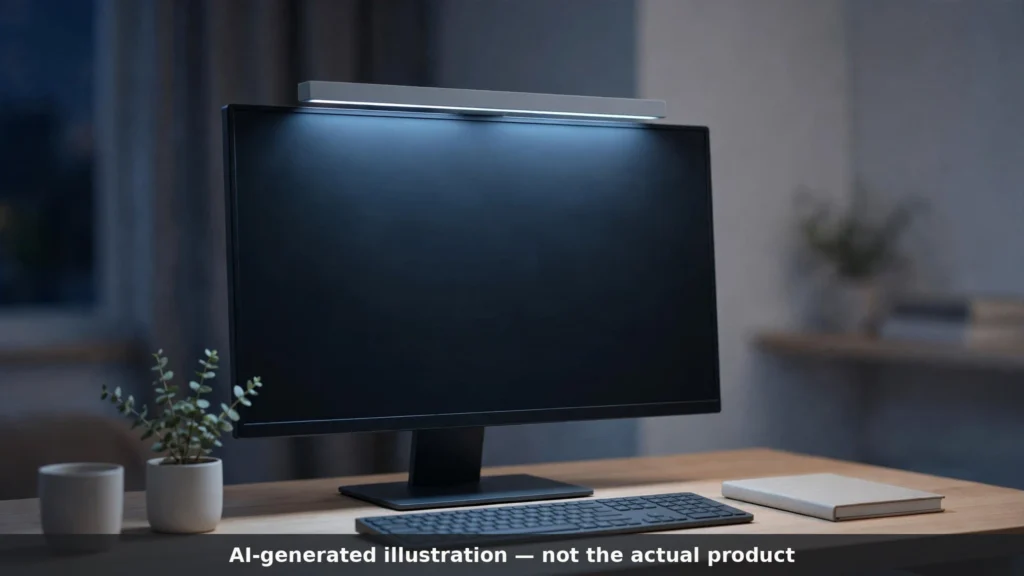
A 44 cm monitor light bar hangs on top of your monitor and lights the desk in front of the screen, without taking desk space the way a lamp does. This guide covers one listing for that kind of light — the Wiscolor 44 cm screen hanging light bar, sold on AliExpress — from the […]

Quick Decision If your work happens almost entirely on the screen and your desk is small, a monitor light bar is the better fit: it clamps to the top of your monitor, lights the desk in front of the screen without touching the screen, and takes up no desk space at all. If you regularly […]