

44 cm Monitor Light Bar: Wiscolor Screen Hanging Light Buying Guide
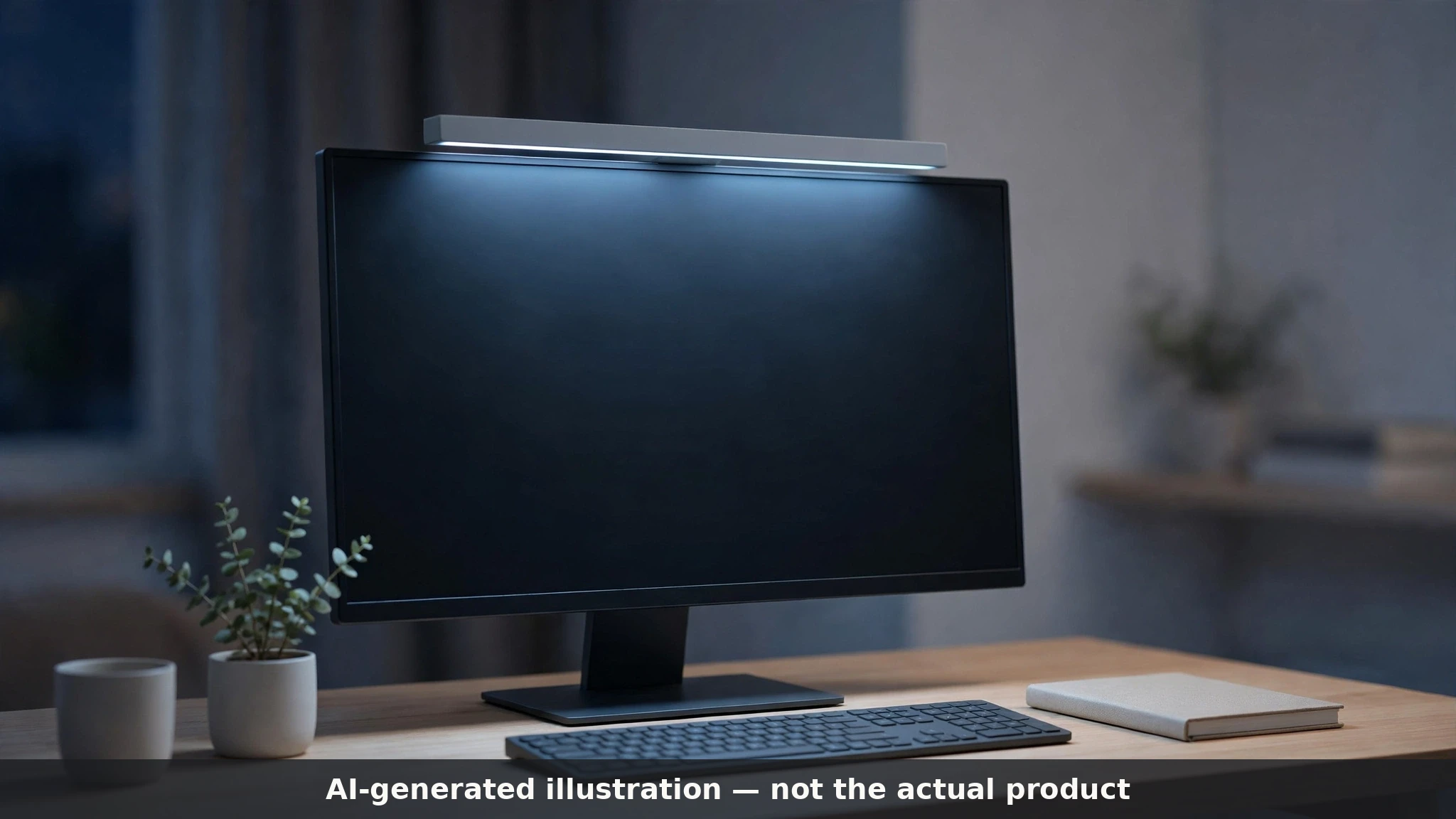
A 44 cm monitor light bar hangs on top of your monitor and lights the desk in front of the screen, without taking desk space the way a lamp does. This guide covers one listing for that kind of light — the Wiscolor 44 cm screen hanging light bar, sold on AliExpress — from the listing’s own description, checked on 16 November 2026. If you are choosing between a bar and a lamp, start with our Monitor Light Bar vs Desk Lamp guide; this page is about one listing, and the checks that decide whether it fits your monitor.
Also on LanPicks: Wiscolor 44 cm Monitor Light Bar — the product page for this item, with the checked buy link.
Quick Decision
Short version: this listing is worth a closer look if your work is mostly on the screen, your monitor is a standard flat or gently curved model with a top bezel a bar can sit on, and the live listing confirms the power source and what is in the box. It is not a buy-it-blind recommendation. The only product facts are the words in the listing’s title — brand Wiscolor, 44 cm long, “eye-care” as the listing describes it, cool LED, stepless dimming, for office work, study, reading, and gaming — and monitor fit and power, the two things that decide this purchase, are not in that title. Check them on the live listing first; if either answer is missing or does not match your monitor, skip this listing.
How this guide was put together. This guide is based on the Admitad product-feed title for AliExpress item 1005010073412145, checked on 16 November 2026. LanPicks has not tested, owned, or handled this light bar, and the AliExpress item page itself was not opened — so the product facts here come from the feed title, and everything else is a check for you to confirm on the live listing. No price is given here, because AliExpress prices change.
Affiliate disclosure. The buy link on this page goes to AliExpress through an affiliate link. If you buy through it, LanPicks may earn a commission at no extra cost to you. The commission does not change what this guide says — and price, shipping, and returns are set by AliExpress and the seller, not by LanPicks.
Contents
What the listing says
The listing’s title, exactly as shown in the Admitad feed, is:
“Wiscolor 44CM Eye-Care Screen Hanging Lights Cool LED PC Monitor Light Bar Stepless Dimming For Office Work Study Reading Gaming.”
Here is what its words do — and do not — tell you:
- Wiscolor — the brand name as listed.
- 44 cm — the length of the light bar.
- Eye-care — the listing’s own description, not a tested health outcome: no brightness level, color temperature, or eye-comfort result is stated.
- Screen hanging light — a light that hangs on the monitor, rather than standing on the desk.
- Cool LED — the listing describes the light as cool-toned. No color temperature number is given.
- Stepless dimming — brightness adjusts without preset steps, as the listing words it. The title does not say how it is controlled.
- For office work, study, reading, gaming — the uses the listing names. They are the seller’s stated uses, not tested results.
What the title does not state: the power source, the control type, the clamp design, any brightness or color-temperature figure, any monitor thickness or curve limit, what is in the box, or any warranty. Those facts decide the fit, so they appear as checks later in this guide, not as claims here.
Who should consider it
Consider it if most of these are true of you:
- Your work is mostly on the screen. The listing names office work, study, reading, and gaming — all screen-centred uses — and a bar lights the desk directly in front of the screen, where your keyboard and notes sit.
- You want the desk space back. The bar hangs on the monitor, so it takes no desk space the way a lamp base does — useful on a compact desk.
- You like to adjust the brightness. Stepless dimming means you set the level that suits the room rather than picking from fixed steps — but confirm how it is controlled on the live listing.
Who should skip it
- Your reading and writing move across the desk. A bar lights only the centre of the desk, so if your paper spreads out, a desk lamp is the better tool — it can be aimed where the paper is.
- You cannot confirm the fit. If the listing states no thickness limit, curve limit, or webcam clearance, and your monitor is thick, strongly curved, or has a centred webcam, do not assume it will fit.
- You need the power details stated before you buy. This title names no power source. If you need to know whether it runs on USB, what cable is included, or whether an adapter is needed, check the live listing — and skip it if it does not answer.
- You want tested brightness or eye-health claims. There are none here. The listing calls itself “eye-care” and says nothing measurable about it, and LanPicks has not tested this bar.
Before you buy: the checks
Three checks from our Monitor Light Bar vs Desk Lamp guide decide whether any bar fits — and they matter most here, because the listing answers none of them.
1. Monitor thickness. A bar hangs on the top edge of the monitor, so the clamp has to fit your screen’s thickness. Check the listing for a stated thickness range and measure your monitor first.
2. Curve rating. If your monitor is curved, its curve rating (the R number) matters: a bar made for a flat screen may not sit straight on a strongly curved one. Check for a stated curve limit and compare it with your monitor’s rating.
3. Webcam position. The bar sits where a centred top-bezel webcam sits. If your webcam is there, check whether the listing mentions webcam clearance — and check your monitor’s own layout.
Two more checks belong to the desk. First, clearance behind the monitor: the clamp or counterweight needs room behind the screen, so check the space between the monitor and the wall. Second, power: bars generally run on USB power, according to the guide — but this listing does not state its power source, so confirm on the live listing what powers it and what cable, if any, is included. Finally, measure your monitor’s width against the 44 cm length: the guide describes a standard bar as about 45–50 cm wide, so at 44 cm this bar is just under that width — enough for the centre of a typical desk, but coverage depends on your monitor and desk, not on the length alone.
What to verify on the live listing
Confirm each of these on the live AliExpress listing. If the listing does not answer one, treat that as a gap, not as a yes.
- Exact variant and length: make sure the variant selected is the 44 cm one — listings can offer several lengths.
- Power source and what is included: how the bar is powered, whether a cable is included, and whether an adapter is needed.
- Brightness and color-temperature controls: the brightness and color-temperature controls the listing states, and how they work.
- Monitor thickness and curve limits: the thickness range and any curve (R number) limit stated, checked against your monitor.
- Webcam clearance: whether the listing says anything about a webcam on the top bezel.
- What is in the box: the bar, mount or clamp, cable, and anything else — as listed, not assumed.
- Shipping, returns, and taxes: shipping to your destination, returns, and any taxes or fees where you live.
- Seller information and review recency: who the seller is and whether recent reviews exist — older reviews alone do not show the current listing.
Conclusion
A 44 cm monitor light bar is a narrow tool for a narrow job: light for the desk in front of the screen, without taking desk space. This Wiscolor listing describes exactly that kind of light — 44 cm, screen-hanging, cool LED, stepless dimming, for office work, study, reading, and gaming — and nothing in its title contradicts that job. What the title does not do is prove the fit: monitor thickness, curve, webcam clearance, and power are all unstated, and those are the facts that decide the purchase. If your monitor passes those checks and the live listing confirms the power and contents, this is a reasonable listing to consider. If any check fails or goes unanswered, keep looking — a bar that does not fit is not worth buying. For the wider desk picture, see our Clean Gaming Desk Setup guide.
FAQ
Will it fit a curved monitor?
That depends on the monitor’s curve rating and on what the listing states. Our light bar guide explains that fit turns on the curve rating (the R number) and the monitor’s thickness — a bar made for a flat screen may not sit straight on a strongly curved one. This title states no curve or thickness limit, so do not assume a fit: check the listing for a stated limit and compare it with your monitor’s rating.
Will it block my webcam?
It can, if the webcam sits centred on the top bezel where the bar hangs. The guide’s rule is to check the webcam’s position against the bar’s mounting before you buy, and to check whether the listing mentions webcam clearance. If your webcam is centred on top, confirm on the listing; if the listing says nothing, that is a gap, not a yes.
Can it replace a desk lamp for reading paper?
Only for paper directly in front of the screen. A bar lights the centre of the desk and the screen area; paper that moves across the desk is still a desk lamp’s job, because a lamp can be aimed. If most of your reading is on paper spread across the desk, a lamp fits better.
What does “stepless dimming” mean?
As the listing words it, the brightness can be adjusted without preset steps — you set the level you want rather than choosing from fixed levels. The title does not say how the dimming is controlled, so confirm the control type on the live listing.
Sources
- AliExpress — “Wiscolor 44CM Eye-Care Screen Hanging Lights Cool LED PC Monitor Light Bar Stepless Dimming For Office Work Study Reading Gaming.” https://www.aliexpress.com/item/1005010073412145.html (feed details, checked 16 November 2026; price omitted).
- LanPicks Editorial — “Monitor Light Bar vs Desk Lamp: Which Fits Your Setup?” https://lanpicks.com/blog/monitor-light-bar-vs-desk-lamp/
Related Posts
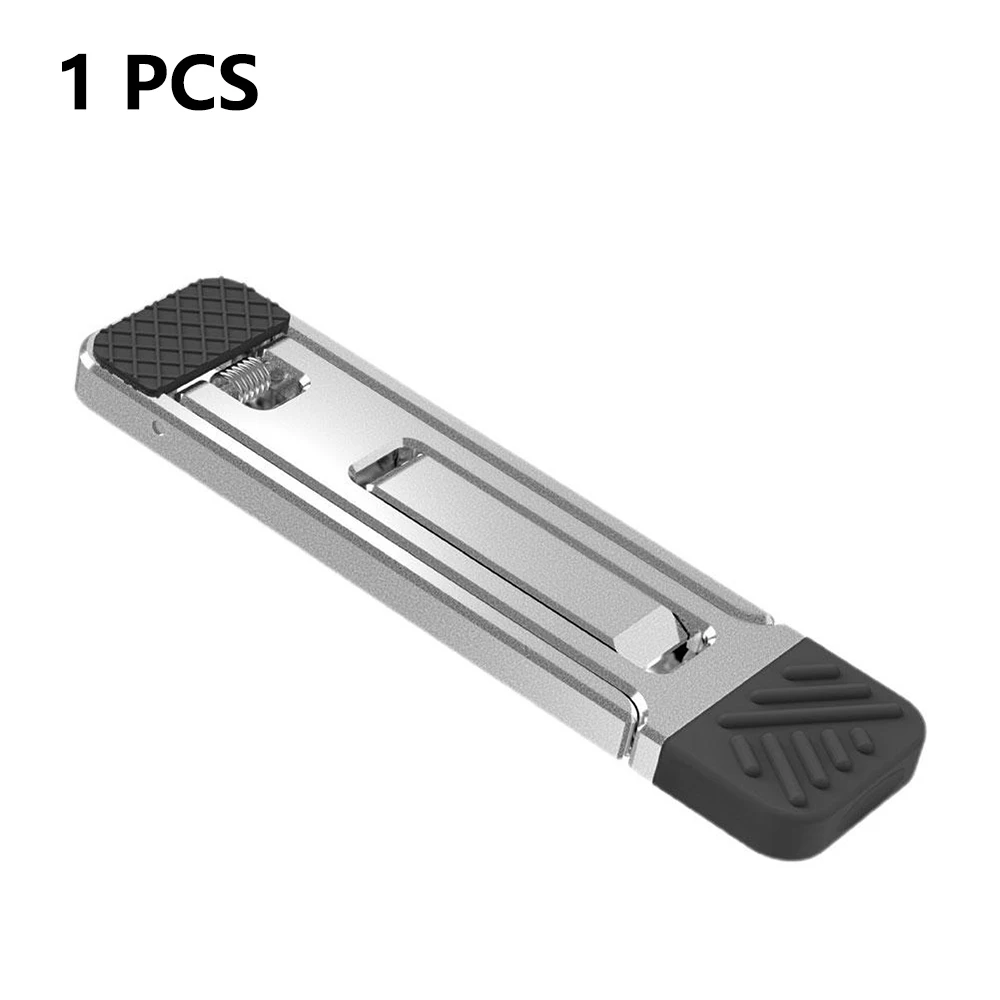
Actual listing image for the 1-piece silver variant (AliExpress item 1005005605228469). Quick answer: The XNYOCN mini folding support is listed as a compact, three-position accessory in a 1-piece silver variant. Confirm the required number of supports, mounting method and load capacity for your device before buying; those details are not established by the listing reviewed, […]

This guide is about one specific listing: a dual monitor arm for 13 to 27-inch screens, fully adjustable, for two monitors. LanPicks has not tested this monitor arm, and this guide reports no test results and no prices. What it does is separate what the listing actually states from what you still need to check […]

A monitor arm does one simple job: it holds your monitor where your eyes want it, and it gives you your desk back. But an arm only works when it matches three things — your monitor’s weight and VESA pattern, your desk’s edge, and how far you need the screen to move. Get any of […]
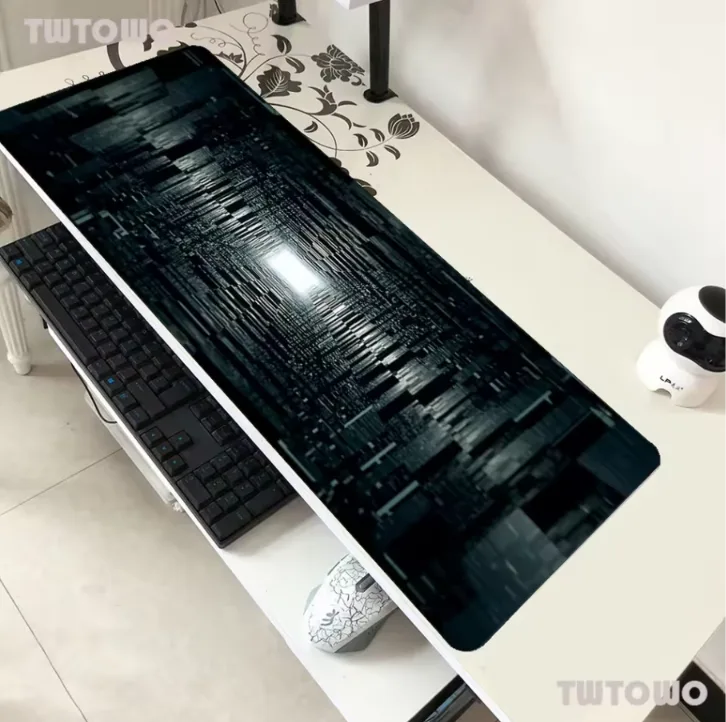
This guide covers one AliExpress listing: a black abstract gaming mousepad sold under the design name “Padmouse Indie Pop”, listed in the 900 × 400 × 2 mm size. It is a product-led buying guide, not a hands-on review — LanPicks has not tested, owned, or measured this mousepad — so this page sticks to […]

Quick Decision If your work happens almost entirely on the screen and your desk is small, a monitor light bar is the better fit: it clamps to the top of your monitor, lights the desk in front of the screen without touching the screen, and takes up no desk space at all. If you regularly […]