

Vlogging Camera vs Smartphone for Beginners: Which Should You Start With?
Start with your phone — unless your content needs something a phone cannot give you. A modern phone can record interviews, tutorials, talking heads and full YouTube videos, and it is the tool you already own, already carry, and already know how to use. A dedicated camera earns its place when you need a bigger sensor for low light, real audio inputs, interchangeable lenses, or a workflow that separates making content from everything else on your phone. This guide compares the two by what they actually do, so you can tell which one fits the content you plan to make.
The choice is not about megapixels. It is about four things: the sensor, the audio, the stabilization, and the workflow. The phone wins the first three only in good light and quiet rooms; the camera wins them everywhere else, at the cost of money, weight, and a learning curve. If you are starting out and testing whether you will keep publishing, the phone is the right first camera. If you already publish weekly and keep hitting the same wall — noise in dim rooms, wind in your audio, shaky walking shots — that wall tells you which upgrade to buy.
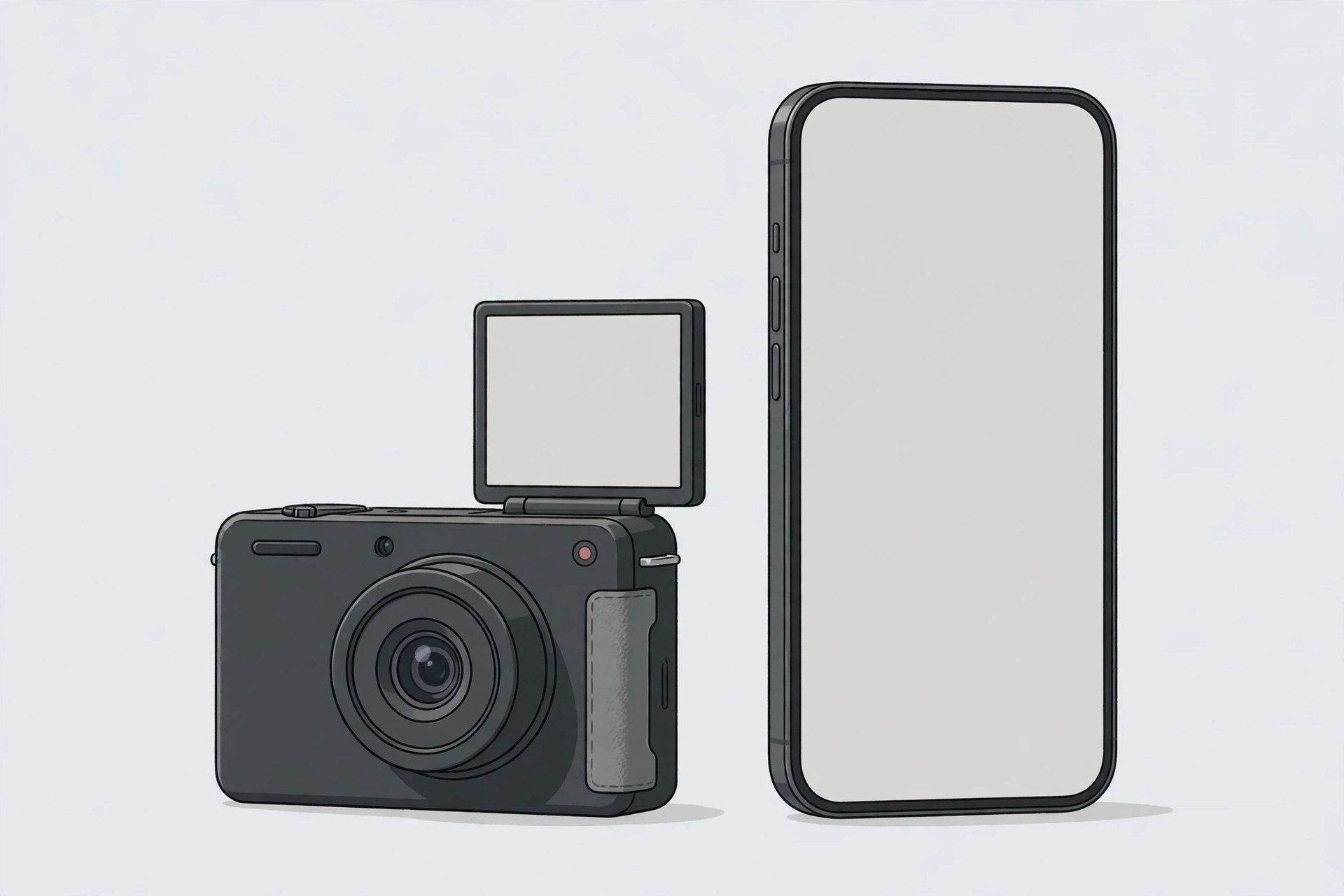
The short answer, by content type
| Your content | Usually the better pick | Why |
|---|---|---|
| Short-form: TikTok, Reels, Shorts | Smartphone | Fast, always with you, built-in editing and vertical video |
| Casual vlogs and lifestyle, indoors | Smartphone | Good light, quiet rooms, no extra gear to carry |
| Long-form YouTube, talking head | Either | A phone is enough; a camera adds low-light and audio headroom |
| Travel, outdoor, action | Dedicated camera | Rugged body, real stabilization, wind-proof audio options |
| Commercial or client work | Dedicated camera | Manual control, lenses, professional audio, interchangeable batteries |
That table is a starting point, not a verdict. The sections below explain each row, so you can check it against what you actually film.
What the phone does better
The phone’s advantage is that it is already a complete studio. Modern smartphones shoot in high resolutions, including 4K, and are optimised for social media formats like vertical video. They adjust to the environment automatically, so a beginner gets usable footage with no setup. Built-in editing apps make the phone an all-in-one solution: shoot, edit, and upload from one device, which is why RouteNote calls smartphones an excellent starting point for creators on a budget.
GoPro’s own comparison agrees with the phone’s case for beginners: a smartphone vlogging setup works well for beginners testing content styles, controlled indoor environments, and lower-production lifestyle vlogs. FindTheStory makes the same point for long-form work: a modern phone can record interviews, tutorials, talking heads, demonstrations, and full YouTube videos. The fundamentals matter on every device — clear purpose, intentional framing, a clean lens, enough light, understandable audio, stable support, sufficient storage, and a reliable path into editing and backup — and a more expensive camera cannot repair an unclear message or a workflow the creator avoids using.
The phone’s limits appear at the edges. Most modern smartphones seem to max out at 4K/60, according to GoPro, while a dedicated action camera reaches 5.3K/60 or 4K/120 for slow motion. Phones rely on software to enhance colour and exposure, which is fine indoors or in slow-moving scenes, but fast action can get shaky or overprocessed. And the built-in microphones often produce hollow, muffled sound in wind or noisy settings.
What a dedicated camera does better
A dedicated camera’s advantage is physical, not computational. Digital cameras offer a higher level of control and quality: superior image and video quality, better low-light performance, interchangeable lenses, full manual settings, stronger support for professional audio equipment, and interchangeable batteries for extended shooting when you carry spares. That is RouteNote’s summary, and it matches what the other sources describe.
Low light is the clearest gap. A larger sensor gathers more light, so a dedicated camera holds detail and colour in dim rooms where a phone’s small sensor leans on software noise reduction. Action cameras close the gap differently: GoPro’s HERO13 Black shoots up to 5.3K/60 or 4K/120, and its HyperSmooth 6.0 keeps handheld and action shots steady — while the camera itself is rugged and waterproof, built to keep shooting in mud, snow, and water where a phone would be in trouble.
Audio is the second gap. A dedicated camera accepts external microphones — GoPro’s Media Mod, for example, makes a large difference outdoors or in noisy environments — while phones need mic adapters and still struggle in wind. And a camera separates the work: recording media can be removed and replaced, notifications do not interrupt a take, and your personal files do not share a device with your footage.

The four things that actually decide it
Sensor size. A bigger sensor gathers more light and gives more control over depth of field — the background blur that makes a subject stand out. Phones simulate it with software; cameras do it with optics. If your content lives in dim rooms or at night, the sensor is the deciding factor.
Audio. Viewers tolerate modest image quality longer than muffled, distorted, or wind-blown speech. Check for a microphone input before you buy a camera, and check whether the phone’s built-in mics survive wind on your route. A camera with a 3.5mm input and a small shotgun mic beats a phone with a bare built-in mic in any noisy place.
Stabilization. Walking footage needs real stabilization. Phones use software; dedicated cameras use sensor-shift, lens, or action-camera stabilization such as HyperSmooth. Test it by walking, not by standing still.
Workflow. The phone wins on speed: shoot, edit, and upload from one device. The camera wins on control: manual settings, interchangeable lenses, removable storage, and a device that does one job. If you publish weekly, the workflow that keeps you publishing is the right one — someone publishing a useful video every week on a phone has a better content system than someone waiting to understand a complicated camera.
When to upgrade from your phone
Upgrade when you can name the wall you keep hitting. If the wall is shaky walking footage and you want a small dedicated camera without a full production, FindTheStory’s current recommendation is the DJI Osmo Pocket 3: DJI lists a one-inch CMOS sensor, three built-in microphones, a two-inch rotating screen, and microSD recording. If the wall is control — interchangeable lenses, a particular field of view, a studio setup — a mirrorless camera makes sense; Sony’s ZV-E10 is one creator-focused example, not automatically the model a beginner should buy. And if the wall is action, travel, or adventure, an action camera becomes almost essential once your content moves beyond basic filming.
Our guide to what 4K means for vlogging cameras explains the resolution side of the same decision, and our ORDRO VS3 check shows what a single pocket vlogging camera listing actually states — including the difference between its claimed 4K/60fps video and its native 21MP sensor. Our WD08 5K digital camera check covers the same listing-reading skill for a compact camera.
A short checklist before you buy
- Film a full week on your phone first. If you publish every video, the phone is working.
- Name the one wall you keep hitting — low light, wind audio, shaky walking, or control — and buy the smallest upgrade that removes it.
- Check the resolution and frame rate at the settings you will actually use, not the headline maximum.
- Confirm a microphone input before you buy a camera; test the phone’s mics in wind before you trust them.
- Budget for the accessories the camera needs — spare battery, memory card, mic, and a grip or tripod — not just the body.
- Do not buy a camera because another creator’s setup looks impressive. Buy it because your content needs what it does.
FAQ
Is a phone good enough for YouTube?
Yes. A modern phone can record interviews, tutorials, talking heads, demonstrations, and full YouTube videos. The same fundamentals matter on every device: clear purpose, intentional framing, a clean lens, enough light, understandable audio, stable support, sufficient storage, and a reliable path into editing and backup.
When does a dedicated camera beat a phone?
When your content needs a bigger sensor for low light, real audio inputs, interchangeable lenses, or manual control — or when you film outdoors, in action, or for clients. For fast short-form and casual indoor vlogs, the phone is usually the better pick.
What is the best first camera upgrade from a phone?
For a small dedicated camera without a full production, FindTheStory’s current recommendation is the DJI Osmo Pocket 3, which DJI lists with a one-inch CMOS sensor, three built-in microphones, a two-inch rotating screen, and microSD recording. If you need interchangeable lenses, a mirrorless camera such as Sony’s ZV-E10 is the next step — not automatically the model a beginner should buy.
Does 4K matter for a beginner?
4K is the practical sweet spot for most video work: it looks sharp on YouTube and social platforms and lets you crop in a little during editing. 8K costs far more storage and processing, and most beginners will find good quality 4K more useful than 8K footage most of the time.
Sources
- RouteNote — Choosing the right camera for content creation: Phone vs digital camera (phone vs camera pros and cons; phone best for fast short-form, camera best for YouTube and commercial work)
- GoPro — GoPro vs Smartphone for Vlogging: Which Should You Use (HERO13 Black 5.3K/60 or 4K/120; most smartphones max out at 4K/60; HyperSmooth 6.0; Media Mod audio; phone enough for beginners)
- FindTheStory — Do You Need a Camera to Start Making Video Content? (phone good enough for YouTube; DJI Osmo Pocket 3 as first upgrade; Sony ZV-E10 as mirrorless example)
- TechRater — Phone vs Camera: Which is Better for Reels & Vlogging? (phone for beginners and fast content; mirrorless or DJI Osmo Pocket 3 for serious creators)
- DPReview — Beginner’s guide to buying a camera for video (4K as the practical sweet spot; 8K storage and processing costs; frame rates; recording limits)
LanPicks has not tested the cameras discussed in this guide and names no best model. All figures above come from the sources listed, checked on 23 Nov 2026.
Related Posts

A replacement filter or brush listing is a claim, not evidence. The listing says “HEPA”, “OEM-quality”, or “lasts twice as long” — and none of those words can be checked from the listing page. This guide compares filters and brushes by evidence you can gather yourself: measure the old part, test the HEPA claim against […]

One rule decides whether a replacement part fits your robot vacuum: match the exact model number, not the name on the box. Two robots can share a name and take different filters, brushes, or dust bags, and a listing that names your series but not your exact model has not confirmed anything. This guide is […]

Three checks decide whether a small home appliance fits your home: the space it will actually work in, the voltage and frequency on its rating plate, and the plug and circuit it will run on. Skip any one of them and the appliance can arrive too tall for the shelf, rated for a different mains […]

Five accessory categories decide a travel creator kit: support, audio, light, power, and storage. Everything else is optional. The rule for packing is simple: every accessory you pack should solve a problem you will actually hit on your trip. A flexible tripod that steadies a shot on a rock earns its space; a second lens […]
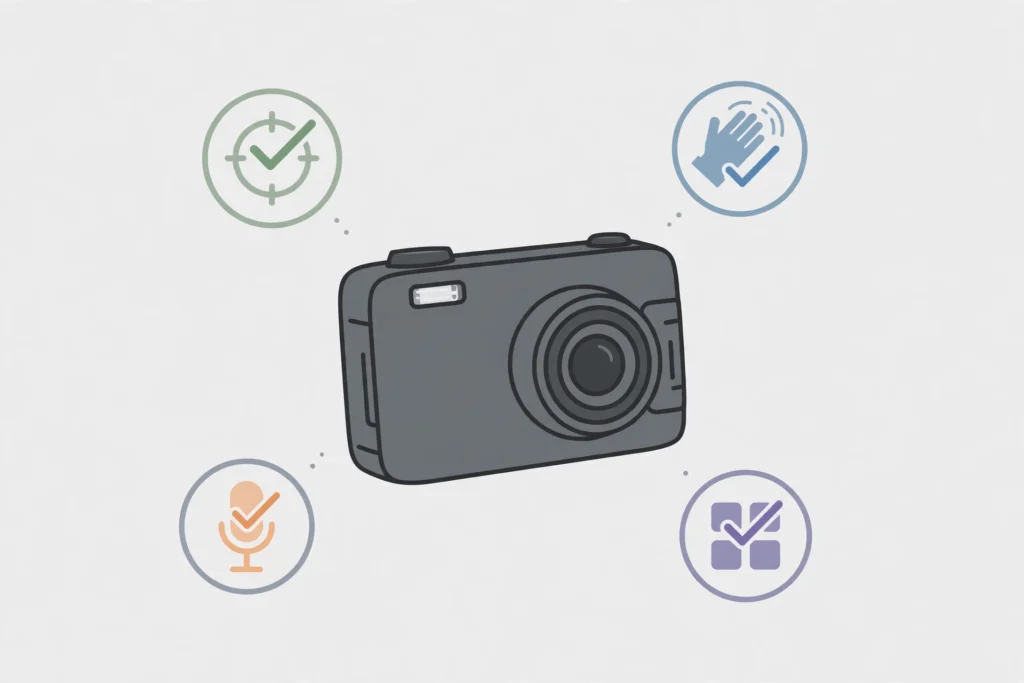
Four checks decide a camera listing: the resolution, the autofocus, the stabilization, and the audio. In that order. Resolution tells you how much detail the camera records. Autofocus decides whether your subject stays sharp while you move. Stabilization decides whether walking footage is watchable. Audio decides whether anyone can understand you. A listing that states […]