
Tech & Gaming Guides
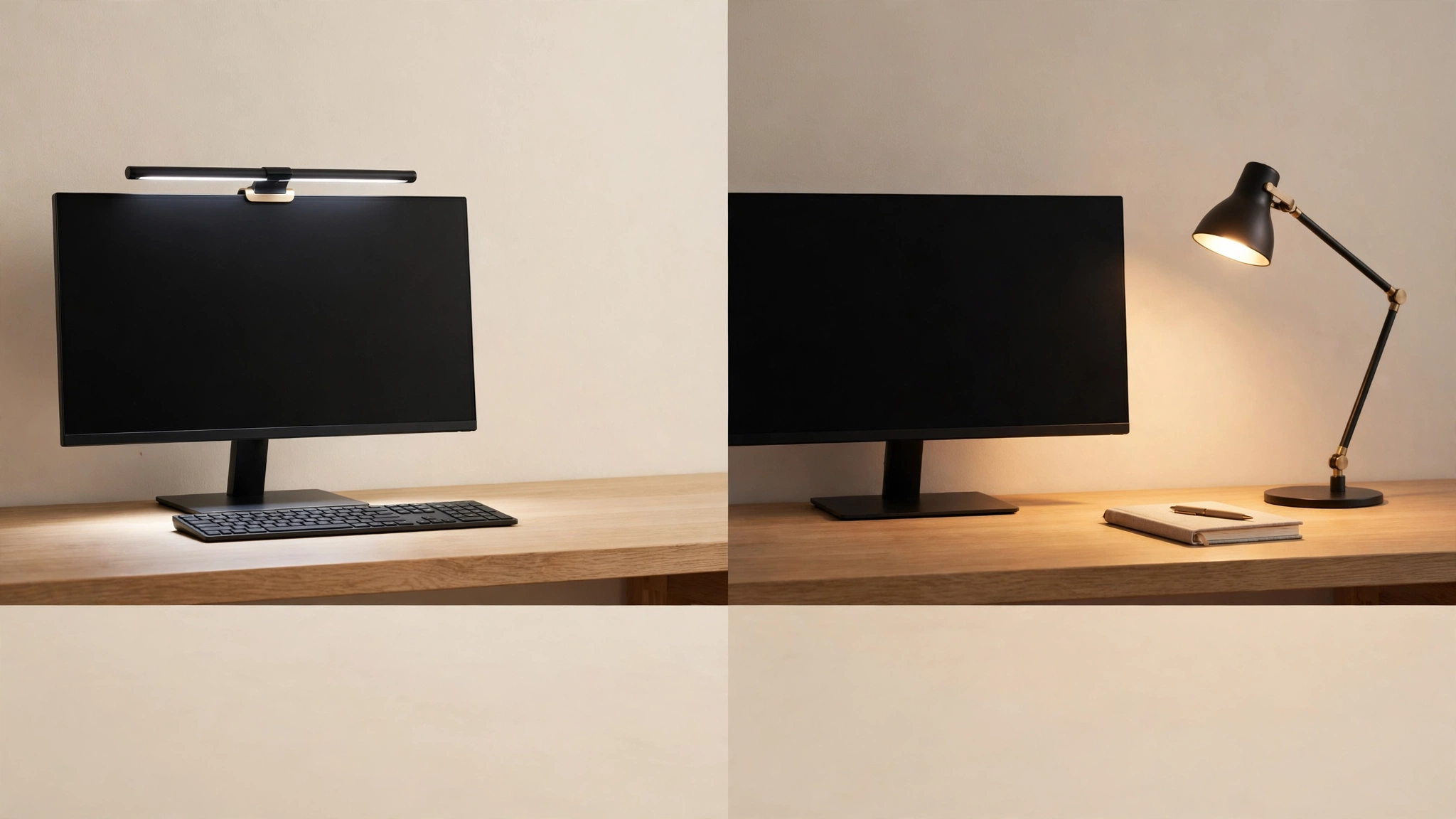
Quick Decision If your work happens almost entirely on the screen and your desk is small, a monitor light bar is the better fit: it clamps to the top of your monitor, lights the desk in front of the screen without touching the screen, and takes up no desk space at all. If you regularly […]

A USB-C hub looks simple: one cable in, a handful of ports out. The trouble is that the oval USB-C connector tells you almost nothing about what the port behind it can do. The same shape can carry USB 2.0 data at 480 Mbps, a 4K monitor, or a 40 Gbps Thunderbolt link — and […]
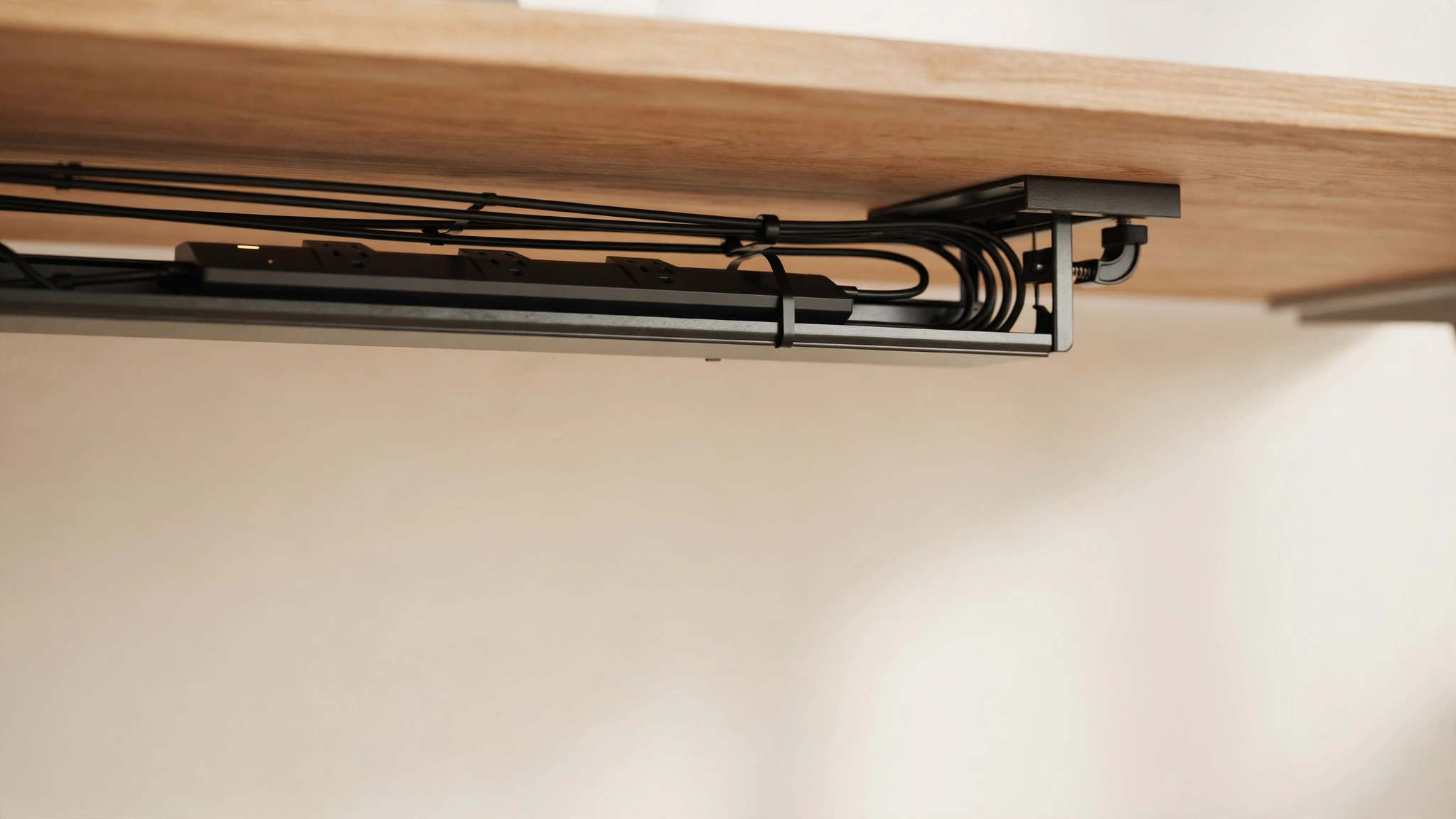
A desk with cables everywhere is not a decorating problem — it is a routing problem. Every cable runs from a device to a wall outlet, and the tidy desks are the ones where that route was planned before anything was stuck down. This guide shows how to plan the route, pick a no-drill method […]

A gaming mouse that fits your hand disappears during play; one that does not keeps reminding you it is there. Fit comes down to two numbers — your hand length and width — and one habit — your grip. Measure both, compare them against the maker’s published dimensions, and use the starting ranges in this […]

AI-generated editorial illustration; not an exact product depiction. Quick Decision Pick a 2.4 GHz wireless mouse if you want no cable and play on a PC with a free USB port for the receiver. Pick wired if you never want to think about charging, or you are shopping on a tight budget. Use Bluetooth mainly […]

A mechanical keyboard switch is the mechanism under each key. Most common mechanical switches fall into one of three feel families — linear, tactile, or clicky — and the family is about what a keypress feels like under your finger. Force and travel are a separate decision: two switches in the same family can press […]
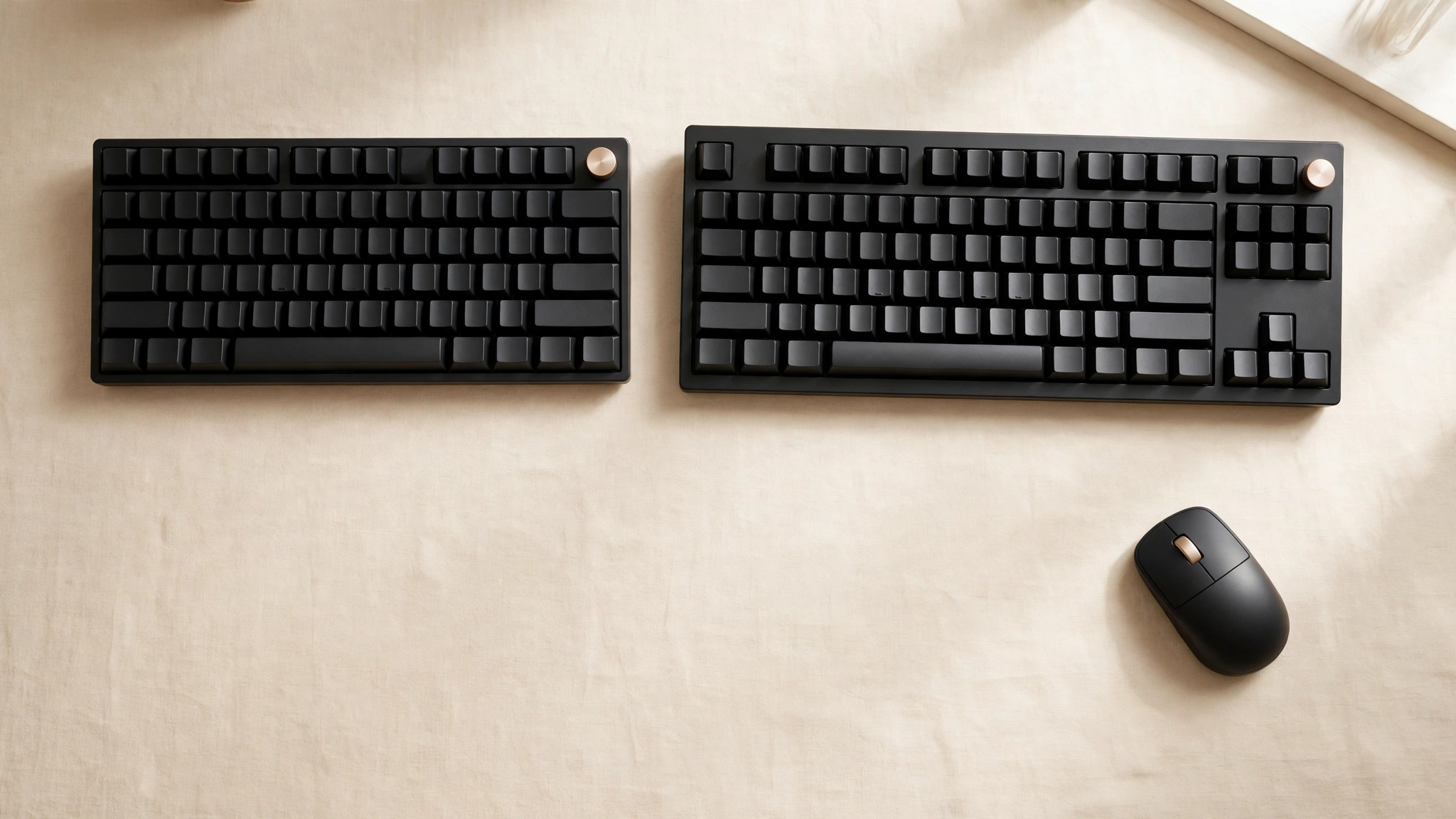
Both the 75% and the TKL drop the number pad, and both keep a function row and dedicated arrow keys. But they do not keep the same keys in the same way: a 75% usually keeps fewer dedicated navigation keys than a TKL, and how many it keeps — and where they sit — varies […]
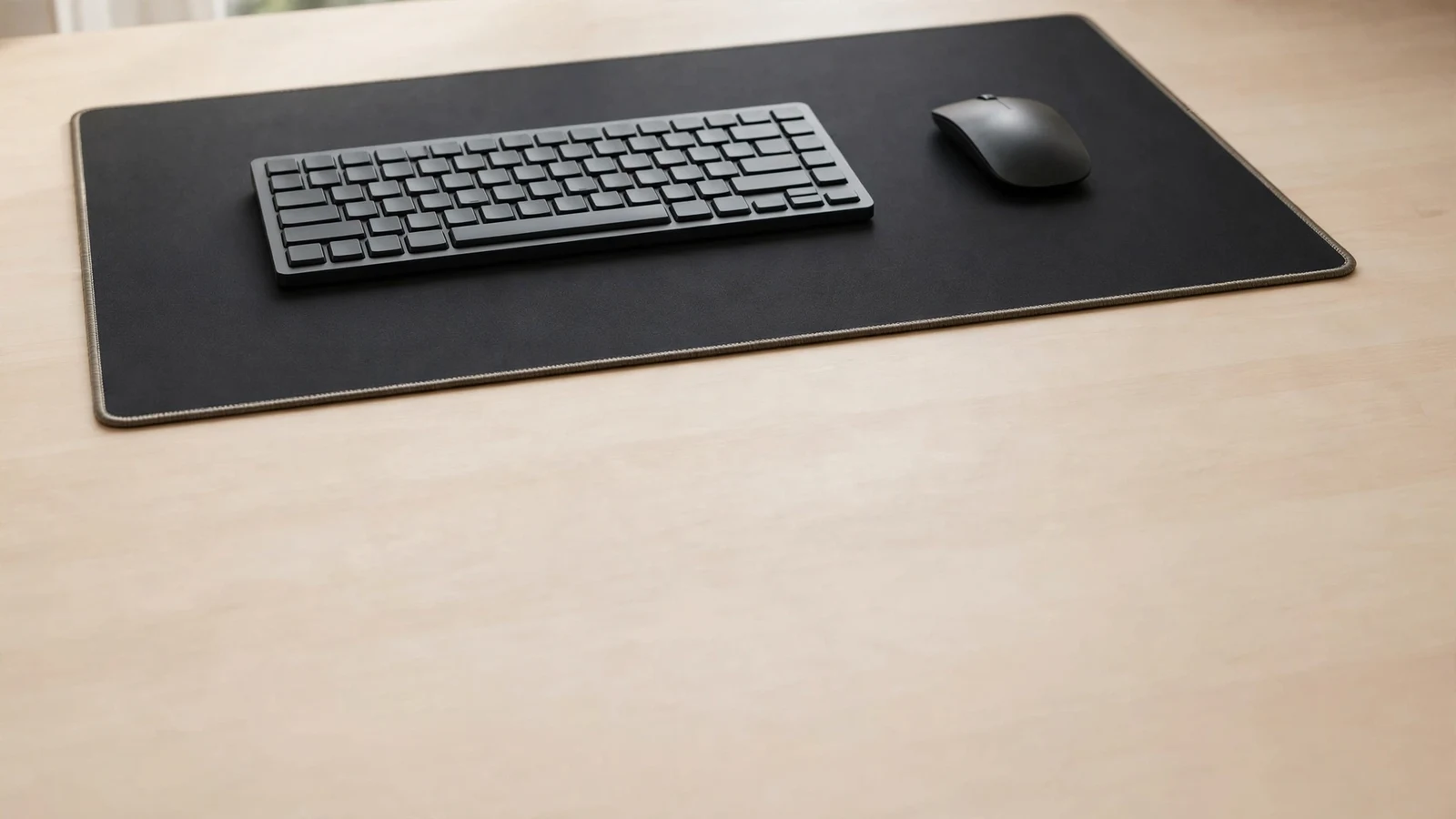
Shopping for a desk mat starts with a confusing set of labels: S, M, L, XL, XXL. They look like clothing sizes, but they are not standardized — one brand’s Large can be another brand’s Medium. The only measurement that matters is your own desk. Short answer: measure the usable width and depth of your […]
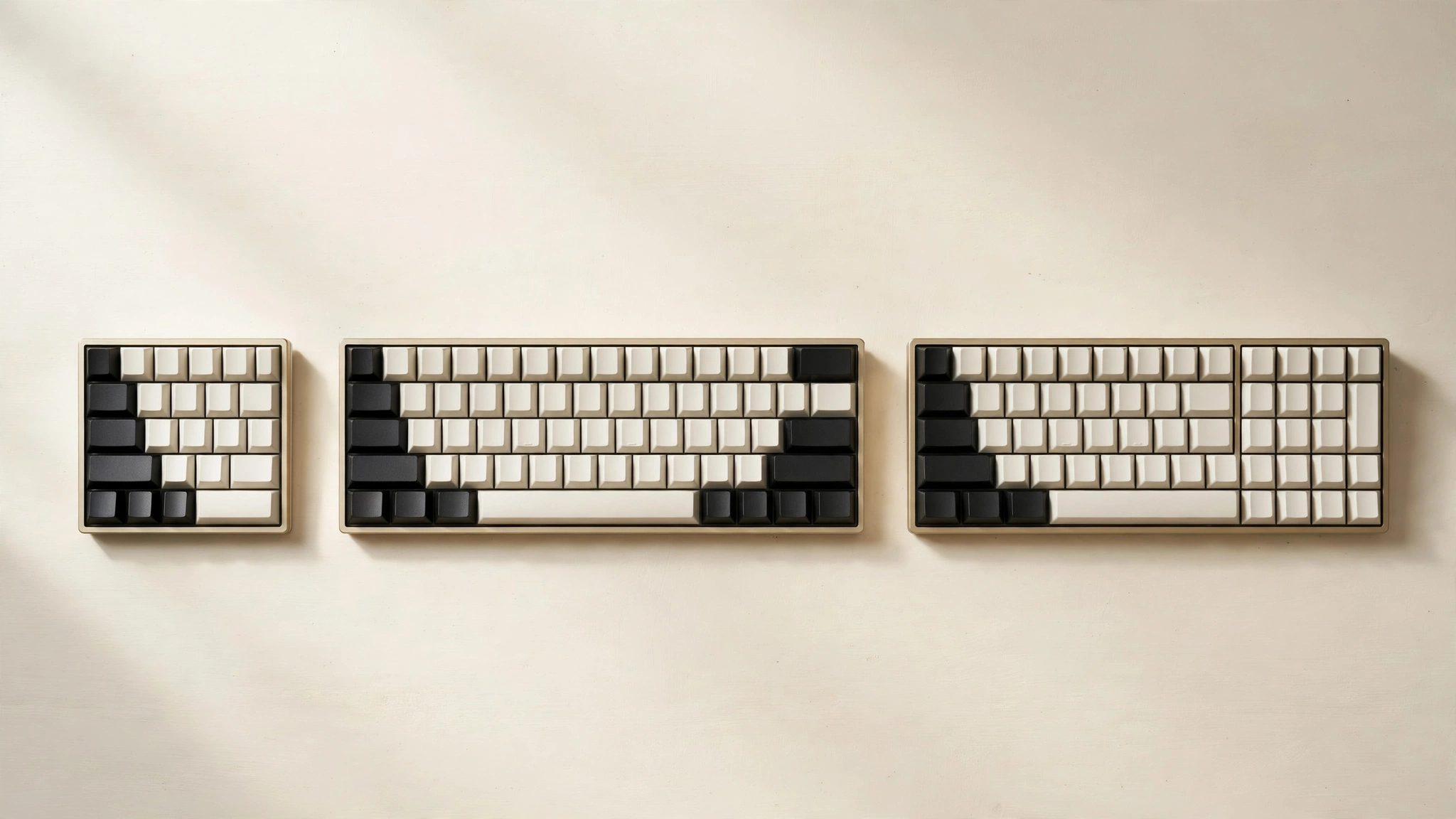
Shopping for a mechanical keyboard starts with a confusing wall of labels: 60%, 65%, 75%, TKL, full-size. They look like precise measurements, but they are not. They are rough shorthand for how many keys a layout keeps compared with a standard full-size board — and, more usefully, which groups of keys you give up. Short […]

A great gaming desk does not need to be crowded or expensive. The best setups start with what you use every day: a comfortable position, enough space for your mouse, reliable lighting and cables that stay out of the way. Here is how to build a cleaner setup one decision at a time. On this […]